 1 / 11
Learn to build real desktop applications with Python: event-driven programming, Tkinter and ttk, then PySide6 (Qt) in depth — layouts, signals and slots, actions and shortcuts, dialogs, model/view tables and thumbnail grids, background threads, SQLite storage, settings, styling and dark mode, Qt…
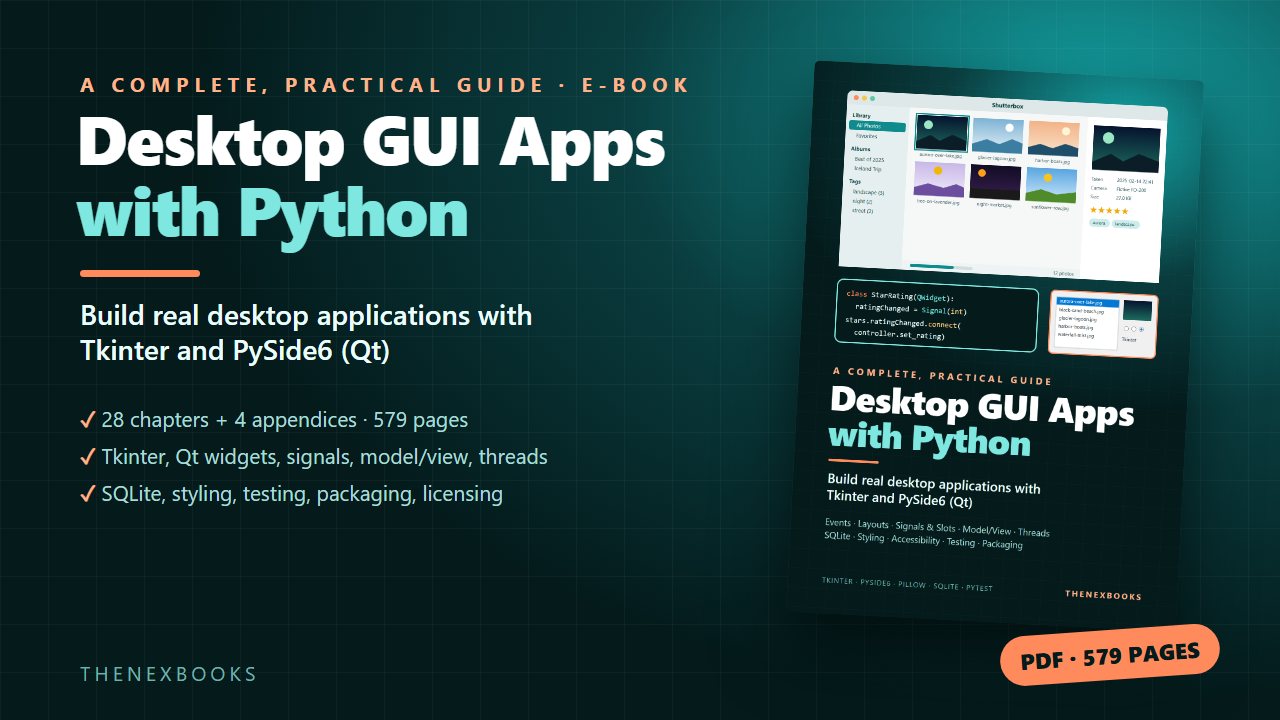
Build Real Desktop Applications with Tkinter and PySide6 (Qt)
Read before you buy: the PDF here is a free sample — the first 20 pages of the 579-page book (payments, sales and reviews on this demo site are sample data). Get the full e-book at thenexbooks on Gumroad.
Go from your first window to a tested, polished desktop app you can hand to other people.
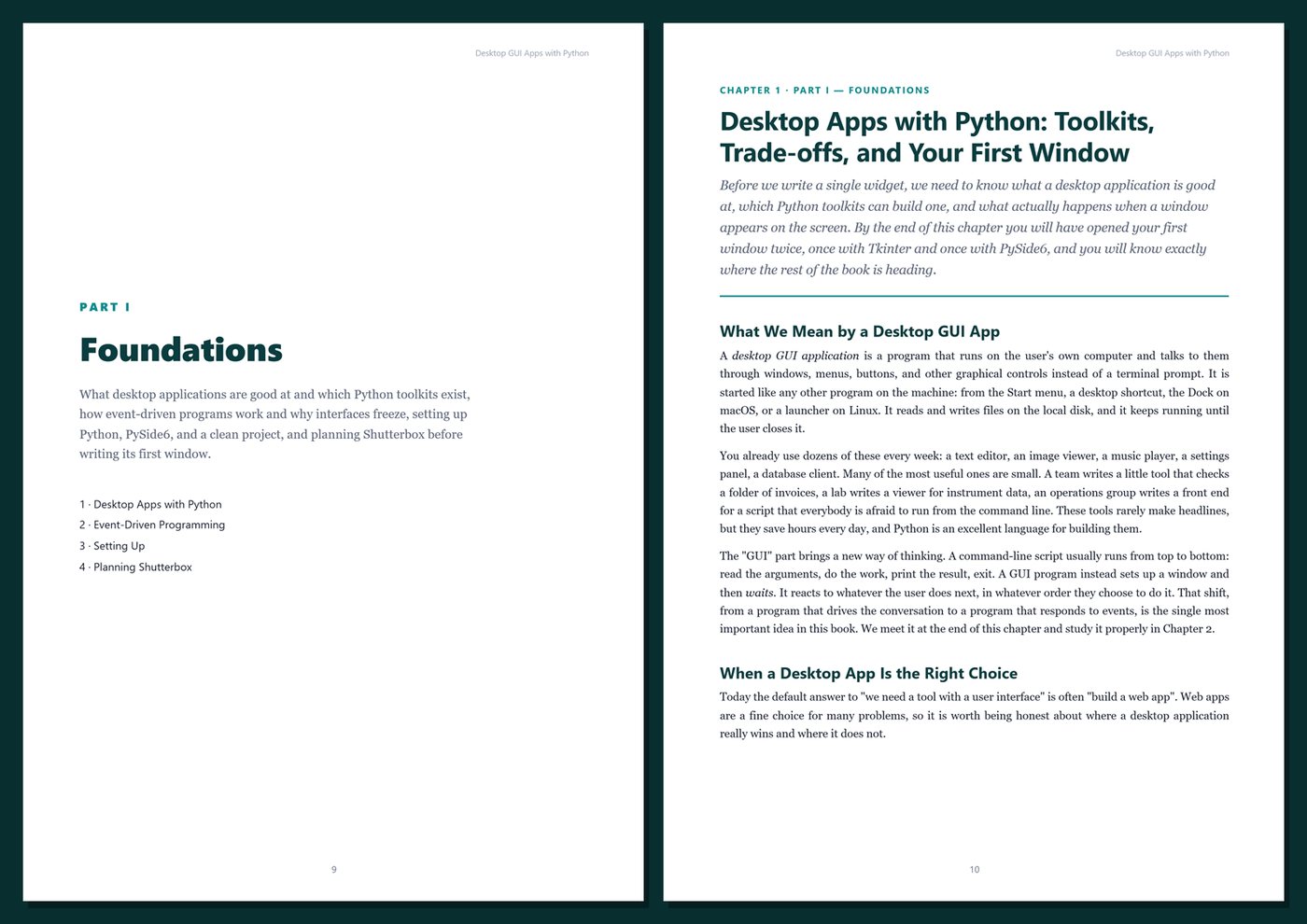
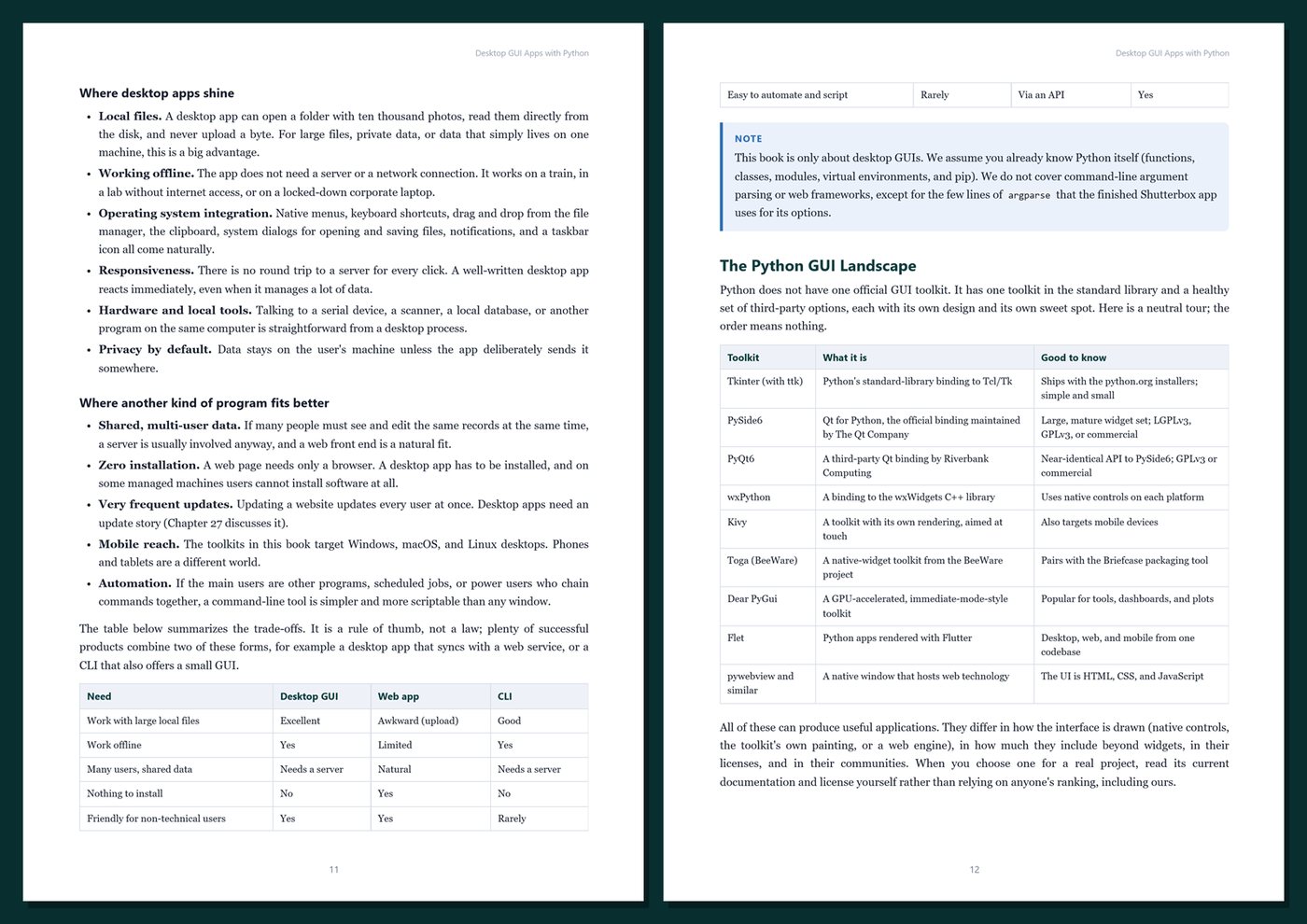
Desktop tools are still where much real work happens: viewers, editors, data-entry apps, and utilities that start instantly, work offline, open local files, and fit into the operating system with menus, shortcuts, drag and drop, and the clipboard. Python is a great language for building them — if you know how event-driven programs work and how to structure them so they stay responsive, safe, and maintainable.
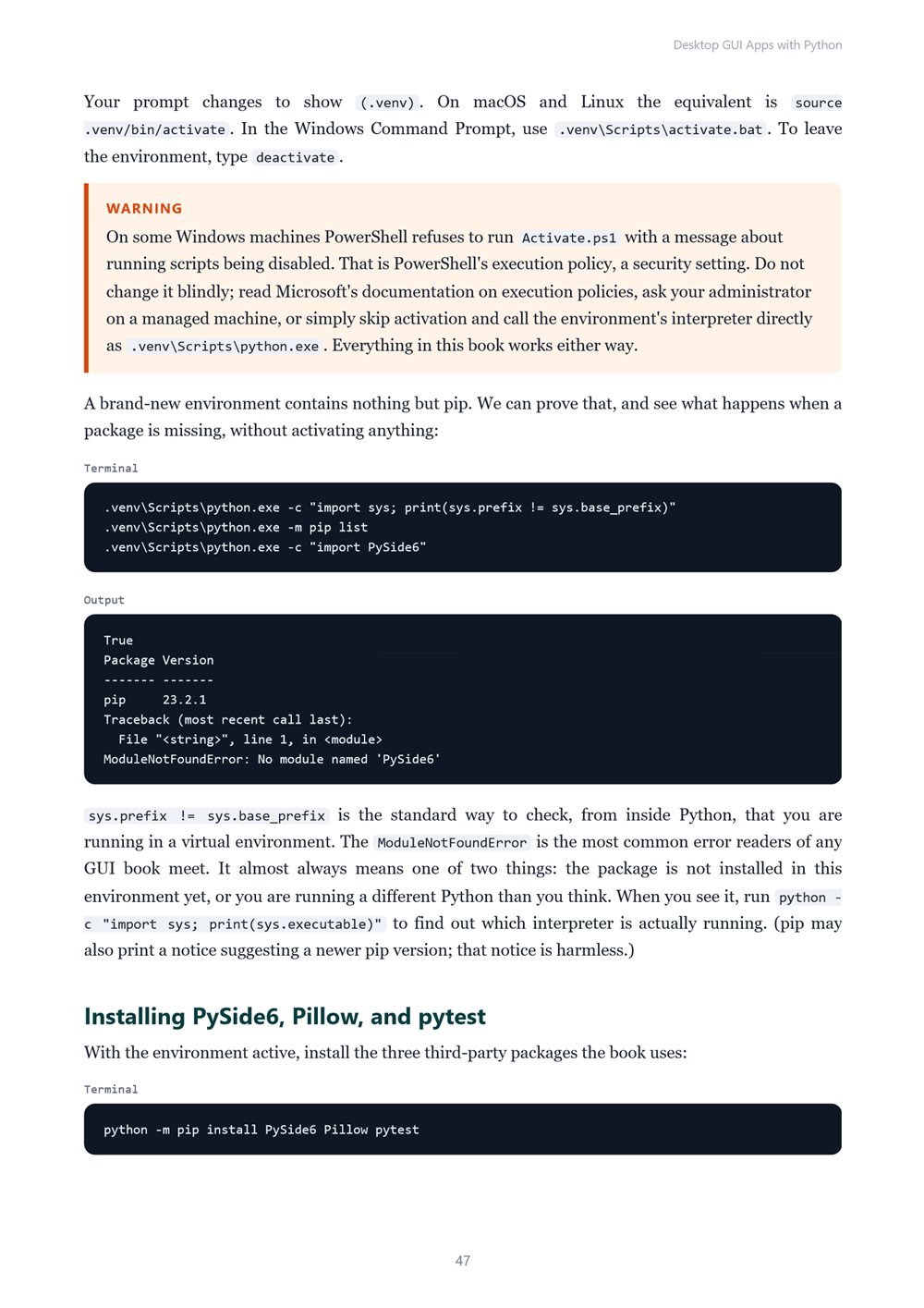
This book teaches you exactly that. You learn the core ideas with Tkinter, which ships with Python, and then build a complete application with PySide6, the official Python binding for Qt. Every feature appears at the moment it solves a real problem in the app you are building, so you learn how to design your own desktop programs, not just which widget does what.
What's inside
- How event loops and callbacks work, why interfaces freeze, and the rules that keep them responsive
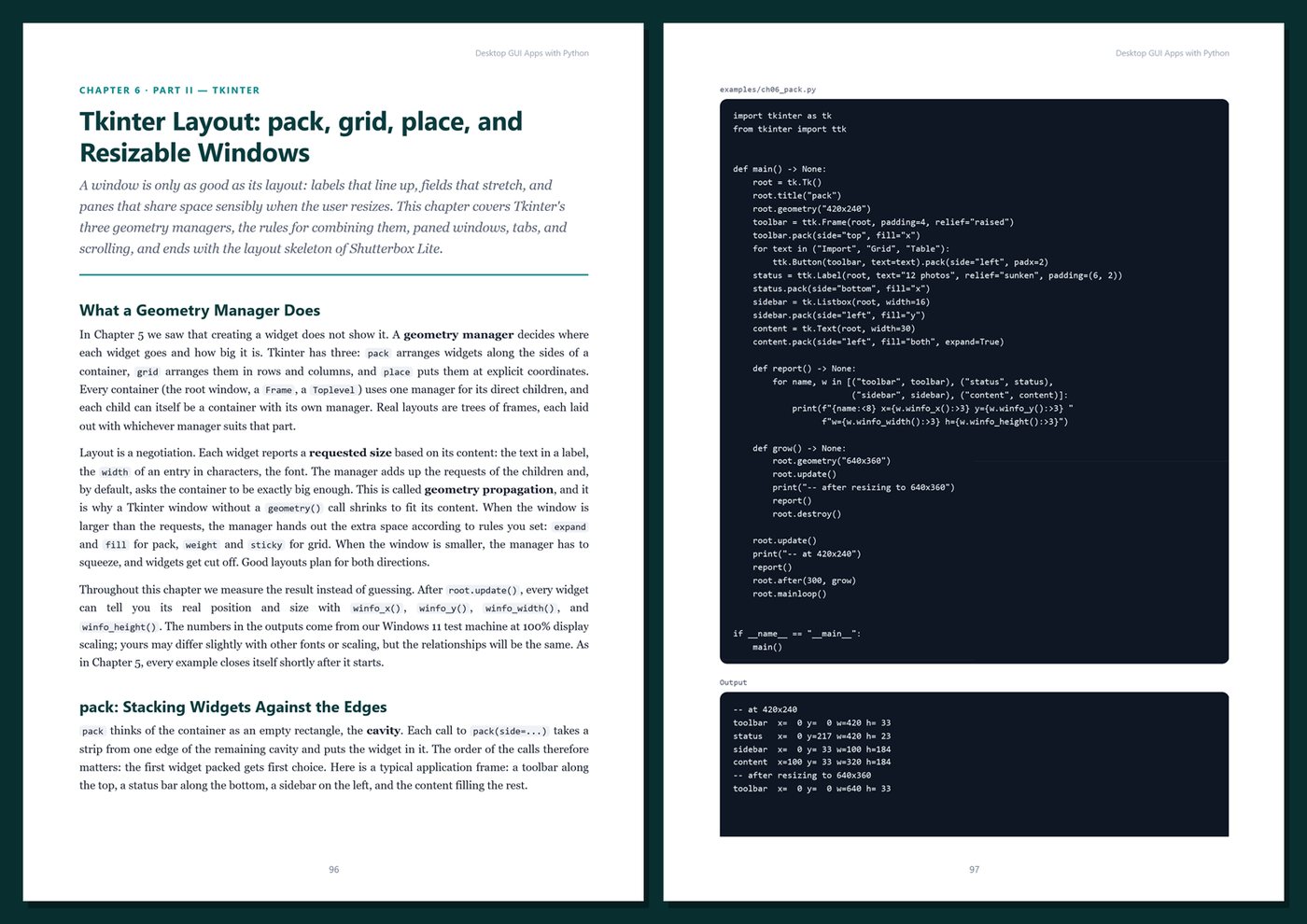
- Tkinter and ttk: widgets, control variables, themes, pack and grid layouts, events and bindings, menus, dialogs, the Canvas, images with Pillow, and the Treeview — ending with a complete Tkinter app
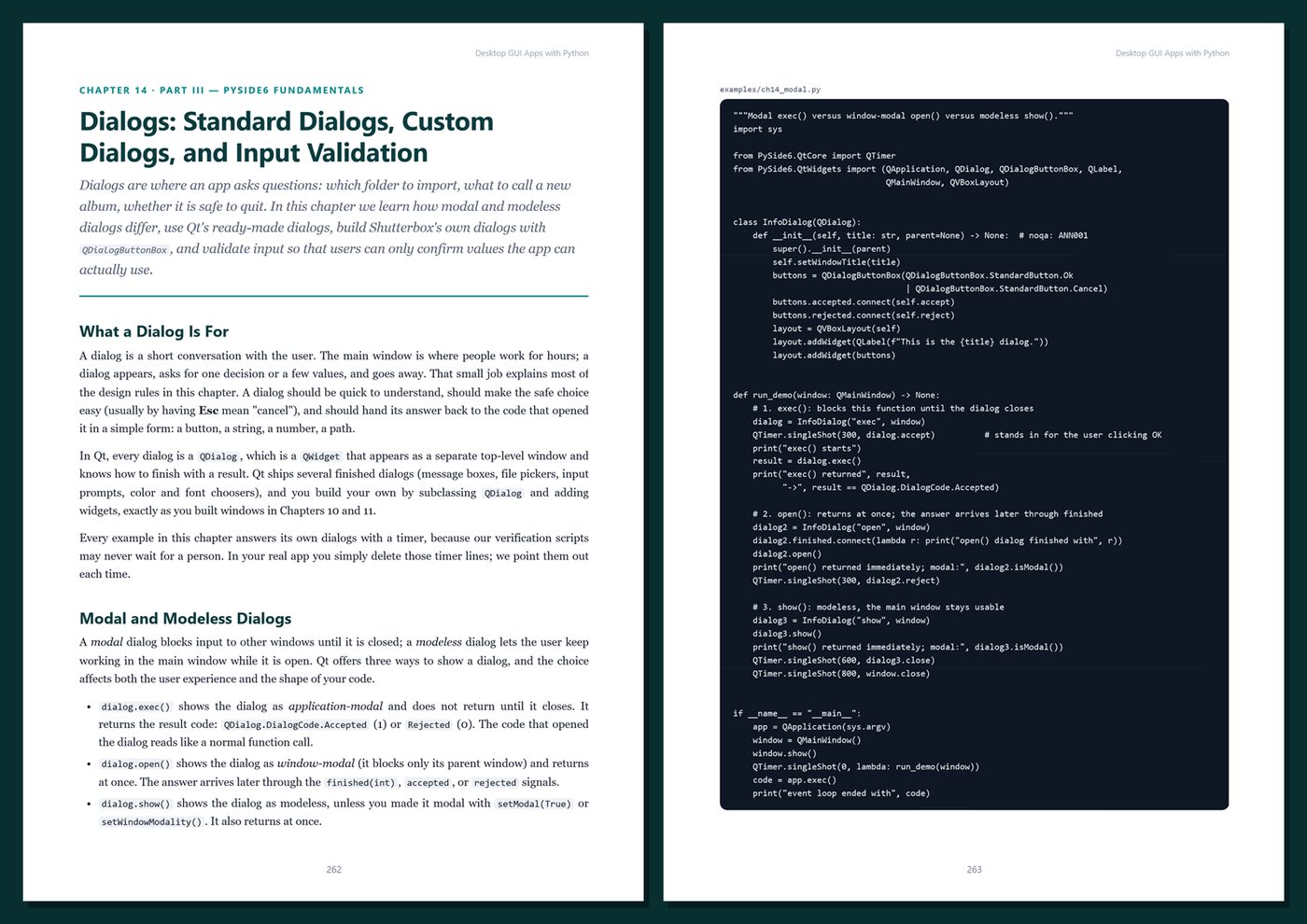
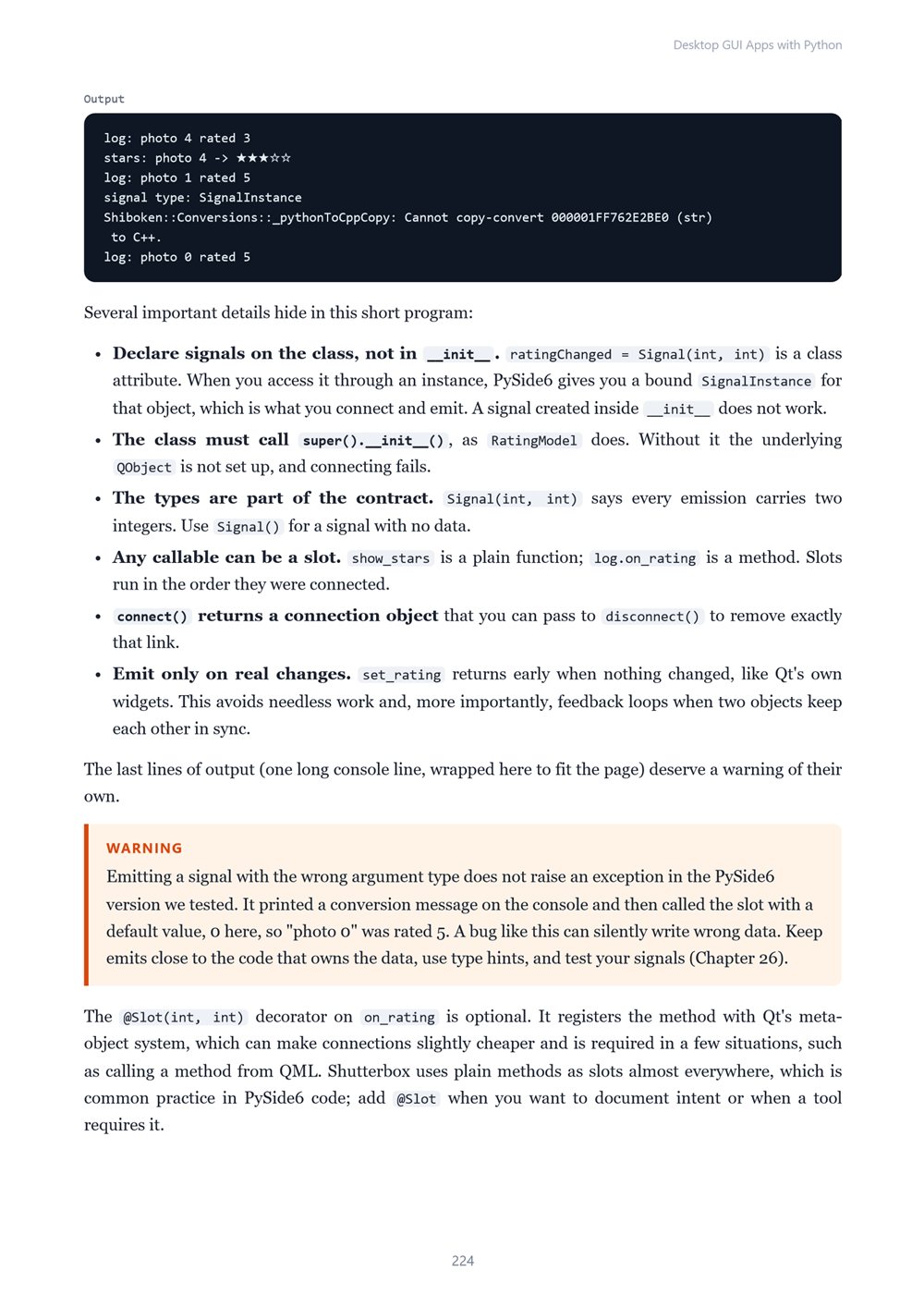
- PySide6 fundamentals: QApplication, QWidget and QMainWindow, layouts and everyday widgets, signals and slots in depth, actions, menus, toolbars, keyboard shortcuts, and dialogs with live validation
- Model/view programming: QAbstractTableModel, QTableView and QListView, proxy models for sorting and filtering, and delegates that paint custom cells
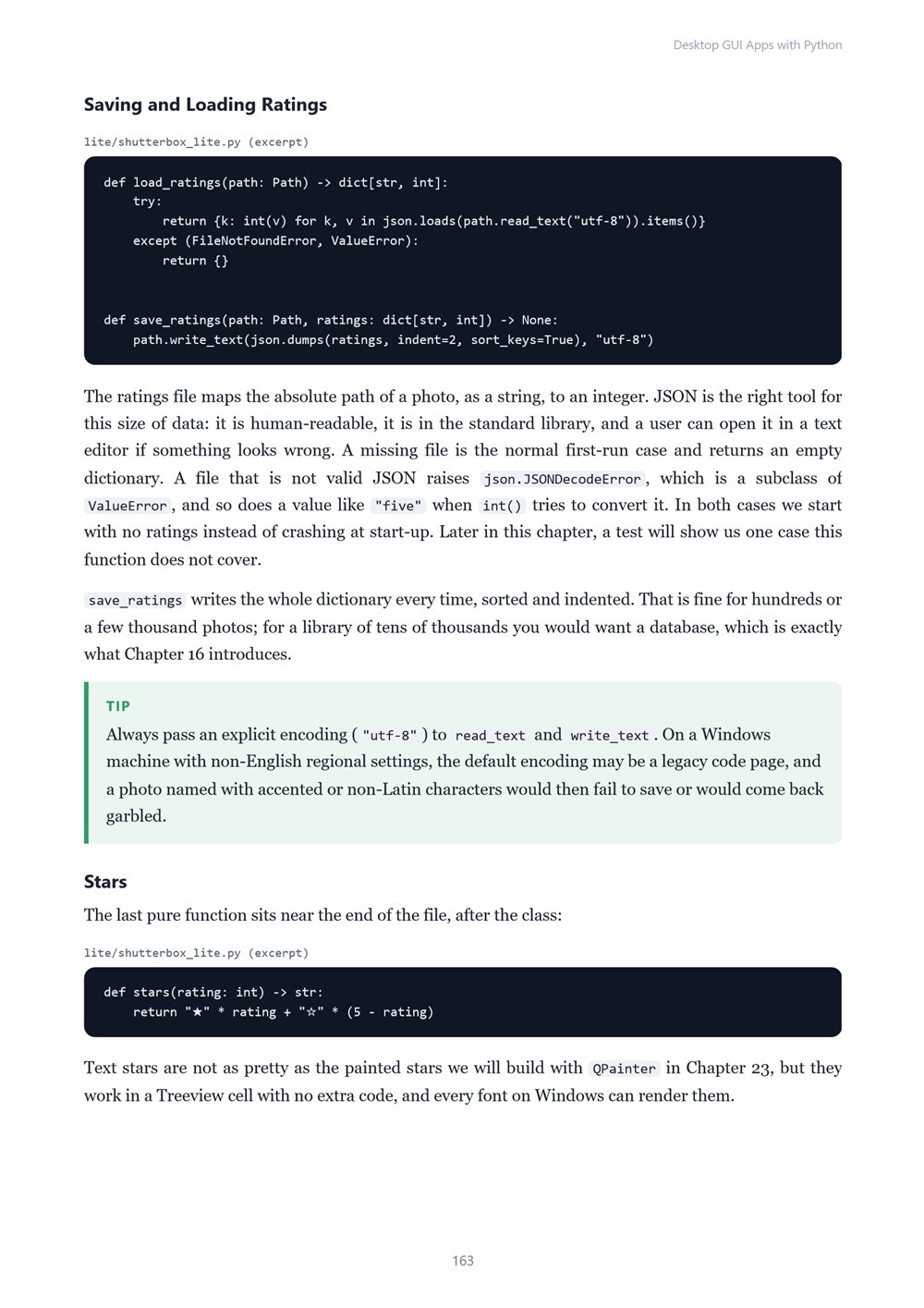
- Real application plumbing: EXIF data and thumbnails with Pillow, a SQLite library with transactions and migrations, background imports with QThread and QThreadPool, and settings with QSettings and QStandardPaths
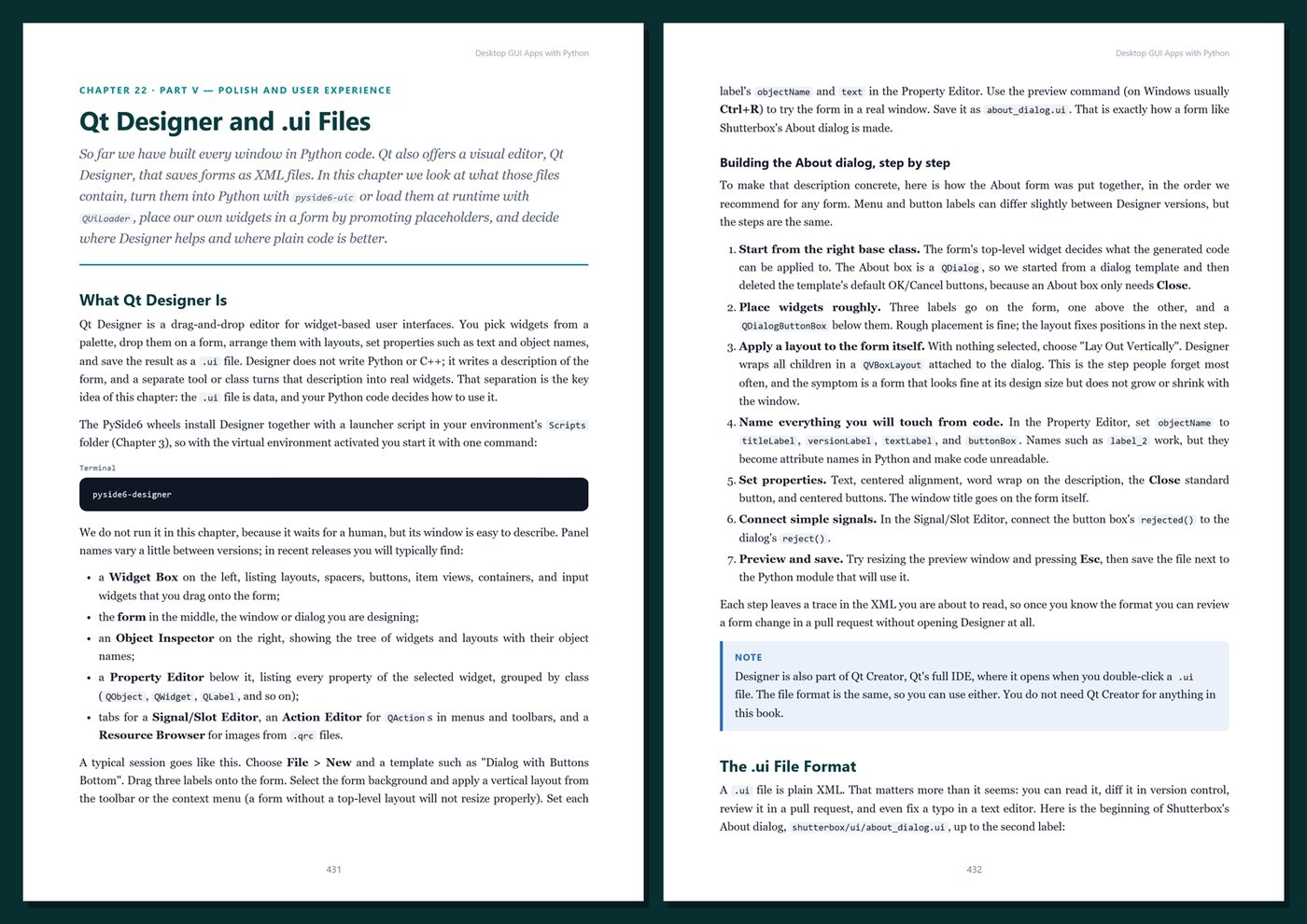
- Polish: Qt Style Sheets and dark mode, Qt Designer and .ui files, custom-painted widgets, drag and drop, the clipboard, and accessibility with keyboard-first design
- Professional practice: MVC and MVP with thin widgets, testing GUIs with pytest and offscreen Qt, error handling and logging, packaging with PyInstaller and Nuitka, and a clear overview of Qt/PySide6 licensing (LGPL)
- Appendices: a Tkinter/PySide6 cheat sheet, copy-and-adapt templates, a production checklist, and a glossary
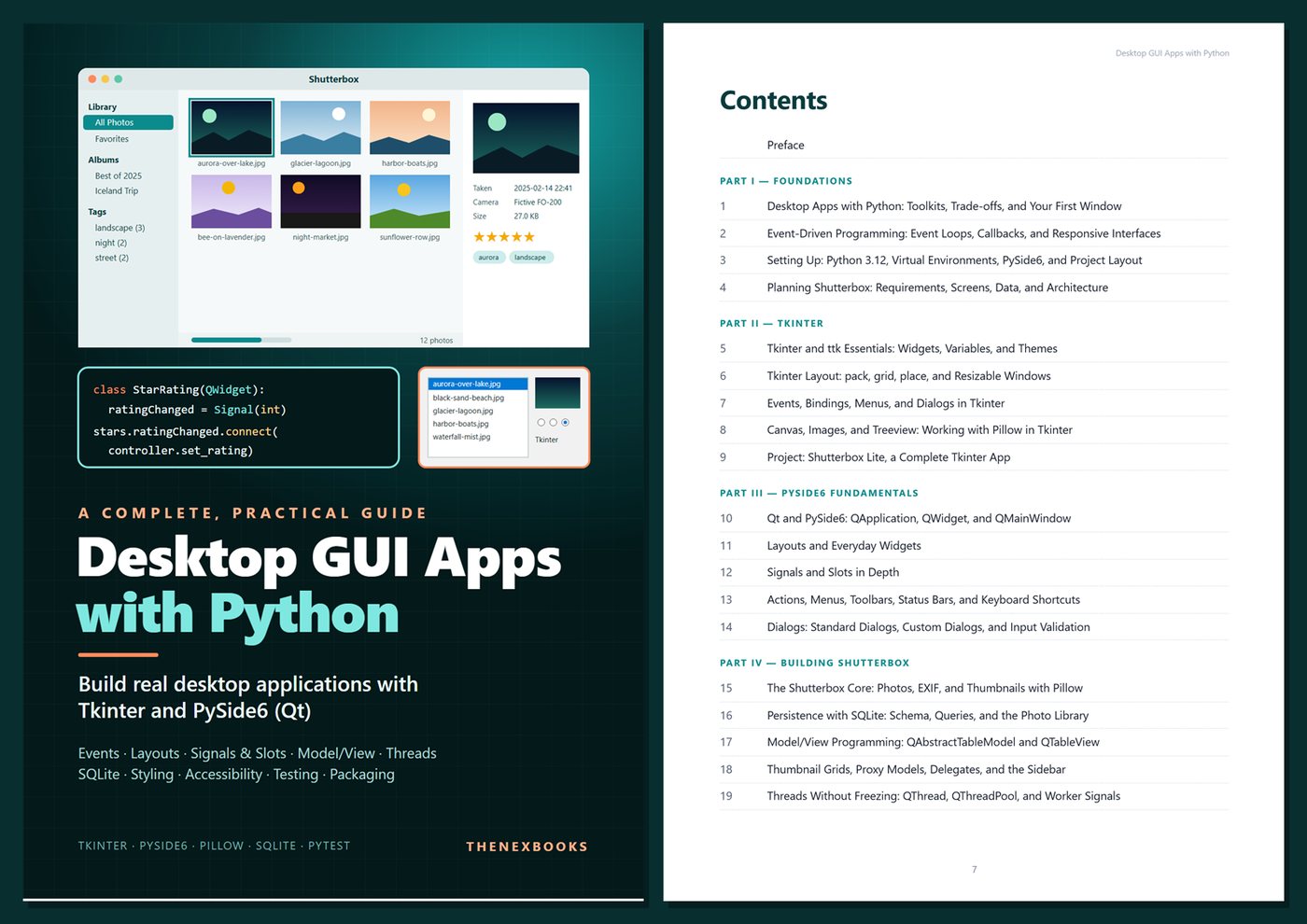
One running example, start to finish. You build Shutterbox, a fictional desktop photo organizer: import folders, browse thumbnails in a grid or a sortable table, read EXIF dates and camera names, rate photos with stars, tag them, collect them into albums, and search — all stored in a local SQLite library, with background imports, remembered window layouts, light and dark themes, and full keyboard control. In the Tkinter part you build its little cousin, Shutterbox Lite. Twelve sample "photos" generated with code make every result reproducible, and the screenshots were captured from the real programs.
Current and honest. The book targets Python 3.12+, Tkinter with Tk 8.6, and PySide6 (Qt 6), with Pillow and pytest; every example was run on Windows, with notes where macOS or Linux differ. Version-specific features are labeled, packaging tools and licensing are explained carefully (not legal advice), and there are no invented benchmarks or statistics. Every chapter includes runnable code with real output, Tips, Notes, Warnings, exercises, and Key Takeaways.
Format: PDF, 579 pages (A4), linked table of contents and bookmarks. English. First Edition, 2026. Published by thenexbooks. This book is independent and is not affiliated with, sponsored by, or endorsed by the Python Software Foundation or The Qt Company.
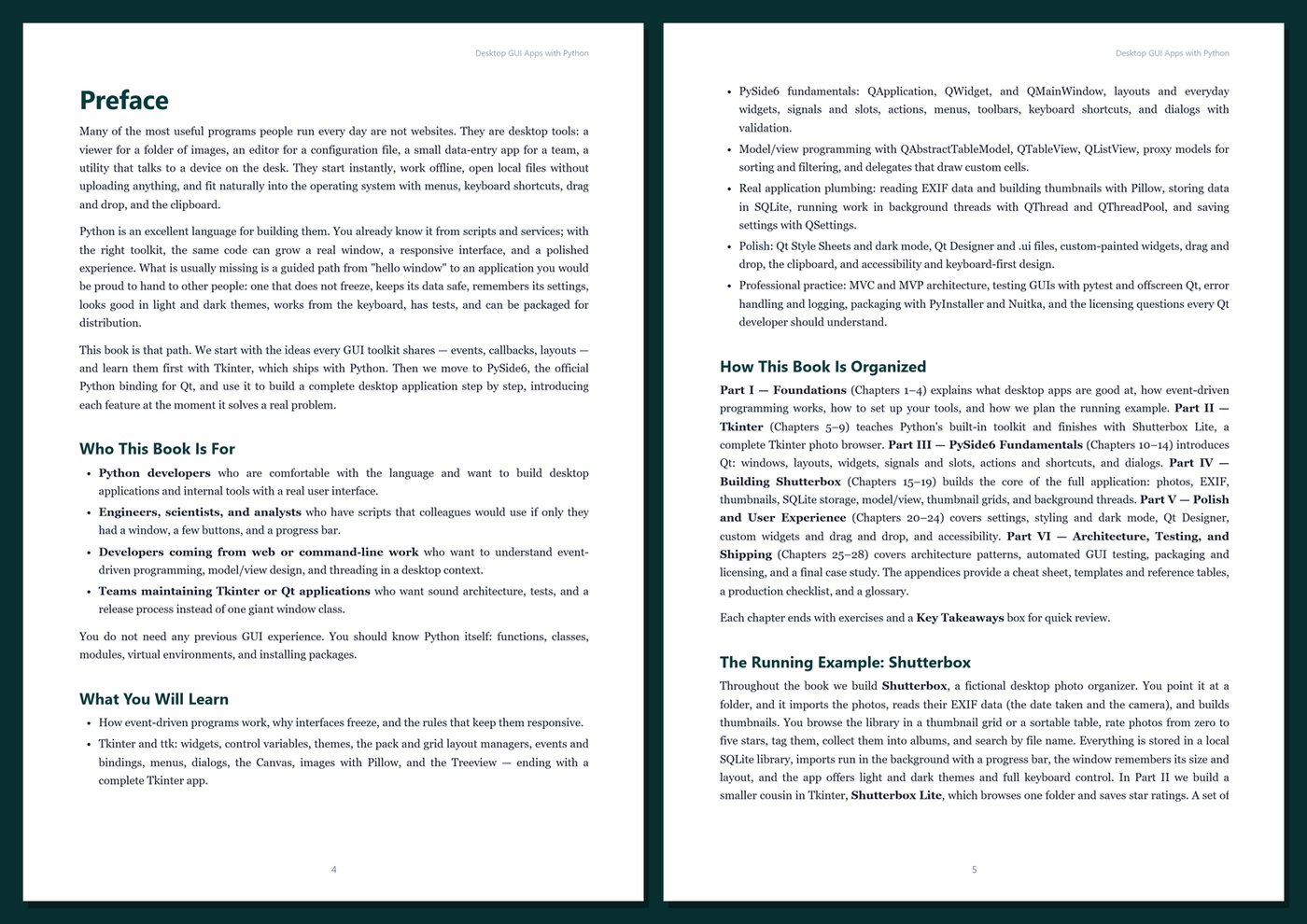
Table of Contents
Part I — Foundations
- Ch 1 · Desktop Apps with Python: Toolkits, Trade-offs, and Your First Window
- Ch 2 · Event-Driven Programming: Event Loops, Callbacks, and Responsive Interfaces
- Ch 3 · Setting Up: Python 3.12, Virtual Environments, PySide6, and Project Layout
- Ch 4 · Planning Shutterbox: Requirements, Screens, Data, and Architecture
Part II — Tkinter
- Ch 5 · Tkinter and ttk Essentials: Widgets, Variables, and Themes
- Ch 6 · Tkinter Layout: pack, grid, place, and Resizable Windows
- Ch 7 · Events, Bindings, Menus, and Dialogs in Tkinter
- Ch 8 · Canvas, Images, and Treeview: Working with Pillow in Tkinter
- Ch 9 · Project: Shutterbox Lite, a Complete Tkinter App
Part III — PySide6 Fundamentals
- Ch 10 · Qt and PySide6: QApplication, QWidget, and QMainWindow
- Ch 11 · Layouts and Everyday Widgets
- Ch 12 · Signals and Slots in Depth
- Ch 13 · Actions, Menus, Toolbars, Status Bars, and Keyboard Shortcuts
- Ch 14 · Dialogs: Standard Dialogs, Custom Dialogs, and Input Validation
Part IV — Building Shutterbox
- Ch 15 · The Shutterbox Core: Photos, EXIF, and Thumbnails with Pillow
- Ch 16 · Persistence with SQLite: Schema, Queries, and the Photo Library
- Ch 17 · Model/View Programming: QAbstractTableModel and QTableView
- Ch 18 · Thumbnail Grids, Proxy Models, Delegates, and the Sidebar
- Ch 19 · Threads Without Freezing: QThread, QThreadPool, and Worker Signals
Part V — Polish and User Experience
- Ch 20 · Settings and State: QSettings, QStandardPaths, and Preferences
- Ch 21 · Styling with QSS, Palettes, Icons, and Dark Mode
- Ch 22 · Qt Designer and .ui Files
- Ch 23 · Custom Widgets, Drag and Drop, and the Clipboard
- Ch 24 · Accessibility and Keyboard-First Design
Part VI — Architecture, Testing, and Shipping
- Ch 25 · App Architecture: MVC, MVP, and Thin Widgets
- Ch 26 · Testing GUI Apps with pytest and Offscreen Qt
- Ch 27 · Packaging and Distribution: PyInstaller, Nuitka, and Licensing
- Ch 28 · Case Study: Shutterbox 1.0 — Errors, Logging, and Release
Appendices
A · Desktop GUI Cheat Sheet
B · Templates and Reference
C · Production Checklist
D · Glossary
Book details
| Detail | |
|---|---|
| Pages | 579 |
| Format | PDF (A4) |
| Language | English |
| Level | Intermediate |
| Edition | 1st Edition (2026) |
| Download on this site | Free sample, first 20 pages (PDF) |
| Publisher | thenexbooks |
Files you get
No reviews yet. Only buyers can review.
More from thenexbooks