 1 / 11
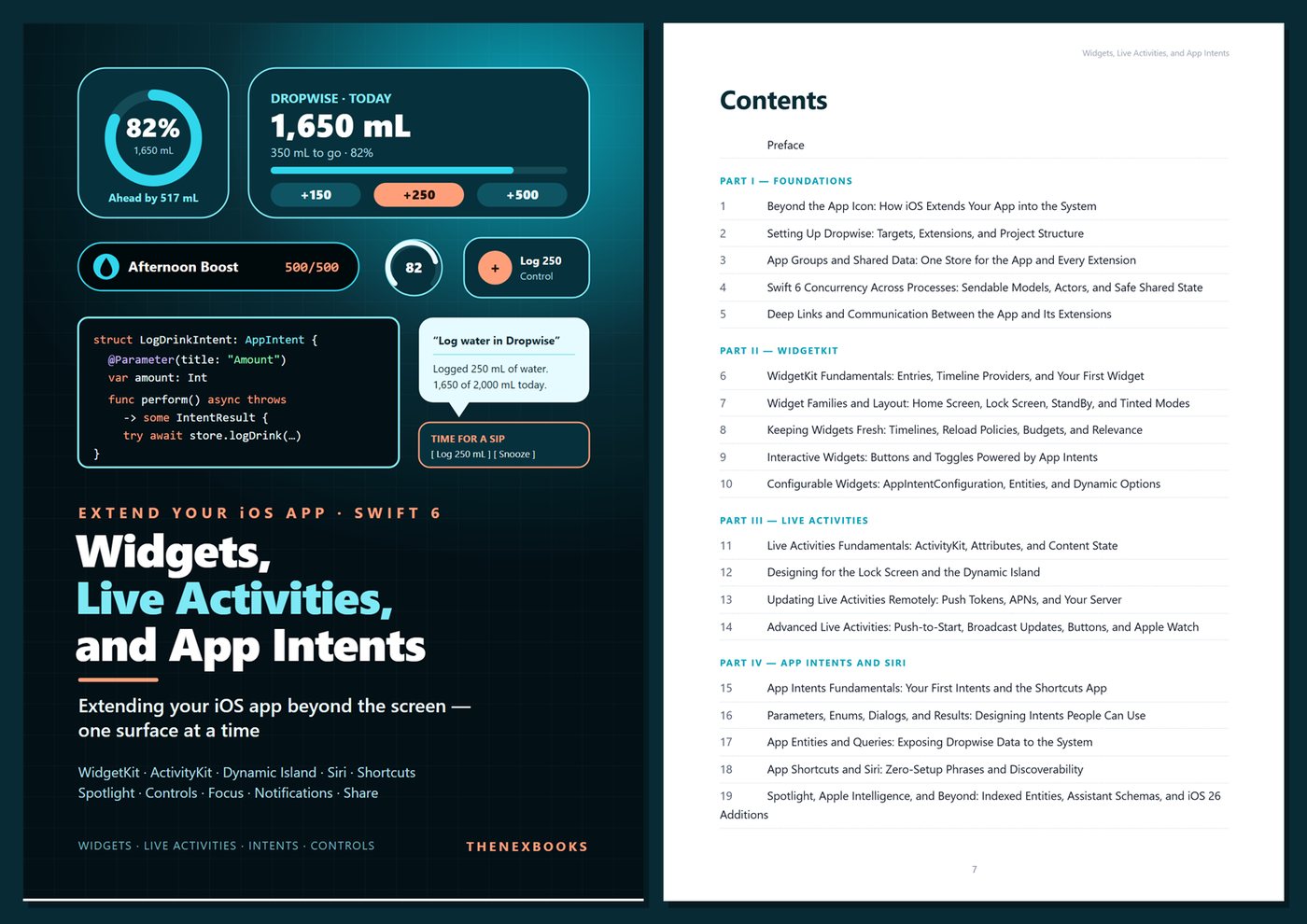
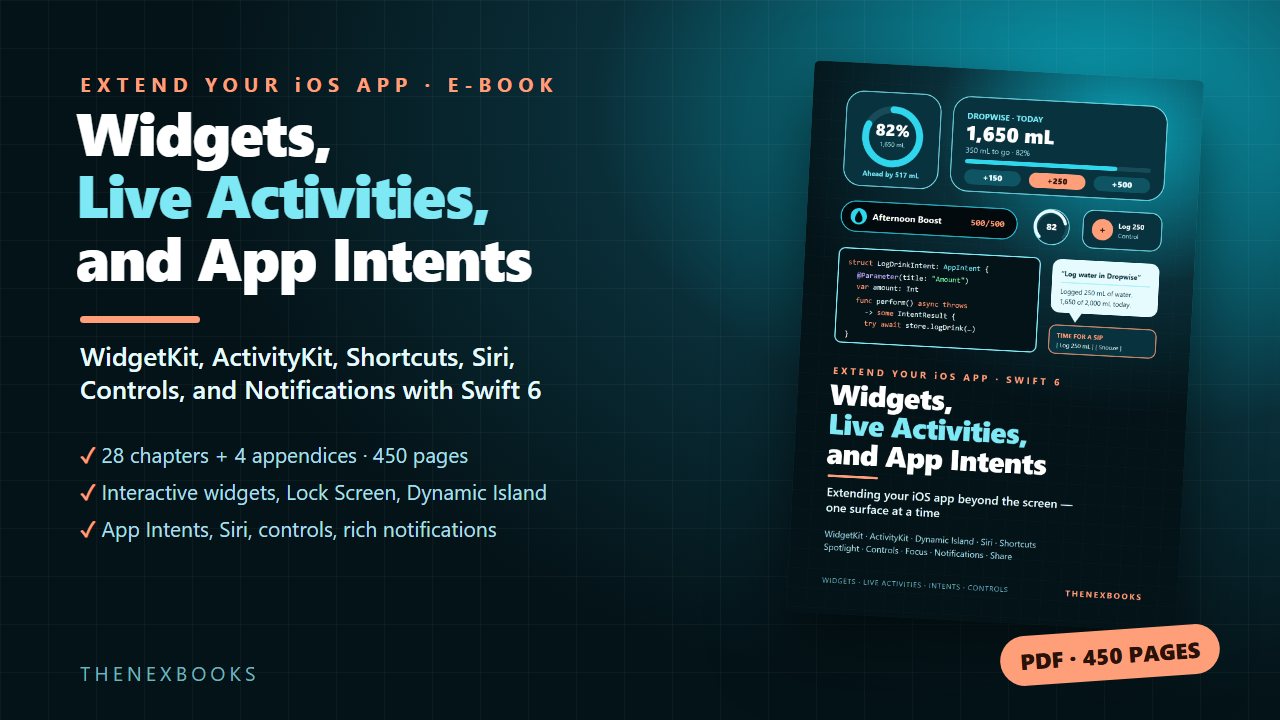
Take your SwiftUI app beyond its own window: Home Screen, Lock Screen, and StandBy widgets, interactive and configurable widgets, Live Activities and the Dynamic Island with push updates, App Intents with entities, App Shortcuts for Siri, Spotlight, Control Center controls, Focus filters, rich…
Extending Your iOS App Beyond the Screen: WidgetKit, ActivityKit, Shortcuts, Siri, Controls, and Notifications
Read before you buy: the PDF here is a free sample — the first 20 pages of the 450-page book (payments, sales and reviews on this demo site are sample data). Get the full e-book at thenexbooks on Gumroad.
Your app's most important moments happen outside your app. This book shows you how to build for them.
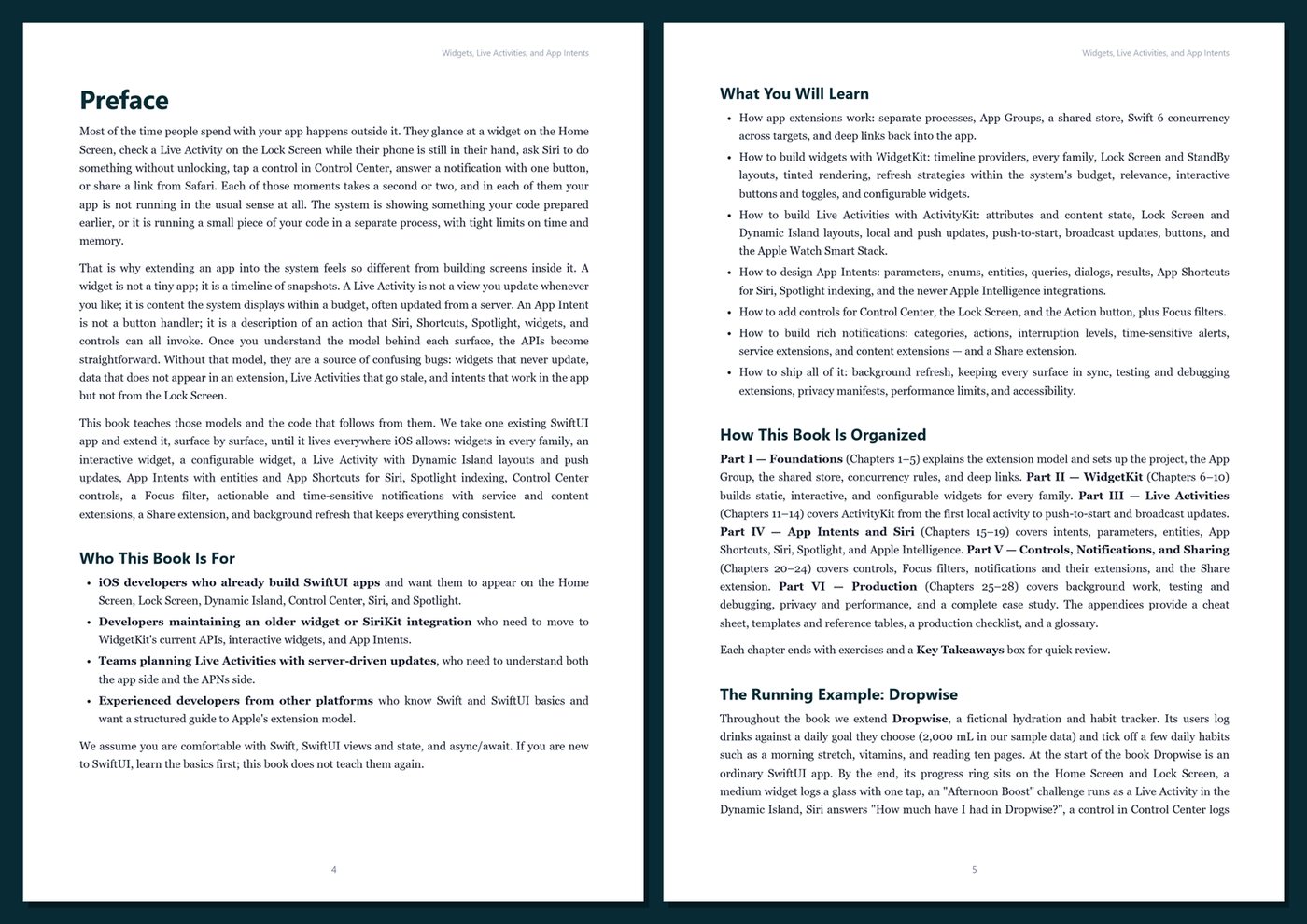
People glance at a widget, check a Live Activity on the Lock Screen, ask Siri to do something, tap a control in Control Center, or answer a notification with one button — often without ever opening your app. Each of those surfaces runs on its own rules: separate processes, snapshots instead of live views, budgets the system manages, and strict privacy expectations. Once you understand the model behind each surface, the APIs make sense. Without it, you get widgets that never update, extensions that cannot see your data, and intents that work in the app but not from the Lock Screen.
This book is a deep, practical guide for iOS developers who already build SwiftUI apps. We take one app and extend it surface by surface, explaining why the system works the way it does before showing the code that follows from it.
What's inside
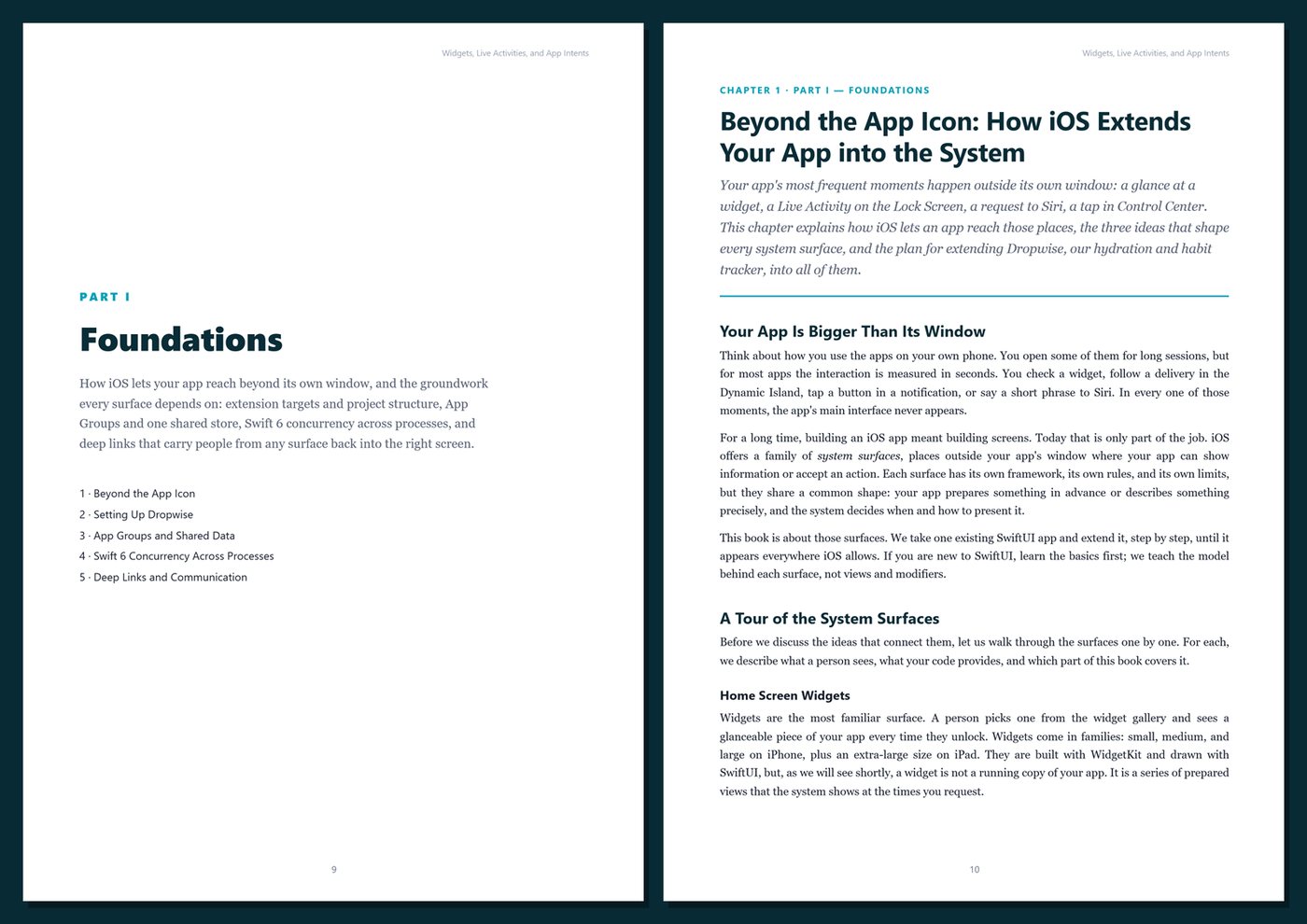
- How app extensions work: separate processes, App Groups, a shared store with file coordination, Swift 6 concurrency across targets, and deep links back into the right screen
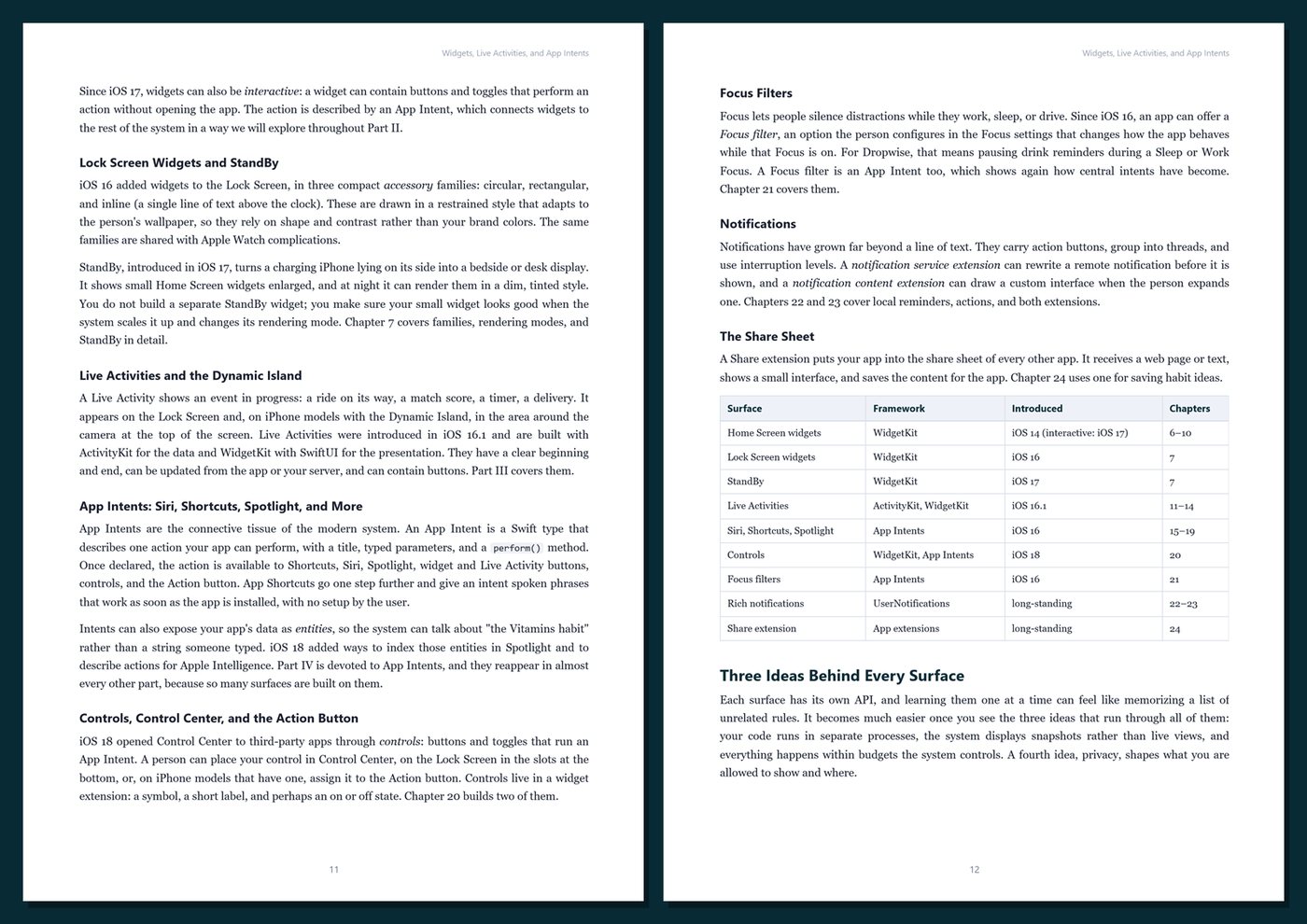
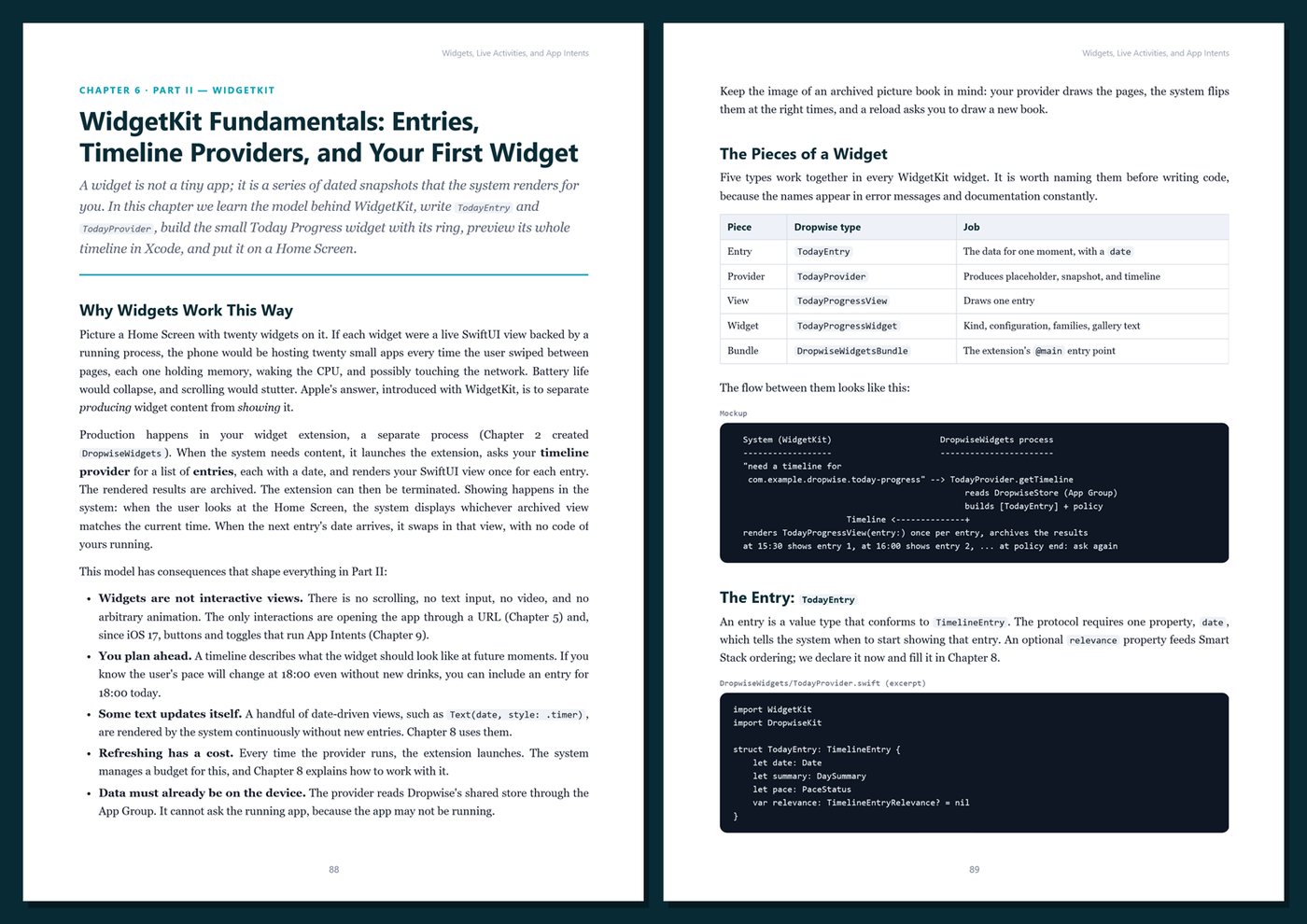
- WidgetKit from the ground up: entries, timeline providers, reload policies, and every family for the Home Screen, Lock Screen, and StandBy
- Tinted and vibrant rendering modes, accessory widgets, date-driven text, relevance, and strategies that respect the system's refresh budget
- Interactive widgets with buttons and toggles powered by App Intents, and configurable widgets with app entities
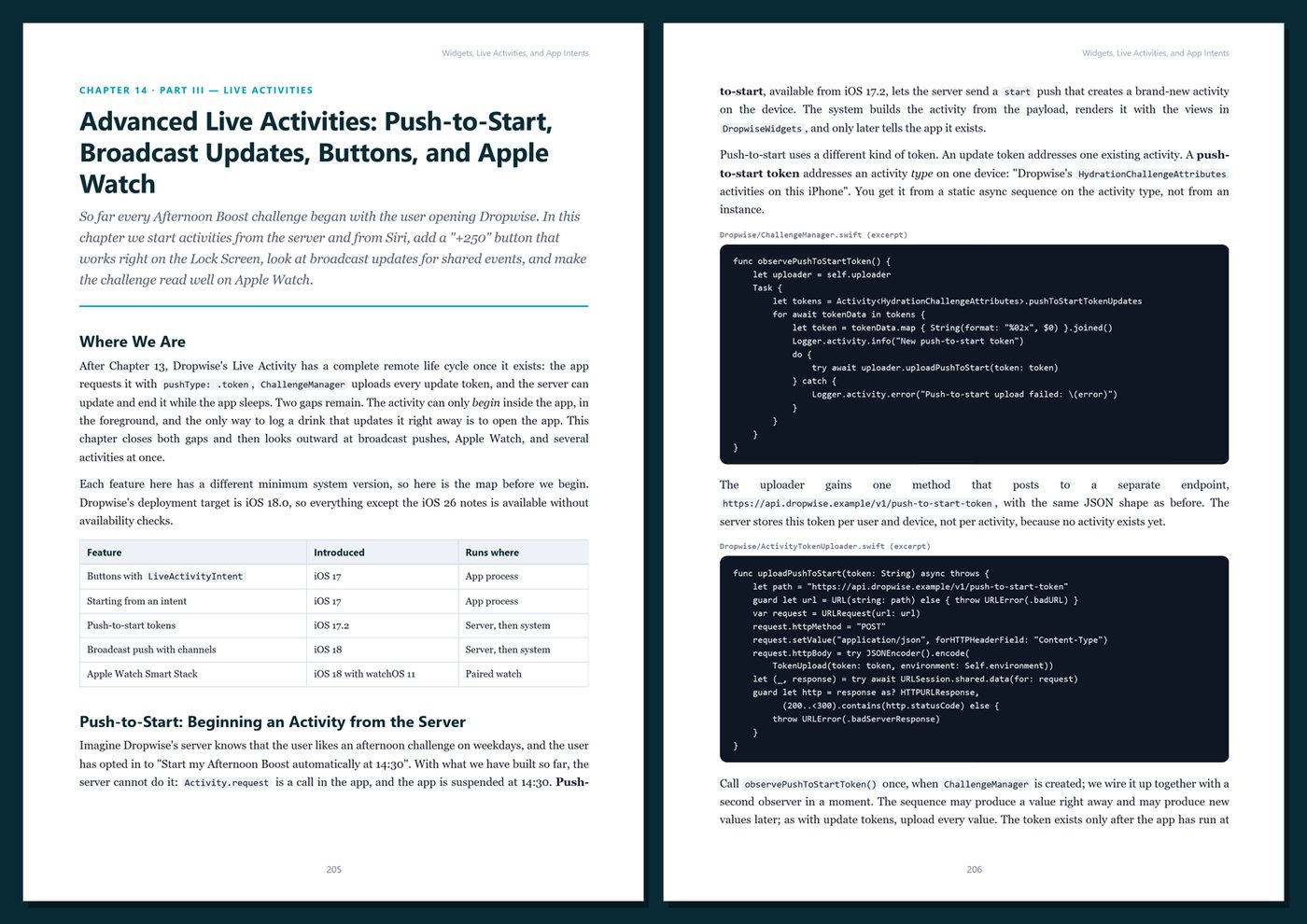
- Live Activities with ActivityKit: attributes and content state, Lock Screen and Dynamic Island layouts, local updates, push tokens and APNs, push-to-start, broadcast updates, buttons, and the Apple Watch Smart Stack
- App Intents in depth: parameters, enums, dialogs, results, entities and queries, App Shortcuts that work with Siri from install, Spotlight indexing, and the newer Apple Intelligence integrations
- Controls for Control Center, the Lock Screen, and the Action button (iOS 18), plus Focus filters
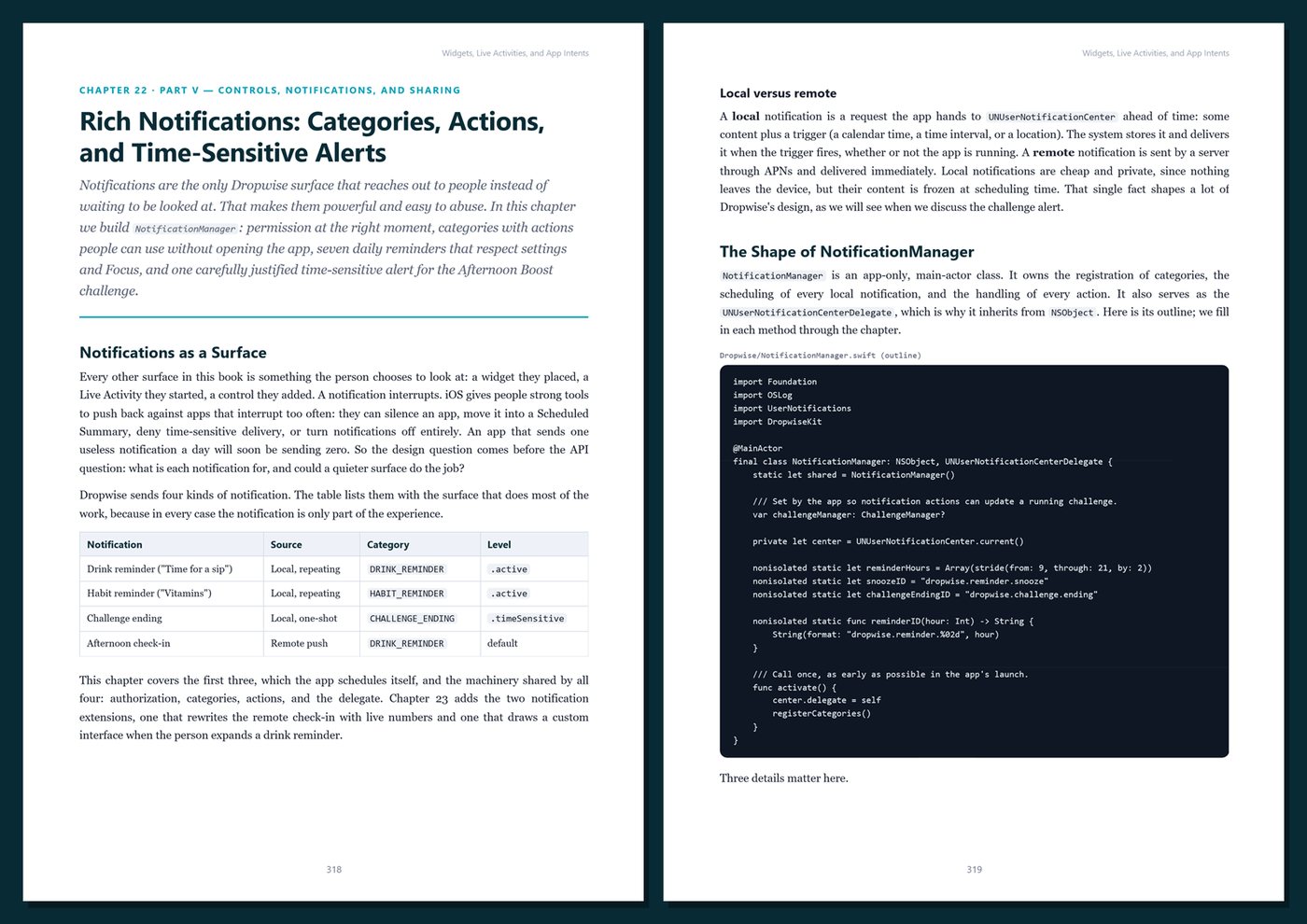
- Rich notifications: categories, actions, time-sensitive alerts, service extensions that rewrite pushes, and content extensions with custom UI
- A Share extension that brings links and text into your app
- Production: background refresh, keeping every surface in sync, testing and debugging extensions, privacy manifests, memory limits, and accessibility
One running example, start to finish. You extend Dropwise, a fictional hydration and habit tracker, until it lives everywhere iOS allows: a progress ring on the Home Screen and Lock Screen, a widget that logs a glass with one tap, an "Afternoon Boost" challenge in the Dynamic Island, Siri answering "How much have I had in Dropwise?", a Control Center button, a Focus filter that pauses reminders, notifications with a "Log 250 mL" action, and a Share extension for habit ideas. One sample day runs through the whole book, so every number on every surface can be checked by hand.
Current and honest. The code uses the Swift 6 language mode, Xcode 26-era tooling, and an iOS 18 deployment target, with iOS 26 additions clearly marked and hedged. Apple does not publish exact widget refresh budgets or background scheduling rules, so the book teaches robust strategies instead of inventing numbers. It contains no invented benchmarks or statistics. Every chapter includes complete Swift listings, Tips, Notes, Warnings, exercises, and Key Takeaways, and the appendices give you a cheat sheet, copy-ready templates, a production checklist, and a glossary.
Format: PDF, 450 pages (A4), linked table of contents and bookmarks. English. First Edition, 2026. Published by thenexbooks. Requires a Mac with Xcode to follow along; a physical iPhone is recommended. This book is independent and is not affiliated with, sponsored by, or endorsed by Apple Inc.
Table of Contents
Part I — Foundations
- Ch 1 · Beyond the App Icon: How iOS Extends Your App into the System
- Ch 2 · Setting Up Dropwise: Targets, Extensions, and Project Structure
- Ch 3 · App Groups and Shared Data: One Store for the App and Every Extension
- Ch 4 · Swift 6 Concurrency Across Processes: Sendable Models, Actors, and Safe Shared State
- Ch 5 · Deep Links and Communication Between the App and Its Extensions
Part II — WidgetKit
- Ch 6 · WidgetKit Fundamentals: Entries, Timeline Providers, and Your First Widget
- Ch 7 · Widget Families and Layout: Home Screen, Lock Screen, StandBy, and Tinted Modes
- Ch 8 · Keeping Widgets Fresh: Timelines, Reload Policies, Budgets, and Relevance
- Ch 9 · Interactive Widgets: Buttons and Toggles Powered by App Intents
- Ch 10 · Configurable Widgets: AppIntentConfiguration, Entities, and Dynamic Options
Part III — Live Activities
- Ch 11 · Live Activities Fundamentals: ActivityKit, Attributes, and Content State
- Ch 12 · Designing for the Lock Screen and the Dynamic Island
- Ch 13 · Updating Live Activities Remotely: Push Tokens, APNs, and Your Server
- Ch 14 · Advanced Live Activities: Push-to-Start, Broadcast Updates, Buttons, and Apple Watch
Part IV — App Intents and Siri
- Ch 15 · App Intents Fundamentals: Your First Intents and the Shortcuts App
- Ch 16 · Parameters, Enums, Dialogs, and Results: Designing Intents People Can Use
- Ch 17 · App Entities and Queries: Exposing Dropwise Data to the System
- Ch 18 · App Shortcuts and Siri: Zero-Setup Phrases and Discoverability
- Ch 19 · Spotlight, Apple Intelligence, and Beyond: Indexed Entities, Assistant Schemas, and iOS 26 Additions
Part V — Controls, Notifications, and Sharing
- Ch 20 · Controls for Control Center, the Lock Screen, and the Action Button
- Ch 21 · Focus Filters: Adapting Dropwise to the User's Focus
- Ch 22 · Rich Notifications: Categories, Actions, and Time-Sensitive Alerts
- Ch 23 · Notification Service and Content Extensions
- Ch 24 · The Share Extension: Bringing Content into Dropwise
Part VI — Production
- Ch 25 · Background Work and Budgets: Refresh Tasks and Keeping Every Surface in Sync
- Ch 26 · Testing and Debugging Extensions: Previews, Logs, Schemes, and Unit Tests
- Ch 27 · Privacy, Performance, and Polish: Manifests, Memory Limits, and Accessibility
- Ch 28 · Case Study: Shipping Dropwise Across Every Surface
Appendices
A · Cheat Sheet: WidgetKit, ActivityKit, and App Intents
B · Templates and Reference
C · Production Checklist
D · Glossary
Book details
| Detail | |
|---|---|
| Pages | 450 |
| Format | PDF (A4) |
| Language | English |
| Level | Intermediate to Advanced |
| Edition | 1st Edition (2026) |
| Download on this site | Free sample, first 20 pages (PDF) |
| Publisher | thenexbooks |
ไฟล์ที่คุณจะได้รับ
ยังไม่มีรีวิว เฉพาะผู้ซื้อเท่านั้นที่รีวิวได้
สินค้าอื่นจาก thenexbooks