 1 / 11
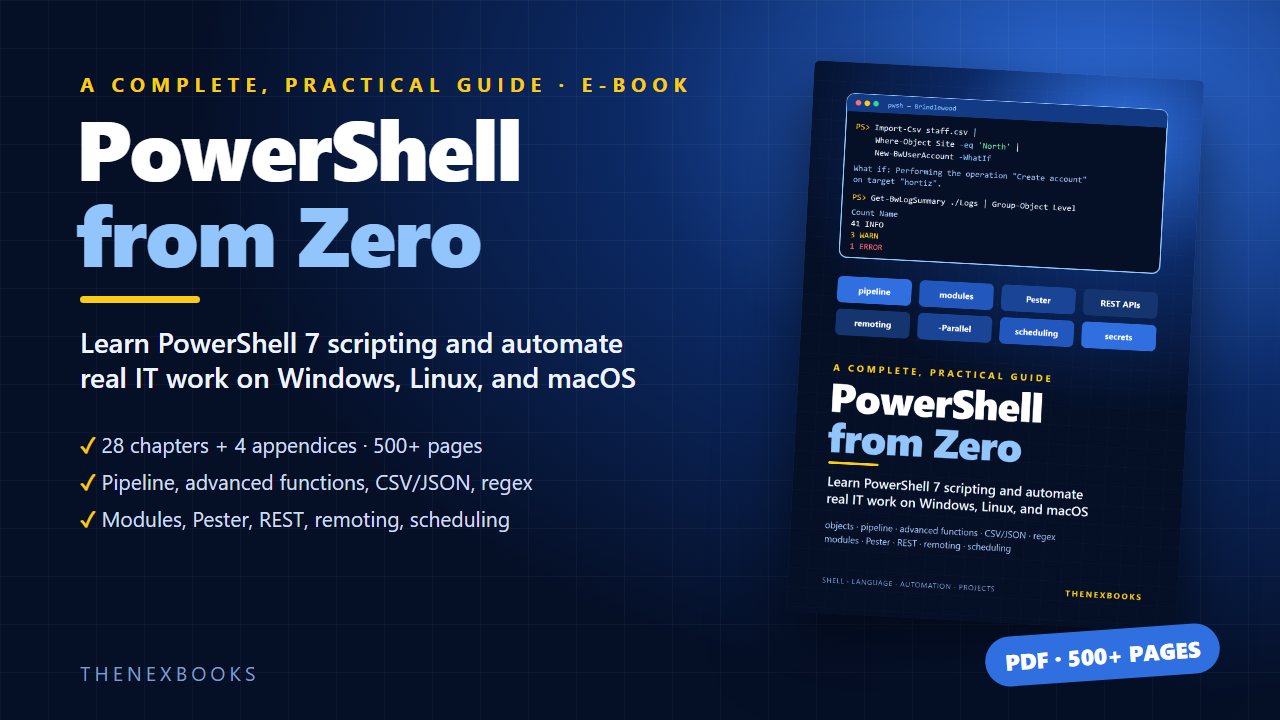
Learn PowerShell 7 from zero and automate real IT work: the object pipeline, advanced functions, CSV/JSON/XML, regex, error handling, modules, Pester tests, REST APIs, remoting, parallel jobs, scheduling, and secrets. 28 chapters, 4 appendices, 548 pages (PDF).
A Complete, Practical Guide to PowerShell 7 Scripting and Automation
Read before you buy: the PDF here is a free sample — the first 20 pages of the 548-page book (payments, sales and reviews on this demo site are sample data). Get the full e-book at thenexbooks on Gumroad.
Stop doing the same IT chores by hand. Learn PowerShell from your first command to tested, scheduled automation.
Every IT team has the same list of chores: create accounts for new starters, check disk space, clean out old logs, produce the Monday report. Each takes ten minutes by hand, and every week they come back. PowerShell lets you write those ten minutes down once, as a script, and let the computer do them reliably from then on.
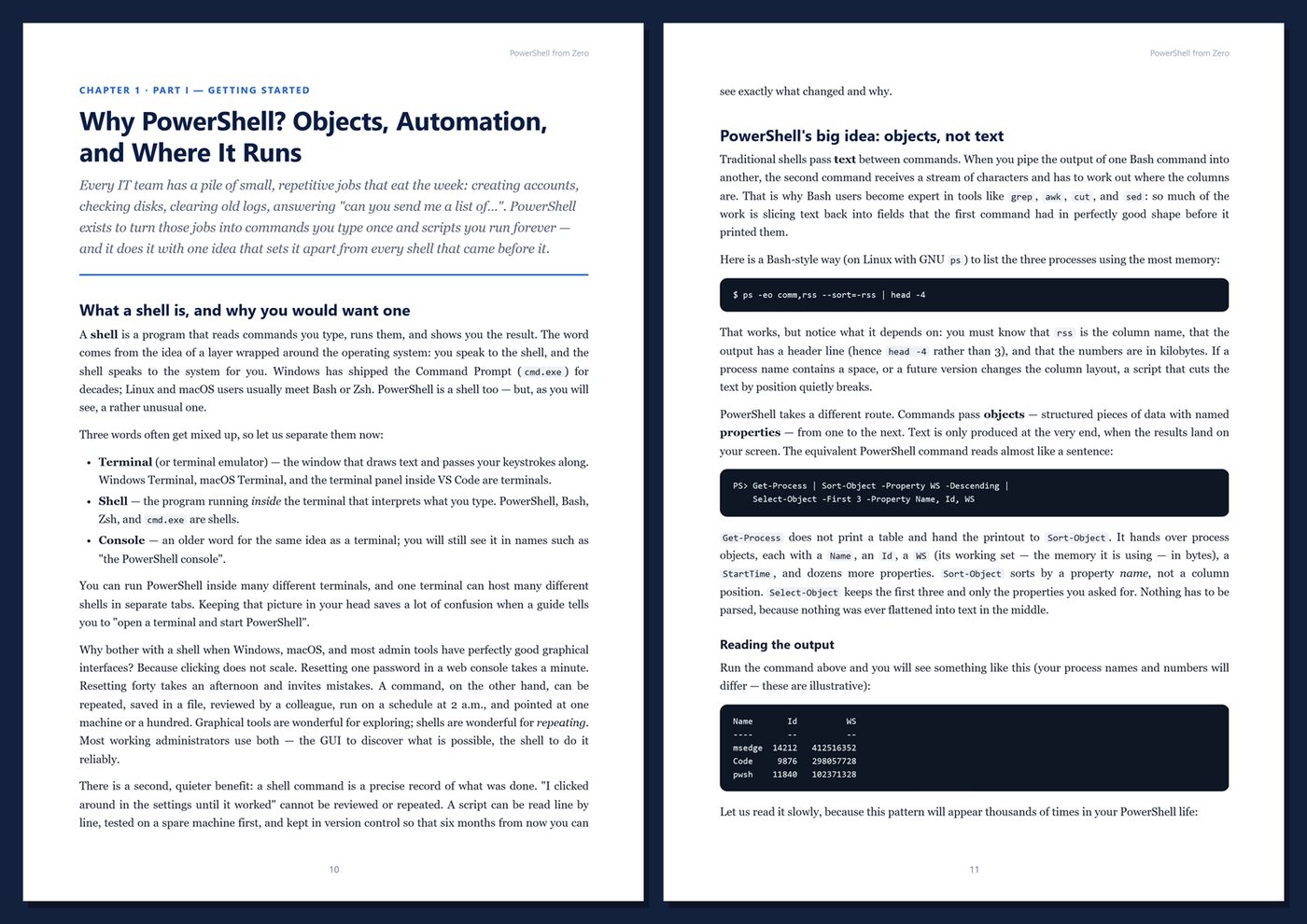
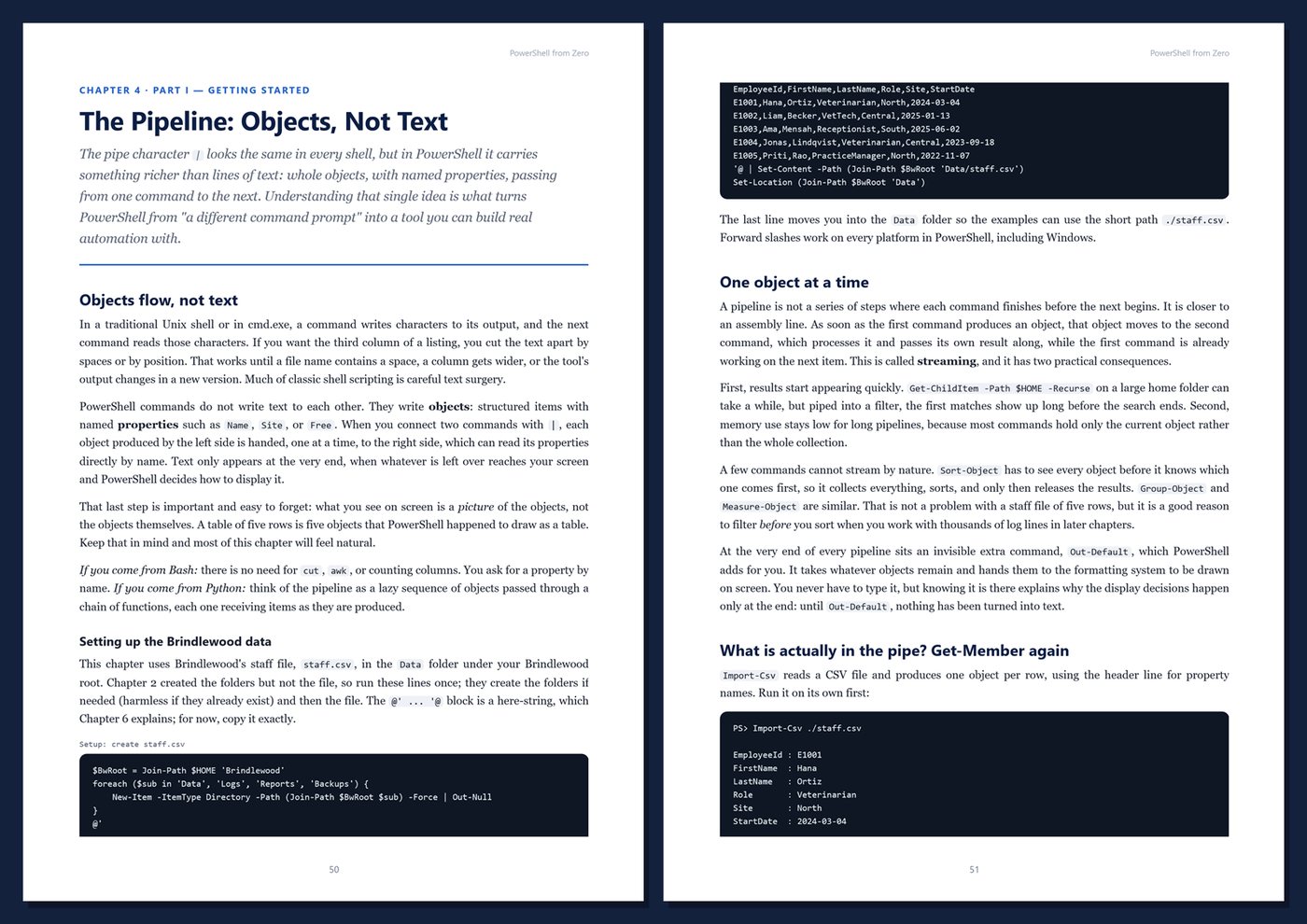
What makes PowerShell different is that it passes objects between commands, not text. When you list files, you get file objects with sizes and dates you can sort, filter, and measure directly, with no cutting columns out of text. Add consistent Verb-Noun commands, built-in help, and the whole .NET platform underneath, and you get a shell that is easy to start with and powerful enough for serious automation on Windows, Linux, and macOS.
What's inside
- Installing PowerShell 7 and VS Code, finding any command, and reading help and errors with confidence
- The object pipeline: Where-Object, Select-Object, Sort-Object, Group-Object, Measure-Object, and formatting
- Variables, types, operators, strings, here-strings, arrays, hashtables, and PSCustomObject
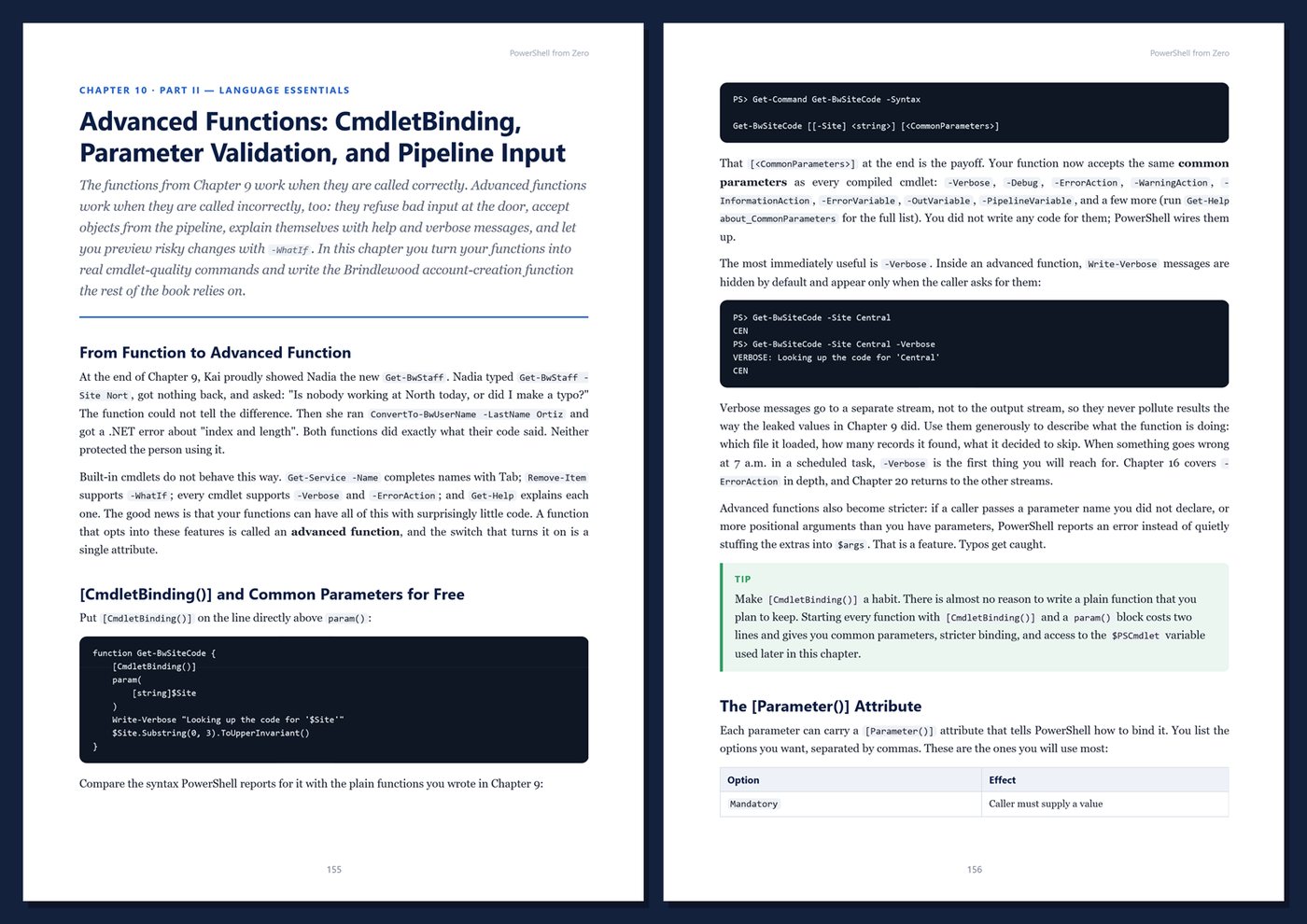
- Control flow, functions, script blocks, and advanced functions with validation, pipeline input, -WhatIf, and -Confirm
- Files and folders, the provider model, CSV, JSON, and XML, and regular expressions
- Processes, services, event logs, and the registry
- Error handling with try/catch and -ErrorAction, scripts, profiles, execution policy, and script signing
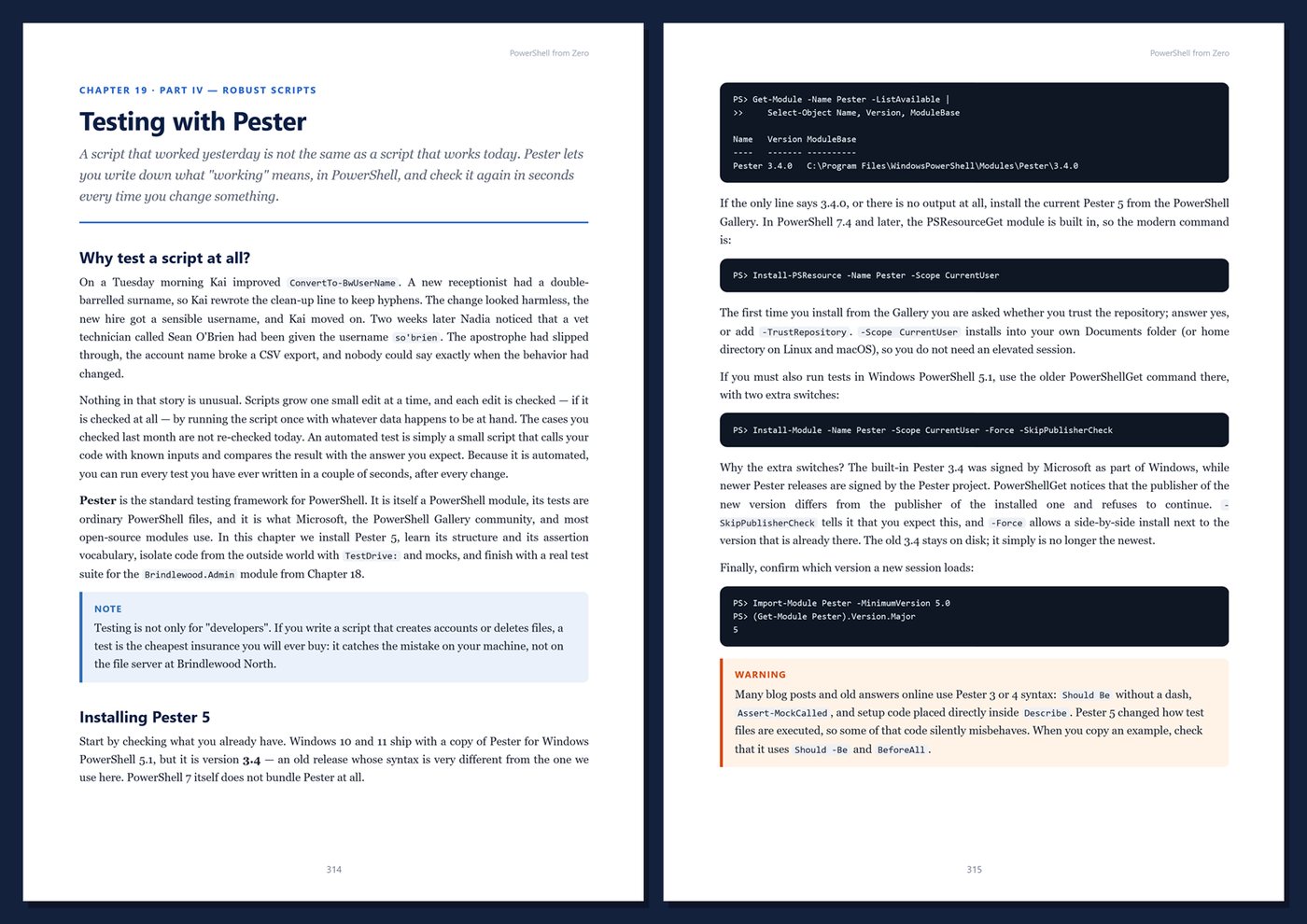
- Writing and publishing modules, testing with Pester 5, debugging, logging, and transcripts
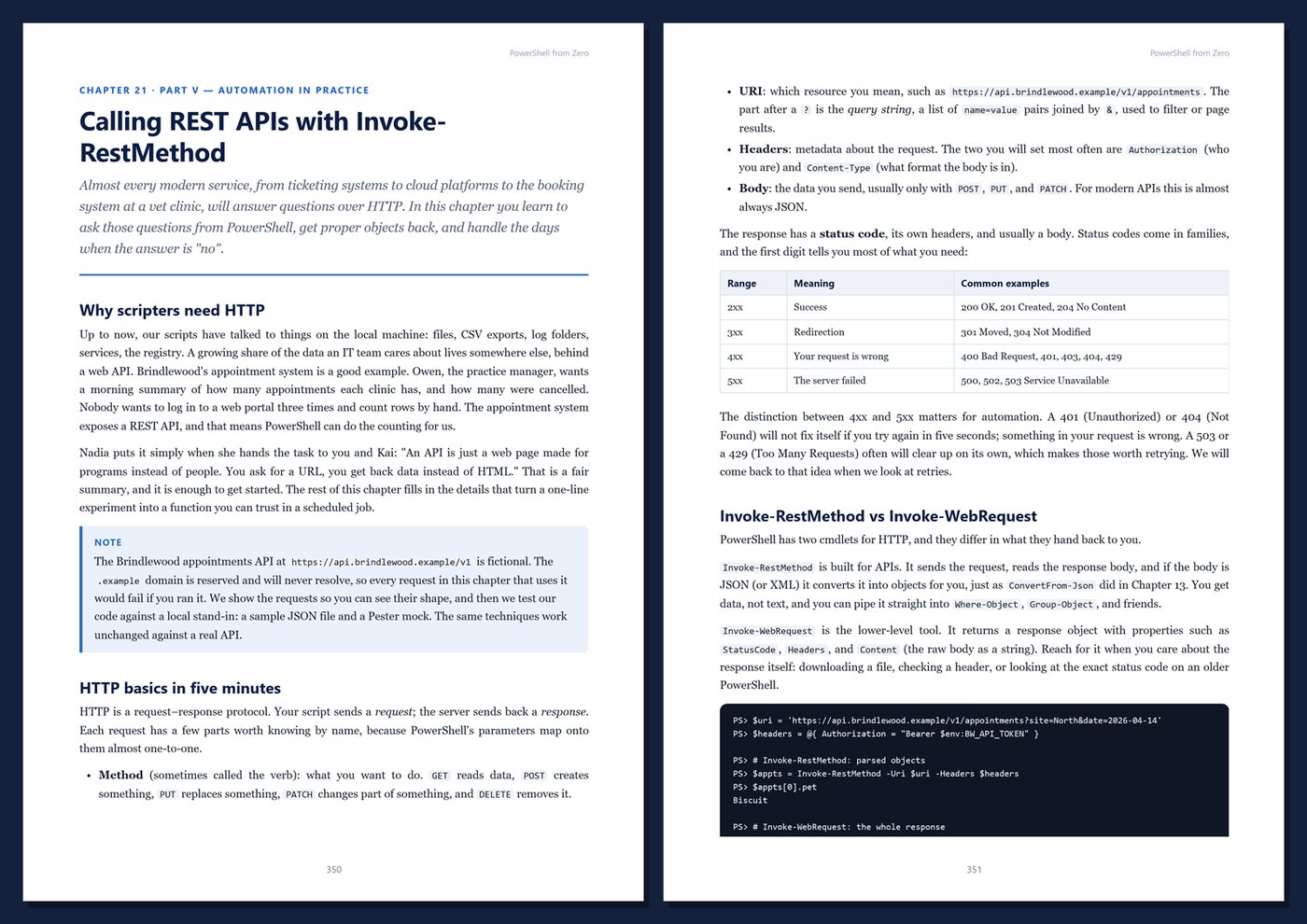
- REST APIs with Invoke-RestMethod, remoting over WinRM and SSH, background jobs, and ForEach-Object -Parallel
- Scheduling with Task Scheduler, cron, and CI, plus credentials, SecretManagement, and safe scripting
- Classes, .NET interop, performance, and cross-platform tips
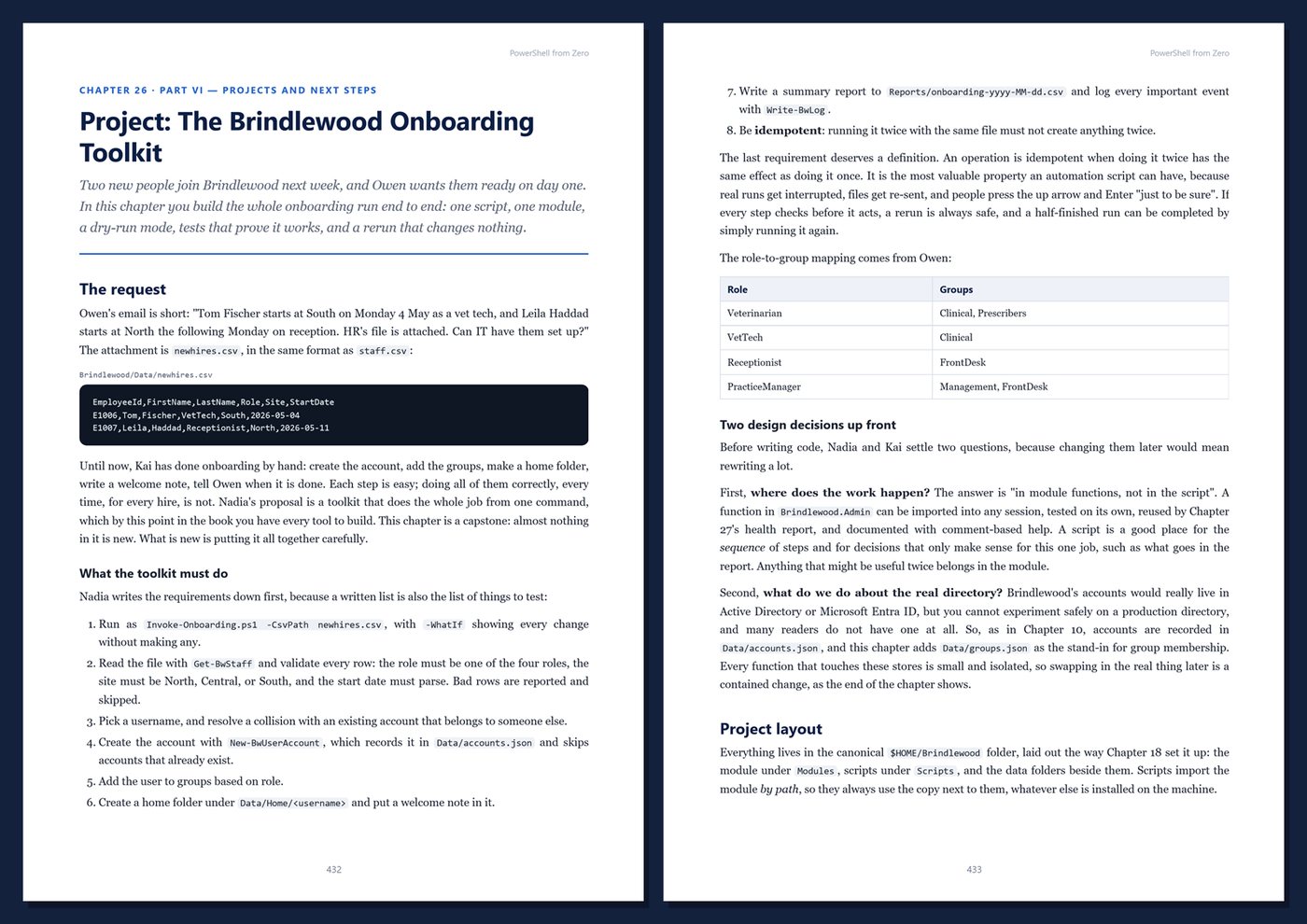
Two real automation projects. You join the IT team of Brindlewood Veterinary Group, a fictional group of three clinics. You build Brindlewood.Admin, a tested PowerShell module, then use it for an onboarding toolkit that creates accounts from a CSV of new hires, and for a scheduled daily health report that checks disks, summarizes logs, backs up data, and cleans up old files.
Current and honest. The examples target PowerShell 7.4 (LTS) and later, and differences from Windows PowerShell 5.1 are called out throughout and summarized in an appendix. Windows-only features are labeled, and there are no invented benchmarks. Every chapter includes runnable code, Tips, Notes, Warnings, practice exercises with selected solutions, and Key Takeaways.
Format: PDF, 548 pages (A4), linked table of contents and bookmarks. English. First Edition, 2026. Published by thenexbooks. This book is independent and is not affiliated with or endorsed by Microsoft.
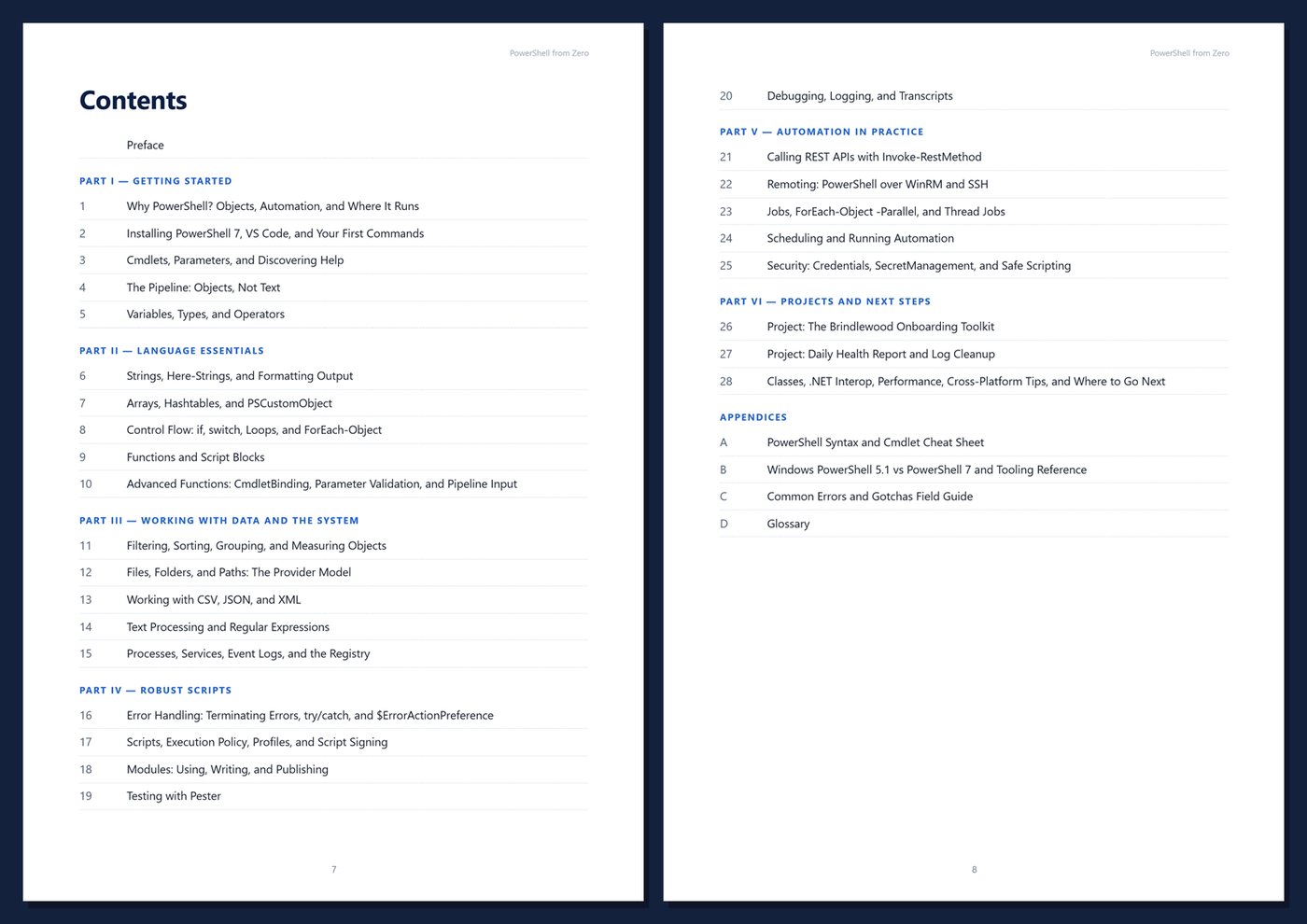
Table of Contents
Part I — Getting Started
- Ch 1 · Why PowerShell? Objects, Automation, and Where It Runs
- Ch 2 · Installing PowerShell 7, VS Code, and Your First Commands
- Ch 3 · Cmdlets, Parameters, and Discovering Help
- Ch 4 · The Pipeline: Objects, Not Text
- Ch 5 · Variables, Types, and Operators
Part II — Language Essentials
- Ch 6 · Strings, Here-Strings, and Formatting Output
- Ch 7 · Arrays, Hashtables, and PSCustomObject
- Ch 8 · Control Flow: if, switch, Loops, and ForEach-Object
- Ch 9 · Functions and Script Blocks
- Ch 10 · Advanced Functions: CmdletBinding, Parameter Validation, and Pipeline Input
Part III — Working with Data and the System
- Ch 11 · Filtering, Sorting, Grouping, and Measuring Objects
- Ch 12 · Files, Folders, and Paths: The Provider Model
- Ch 13 · Working with CSV, JSON, and XML
- Ch 14 · Text Processing and Regular Expressions
- Ch 15 · Processes, Services, Event Logs, and the Registry
Part IV — Robust Scripts
- Ch 16 · Error Handling: Terminating Errors, try/catch, and $ErrorActionPreference
- Ch 17 · Scripts, Execution Policy, Profiles, and Script Signing
- Ch 18 · Modules: Using, Writing, and Publishing
- Ch 19 · Testing with Pester
- Ch 20 · Debugging, Logging, and Transcripts
Part V — Automation in Practice
- Ch 21 · Calling REST APIs with Invoke-RestMethod
- Ch 22 · Remoting: PowerShell over WinRM and SSH
- Ch 23 · Jobs, ForEach-Object -Parallel, and Thread Jobs
- Ch 24 · Scheduling and Running Automation
- Ch 25 · Security: Credentials, SecretManagement, and Safe Scripting
Part VI — Projects and Next Steps
- Ch 26 · Project: The Brindlewood Onboarding Toolkit
- Ch 27 · Project: Daily Health Report and Log Cleanup
- Ch 28 · Classes, .NET Interop, Performance, Cross-Platform Tips, and Where to Go Next
Appendices
A · PowerShell Syntax and Cmdlet Cheat Sheet
B · Windows PowerShell 5.1 vs PowerShell 7 and Tooling Reference
C · Common Errors and Gotchas Field Guide
D · Glossary
Book details
| Detail | |
|---|---|
| Pages | 548 |
| Format | PDF (A4) |
| Language | English |
| Level | Beginner to Intermediate |
| Edition | 1st Edition (2026) |
| Download on this site | Free sample, first 20 pages (PDF) |
| Publisher | thenexbooks |
Files you get
No reviews yet. Only buyers can review.
More from thenexbooks