 1 / 11
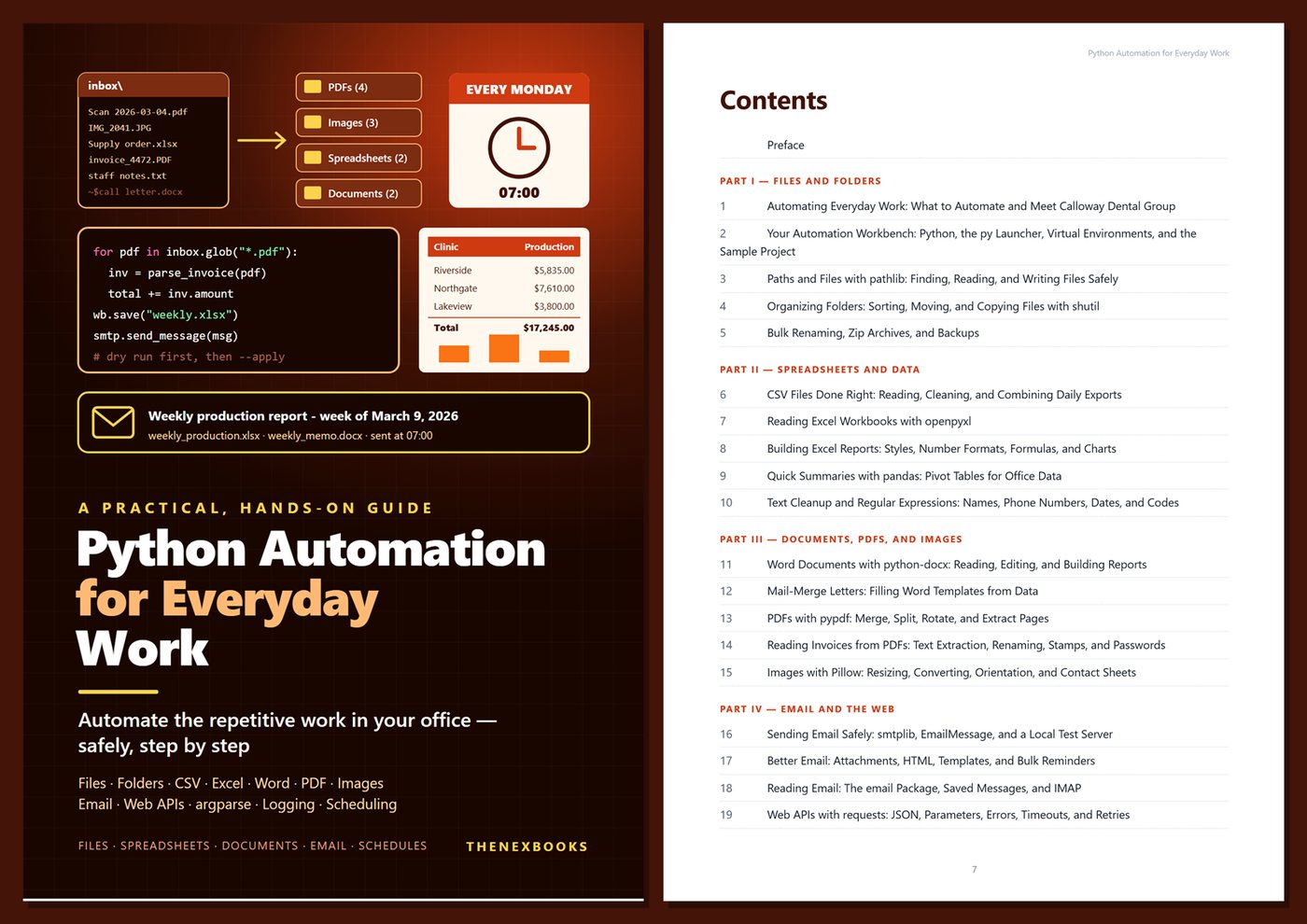
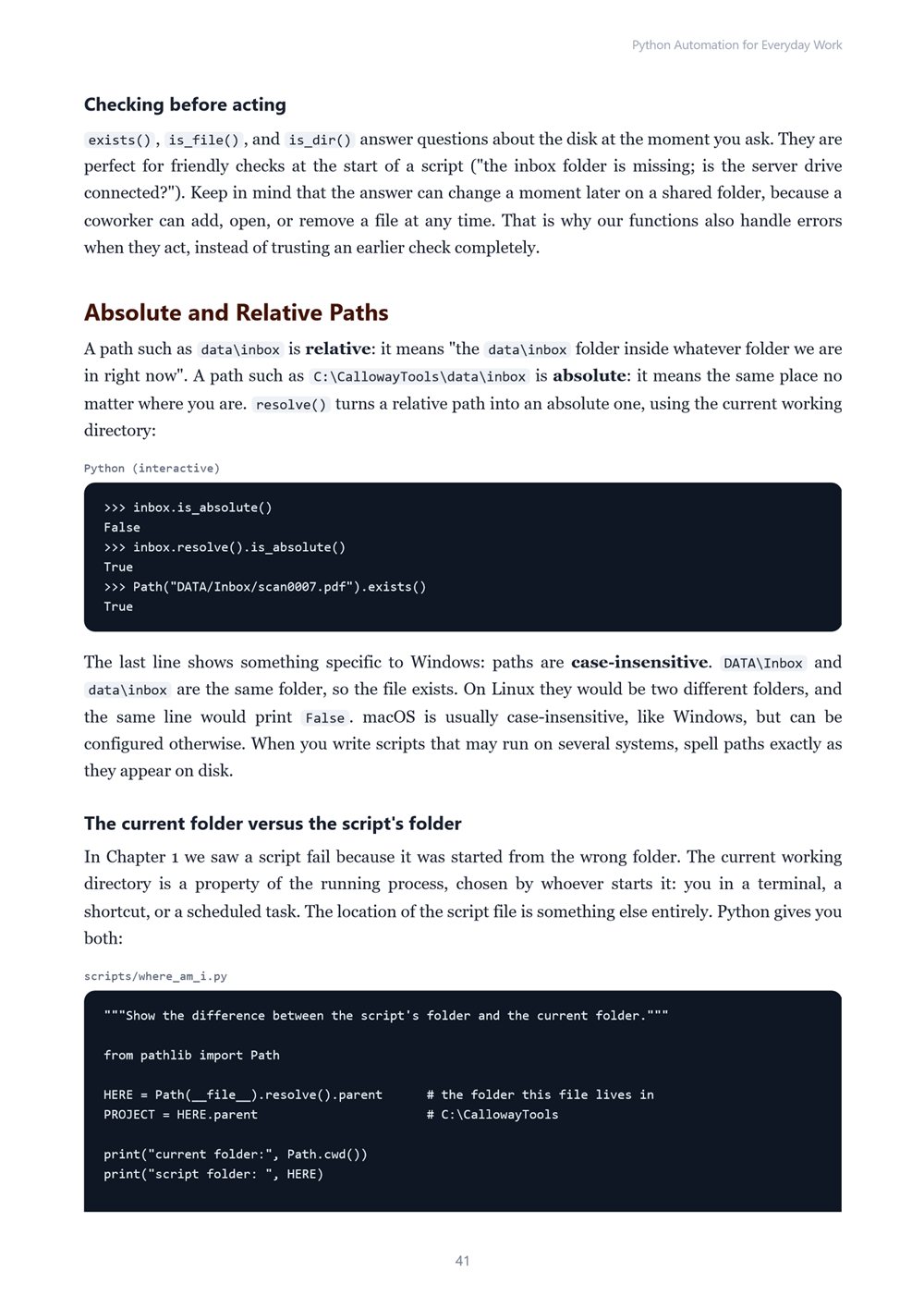
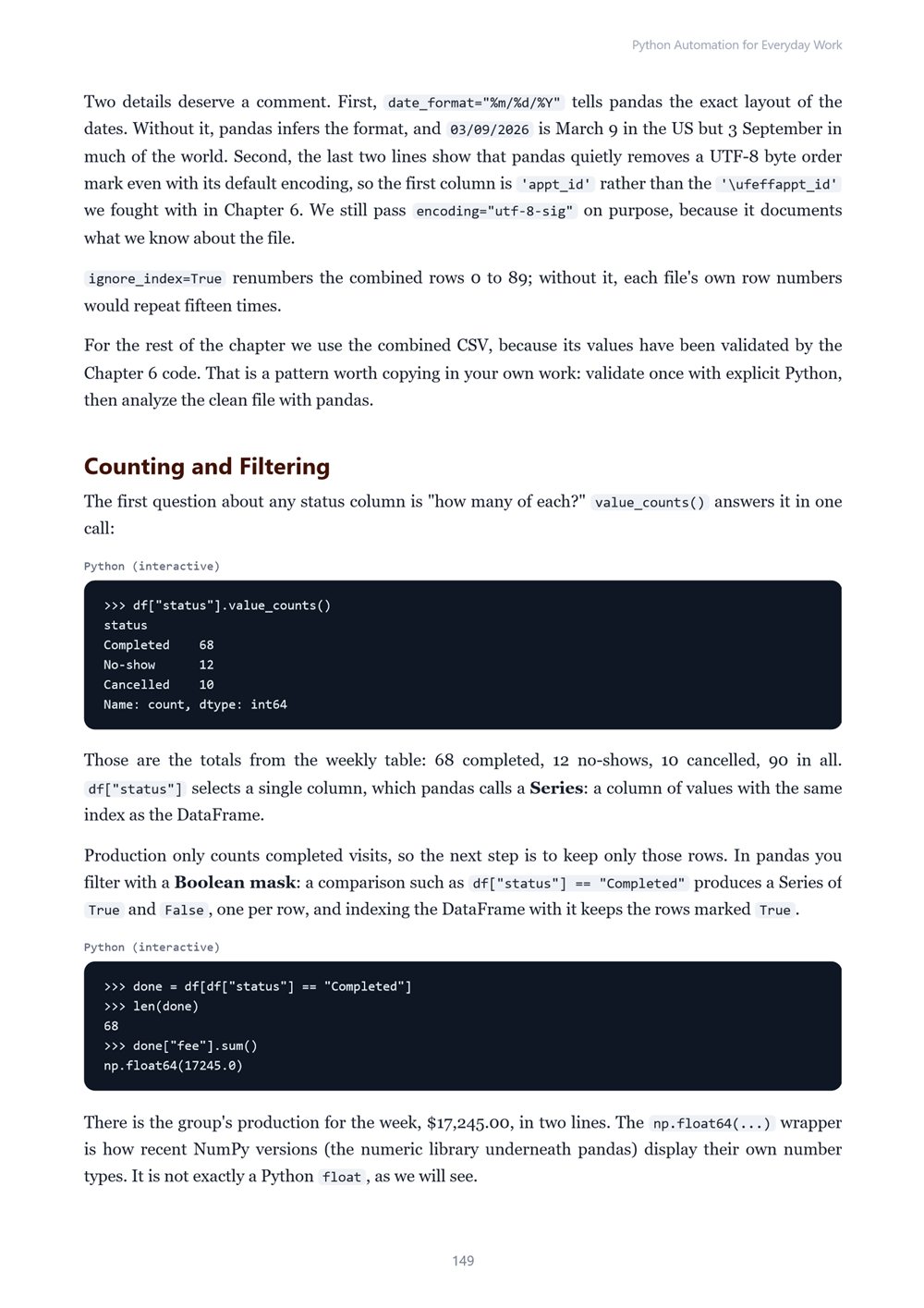
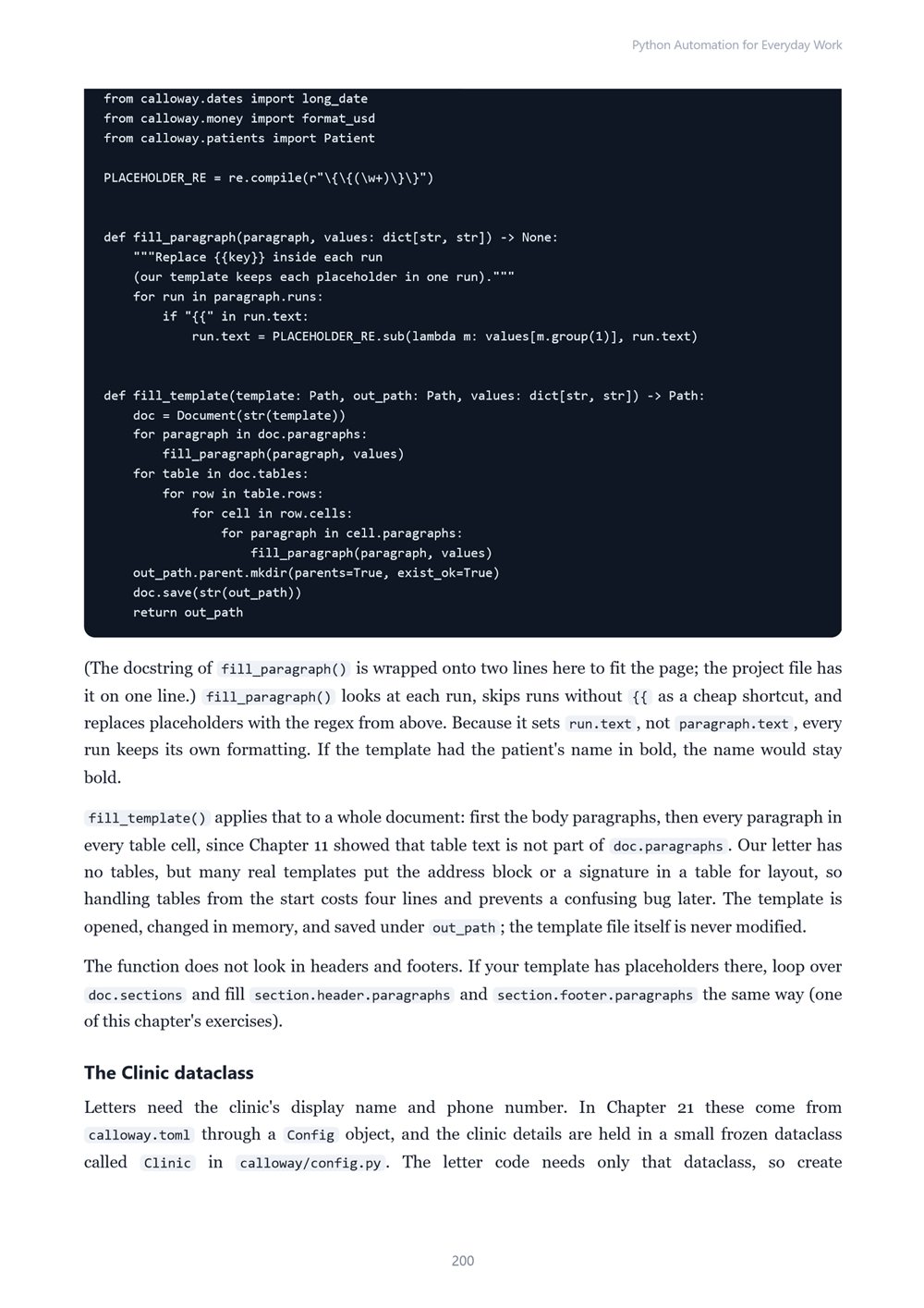
Use the Python you already know to automate real office work: organize and rename files, combine CSV exports, read and build Excel reports, generate Word letters from templates, merge and read PDFs, resize photos, send and read email safely, call web APIs, and turn scripts into scheduled, logged…
Automate Files, Spreadsheets, PDFs, Word Documents, Email, and Scheduled Tasks
Read before you buy: the PDF here is a free sample — the first 20 pages of the 522-page book (payments, sales and reviews on this demo site are sample data). Get the full e-book at thenexbooks on Gumroad.
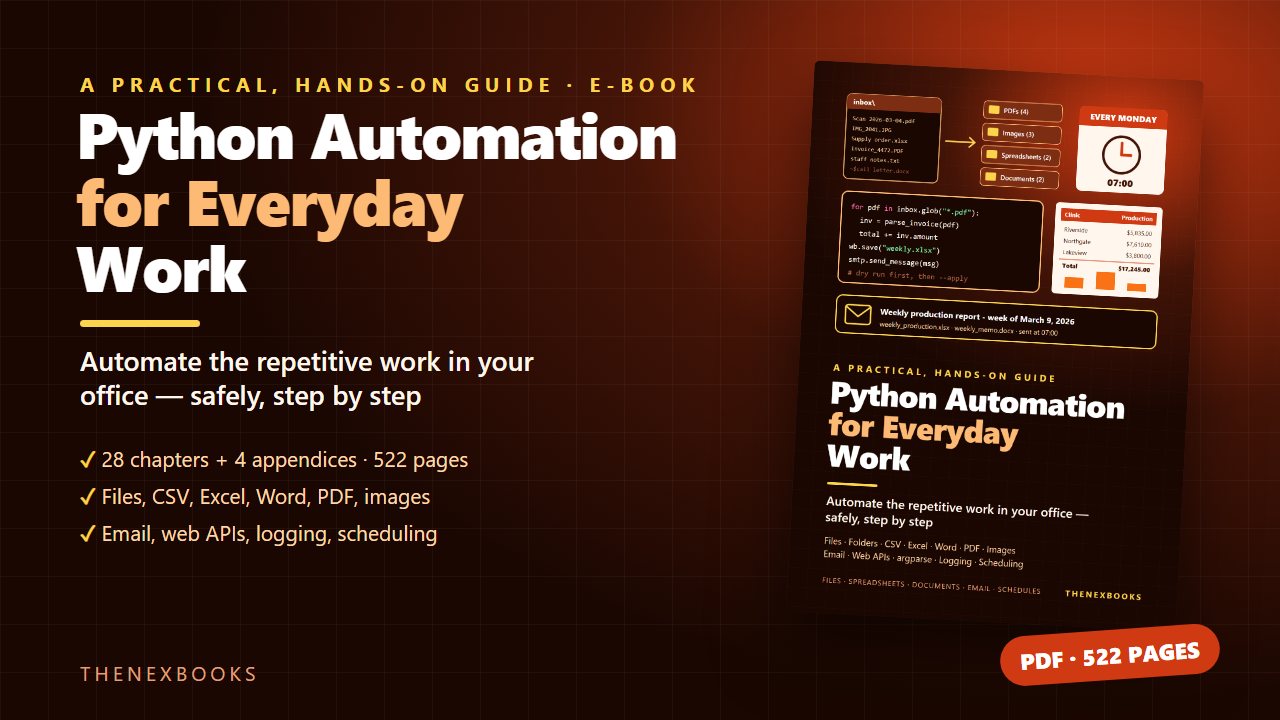
Stop doing the same boring tasks by hand. Let Python do them — safely.
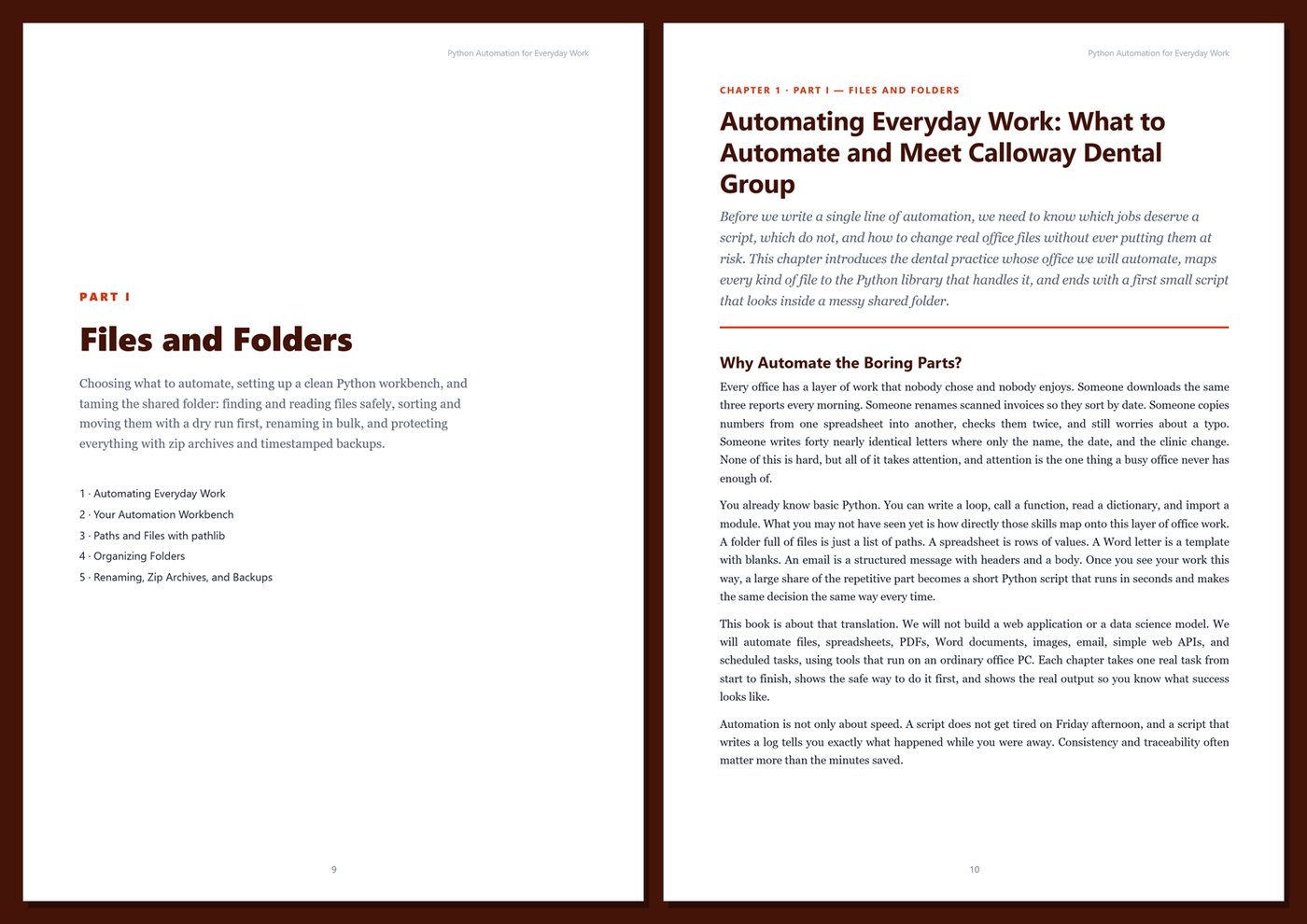
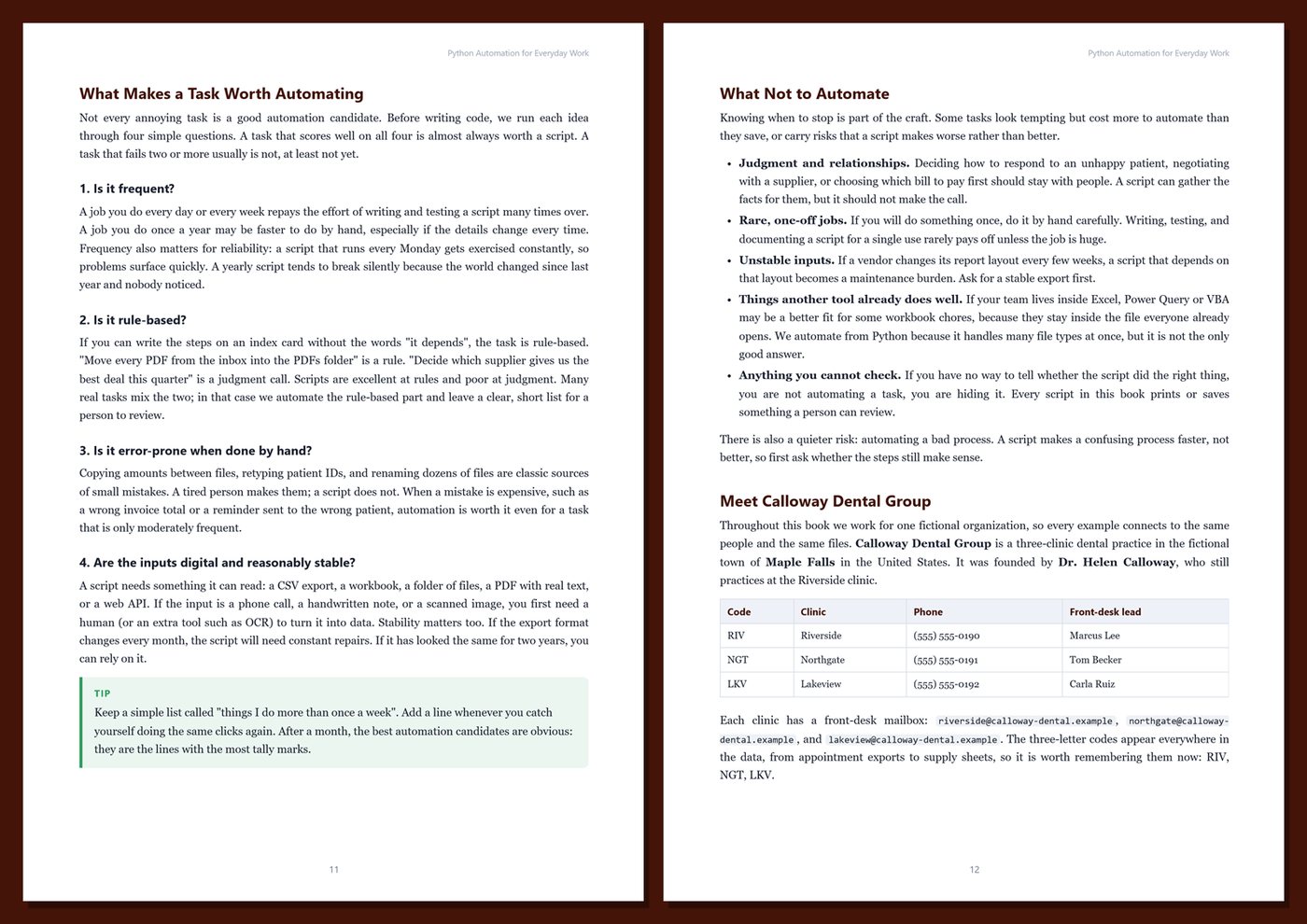
Every office has chores nobody wrote down but everybody does: combining the same exports every Monday, renaming scanned invoices, copying names into letter templates, checking a spreadsheet for low stock, emailing the weekly report. None of it is hard. All of it is slow, repetitive, and easy to get slightly wrong on a busy day.
If you know basic Python, you already have most of what you need. This book shows you how to apply it to the files and tasks you handle every day — and how to make your automations safe to run on real data, produce results people trust, and keep working when nobody is watching.
What's inside
- Choosing what to automate, setting up a clean workbench with the py launcher and virtual environments, and working safely with copies, dry runs, and backups
- Files and folders with pathlib and shutil: finding, reading, and writing files, sorting a messy shared folder, bulk renaming, zip archives, and timestamped backups with retention
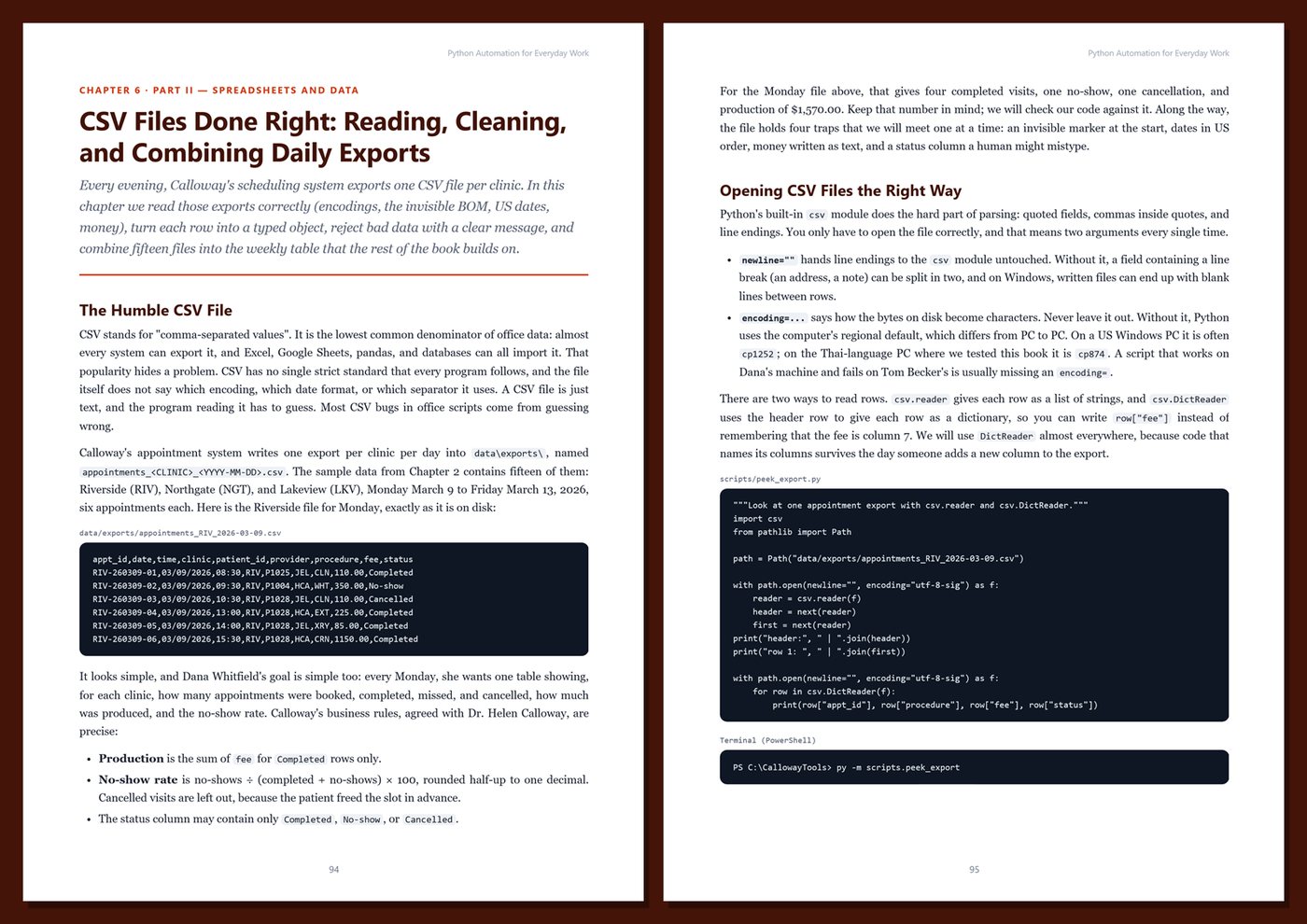
- CSV exports done right: encodings and BOMs, exact money with Decimal, dates that look the same on every computer, and combining many files into one summary
- Excel with openpyxl: reading workbooks, building formatted reports with number formats, formulas, conditional formatting, and charts
- Quick pivot tables with pandas, and cleaning messy names, phone numbers, and dates with regular expressions
- Word documents with python-docx: reading, editing, building reports, and mail-merge letters from a template
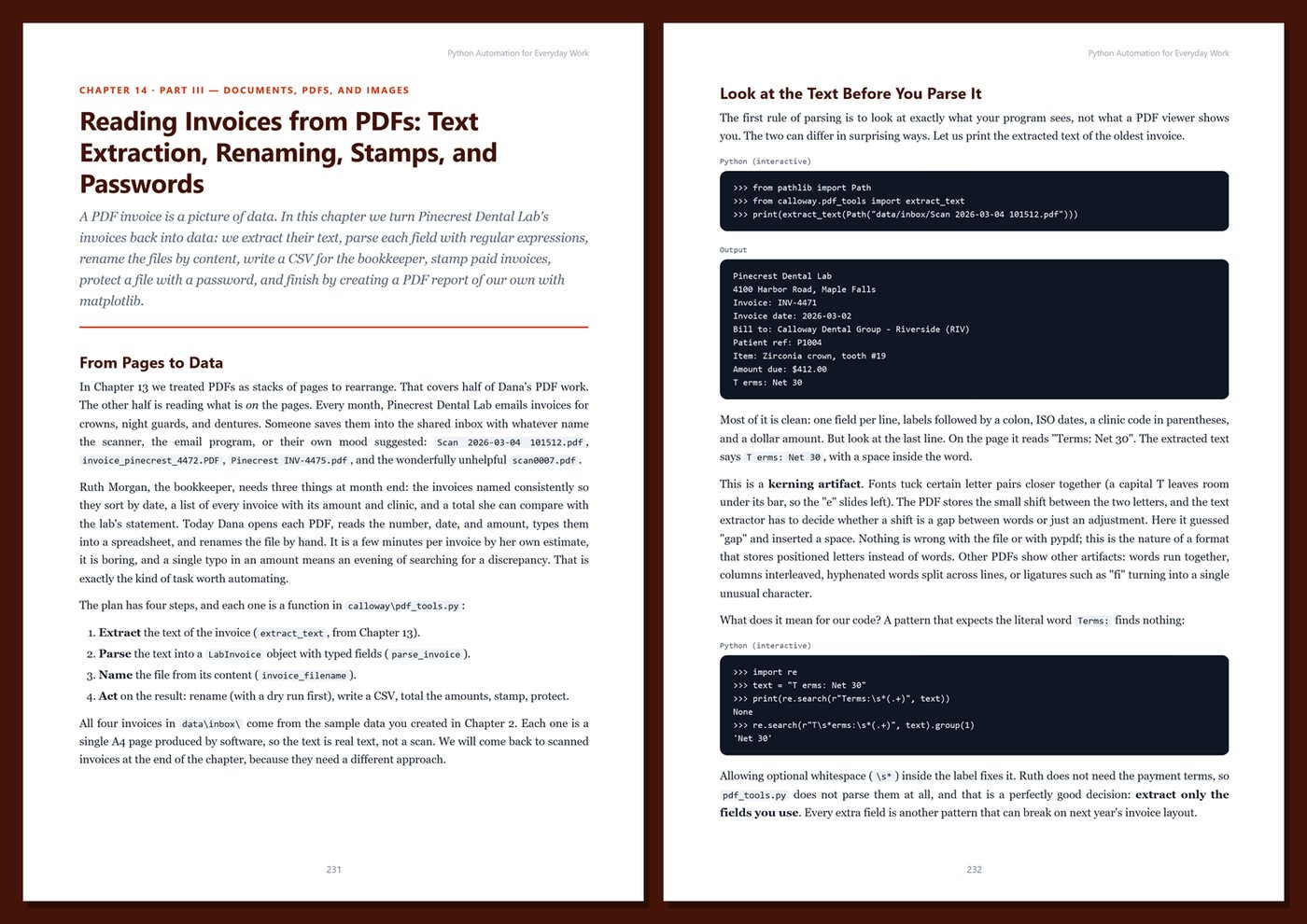
- PDFs with pypdf: merge, split, rotate, extract text, read invoice data, stamp PAID, and password-protect files; images with Pillow: resize, fix orientation, strip metadata, convert, and build contact sheets
- Email with smtplib and the email package: plain and HTML messages, attachments, bulk reminders, reading saved messages, and IMAP — all tested against a local server, never a real mailbox
- Web APIs with requests: parameters, JSON, API keys, timeouts, retries, and error handling
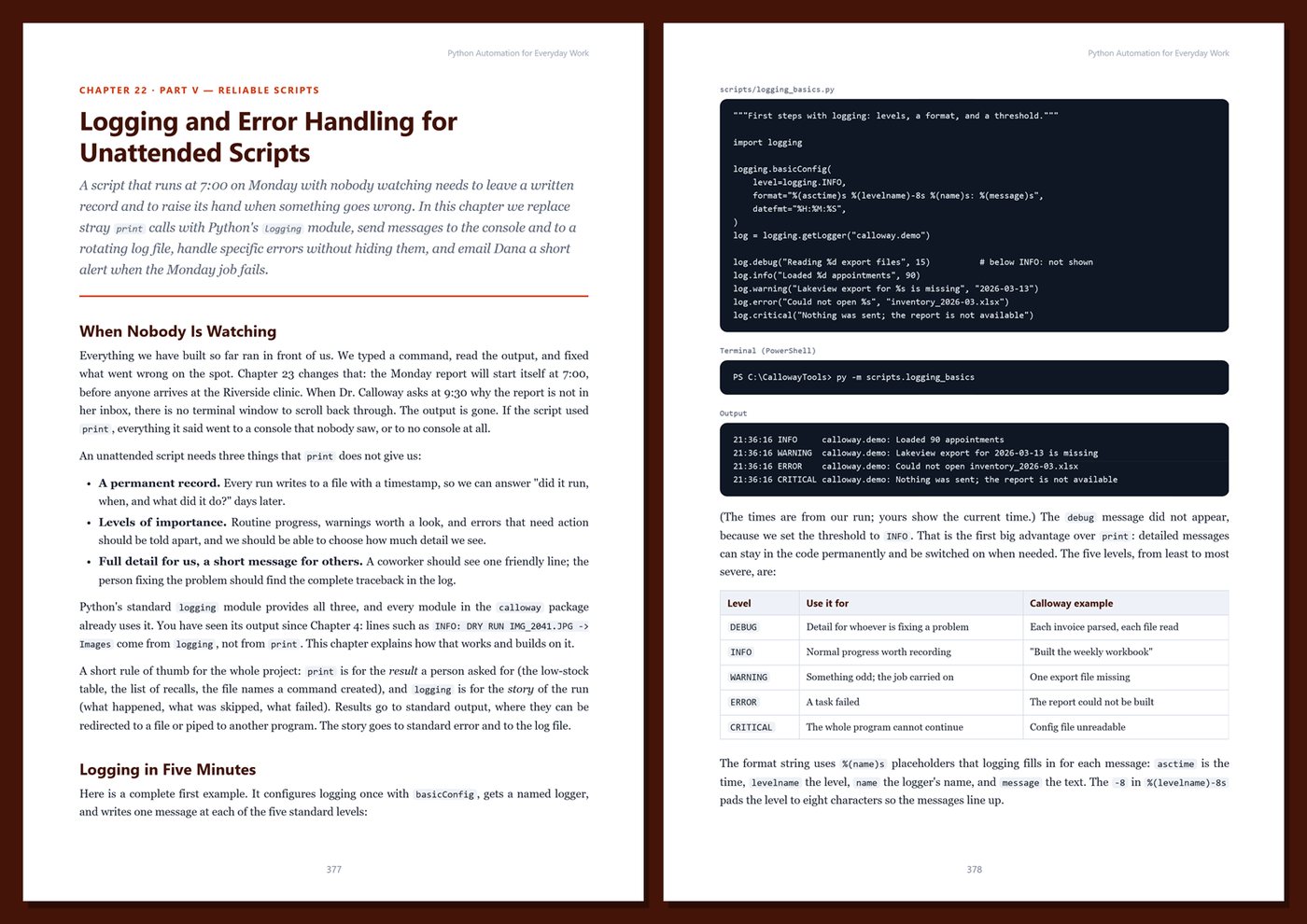
- Reliable scripts: argparse commands and exit codes, TOML configuration and environment variables, logging, Windows Task Scheduler, cron, and the schedule library, plus tests with pytest
- Sharing with coworkers: pyproject.toml, entry points, zipapp, launchers on a shared drive, and a small tkinter window for non-technical colleagues
One running example, start to finish. You automate the office of Calloway Dental Group, a fictional three-clinic dental practice. Its operations manager starts with a chaotic shared folder, fifteen appointment exports to combine every week, a supplies workbook, recall letters, lab invoices arriving as PDFs, oversized clinic photos, and supplier prices to look up. Chapter by chapter those chores become a small, tested toolkit — finishing with a Monday morning report that builds and emails itself and a complete month-end routine. The sample data is small enough to check by hand, and every output in the book was produced by running the code.
Current and honest. The book targets Python 3.12 and works on newer versions, with notes where recent releases add something useful. It is written for Windows, the most common office setup, with notes for macOS and Linux. It contains no invented benchmarks or statistics, never asks you to test against real email accounts or third-party services, and labels anything you must check for your own environment. Every chapter includes runnable code with real output, Tips, Notes, Warnings, exercises, and Key Takeaways, and the appendices give you a cheat sheet, templates and reference tables, a production checklist, and a glossary.
Format: PDF, 522 pages (A4), linked table of contents and bookmarks. English. First Edition, 2026. Published by thenexbooks. Requires basic Python knowledge. This book is independent and is not affiliated with, sponsored by, or endorsed by the Python Software Foundation, Microsoft, or the maintainers of the libraries it covers.
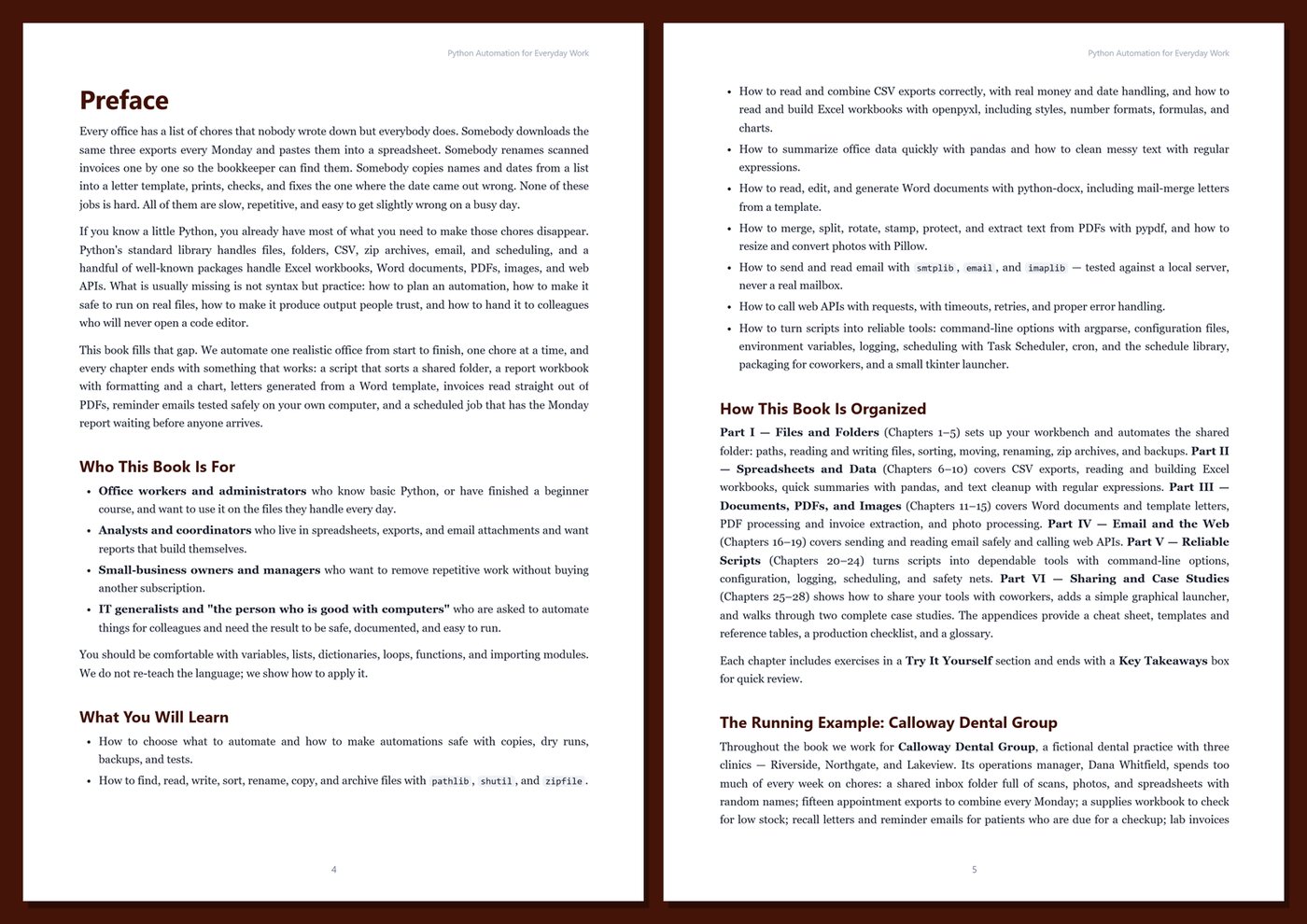
Table of Contents
Part I — Files and Folders
- Ch 1 · Automating Everyday Work: What to Automate and Meet Calloway Dental Group
- Ch 2 · Your Automation Workbench: Python, the py Launcher, Virtual Environments, and the Sample Project
- Ch 3 · Paths and Files with pathlib: Finding, Reading, and Writing Files Safely
- Ch 4 · Organizing Folders: Sorting, Moving, and Copying Files with shutil
- Ch 5 · Bulk Renaming, Zip Archives, and Backups
Part II — Spreadsheets and Data
- Ch 6 · CSV Files Done Right: Reading, Cleaning, and Combining Daily Exports
- Ch 7 · Reading Excel Workbooks with openpyxl
- Ch 8 · Building Excel Reports: Styles, Number Formats, Formulas, and Charts
- Ch 9 · Quick Summaries with pandas: Pivot Tables for Office Data
- Ch 10 · Text Cleanup and Regular Expressions: Names, Phone Numbers, Dates, and Codes
Part III — Documents, PDFs, and Images
- Ch 11 · Word Documents with python-docx: Reading, Editing, and Building Reports
- Ch 12 · Mail-Merge Letters: Filling Word Templates from Data
- Ch 13 · PDFs with pypdf: Merge, Split, Rotate, and Extract Pages
- Ch 14 · Reading Invoices from PDFs: Text Extraction, Renaming, Stamps, and Passwords
- Ch 15 · Images with Pillow: Resizing, Converting, Orientation, and Contact Sheets
Part IV — Email and the Web
- Ch 16 · Sending Email Safely: smtplib, EmailMessage, and a Local Test Server
- Ch 17 · Better Email: Attachments, HTML, Templates, and Bulk Reminders
- Ch 18 · Reading Email: The email Package, Saved Messages, and IMAP
- Ch 19 · Web APIs with requests: JSON, Parameters, Errors, Timeouts, and Retries
Part V — Reliable Scripts
- Ch 20 · Command-Line Scripts with argparse: Options, Subcommands, and Exit Codes
- Ch 21 · Configuration Files, Environment Variables, and Secrets
- Ch 22 · Logging and Error Handling for Unattended Scripts
- Ch 23 · Scheduling: Windows Task Scheduler, cron, and the schedule Library
- Ch 24 · Safety Nets: Dry Runs, Backups, Idempotent Scripts, and Tests with pytest
Part VI — Sharing and Case Studies
- Ch 25 · Sharing Scripts with Coworkers: pyproject.toml, Entry Points, zipapp, and Launchers
- Ch 26 · A Friendly Front End: A Small tkinter Launcher for Your Scripts
- Ch 27 · Case Study: The Monday Morning Report Pipeline
- Ch 28 · Case Study: Month-End at Calloway Dental Group, and Where to Go Next
Appendices
A · Python Automation Cheat Sheet
B · Templates and Reference
C · Automation Production Checklist
D · Glossary
Book details
| Detail | |
|---|---|
| Pages | 522 |
| Format | PDF (A4) |
| Language | English |
| Level | Beginner to Intermediate (basic Python required) |
| Edition | 1st Edition (2026) |
| Download on this site | Free sample, first 20 pages (PDF) |
| Publisher | thenexbooks |
Files you get
No reviews yet. Only buyers can review.
More from thenexbooks