 1 / 11
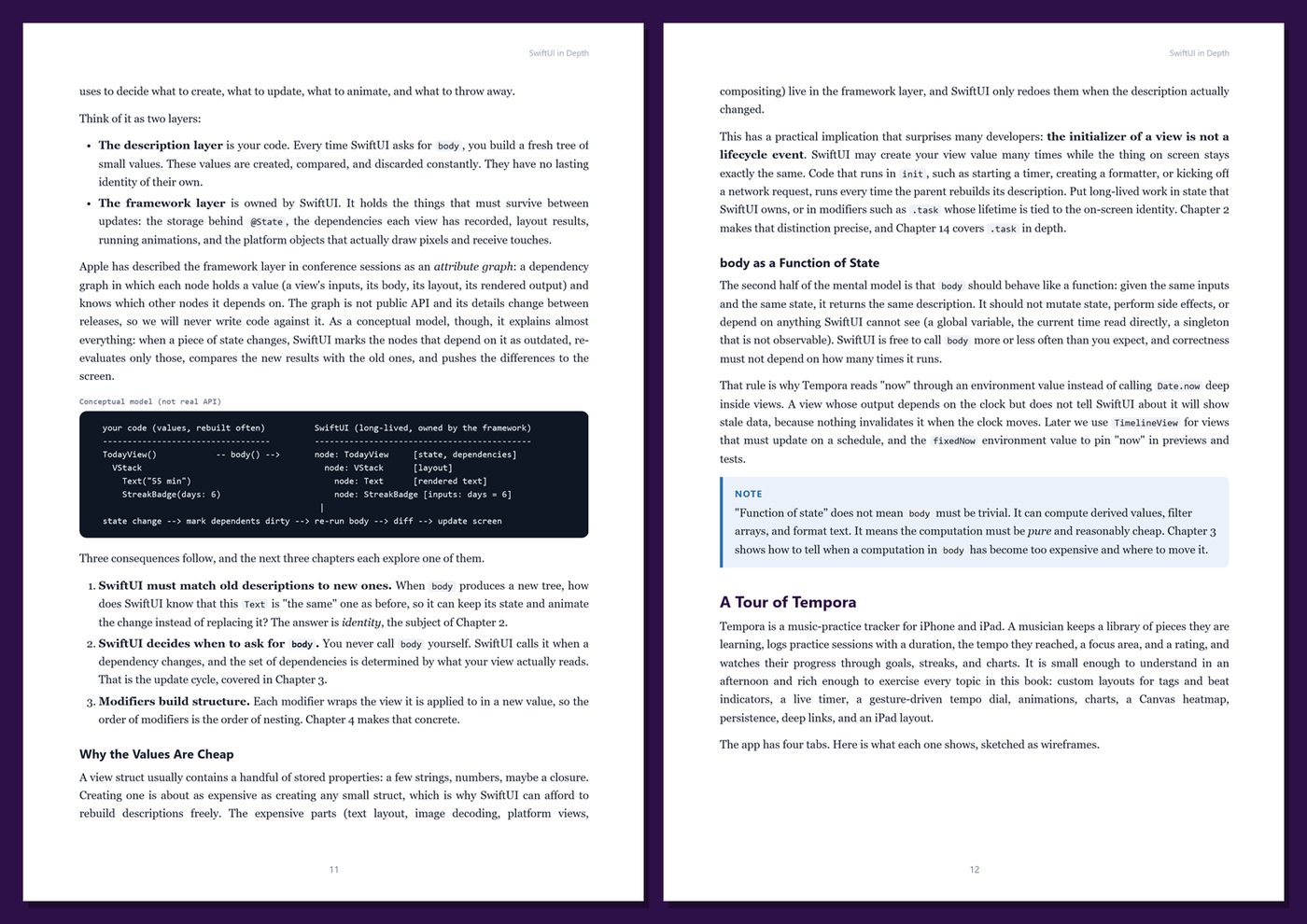
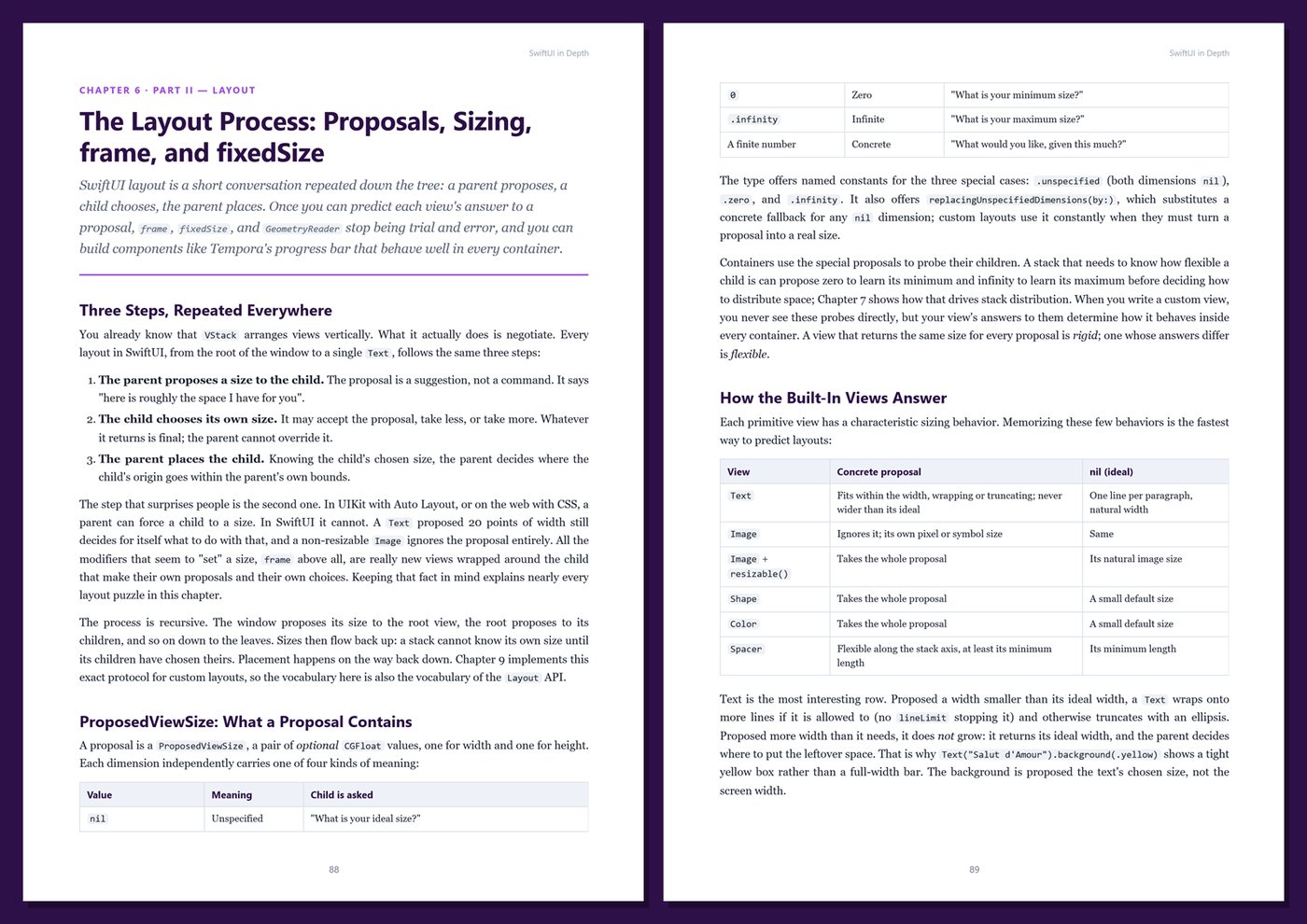
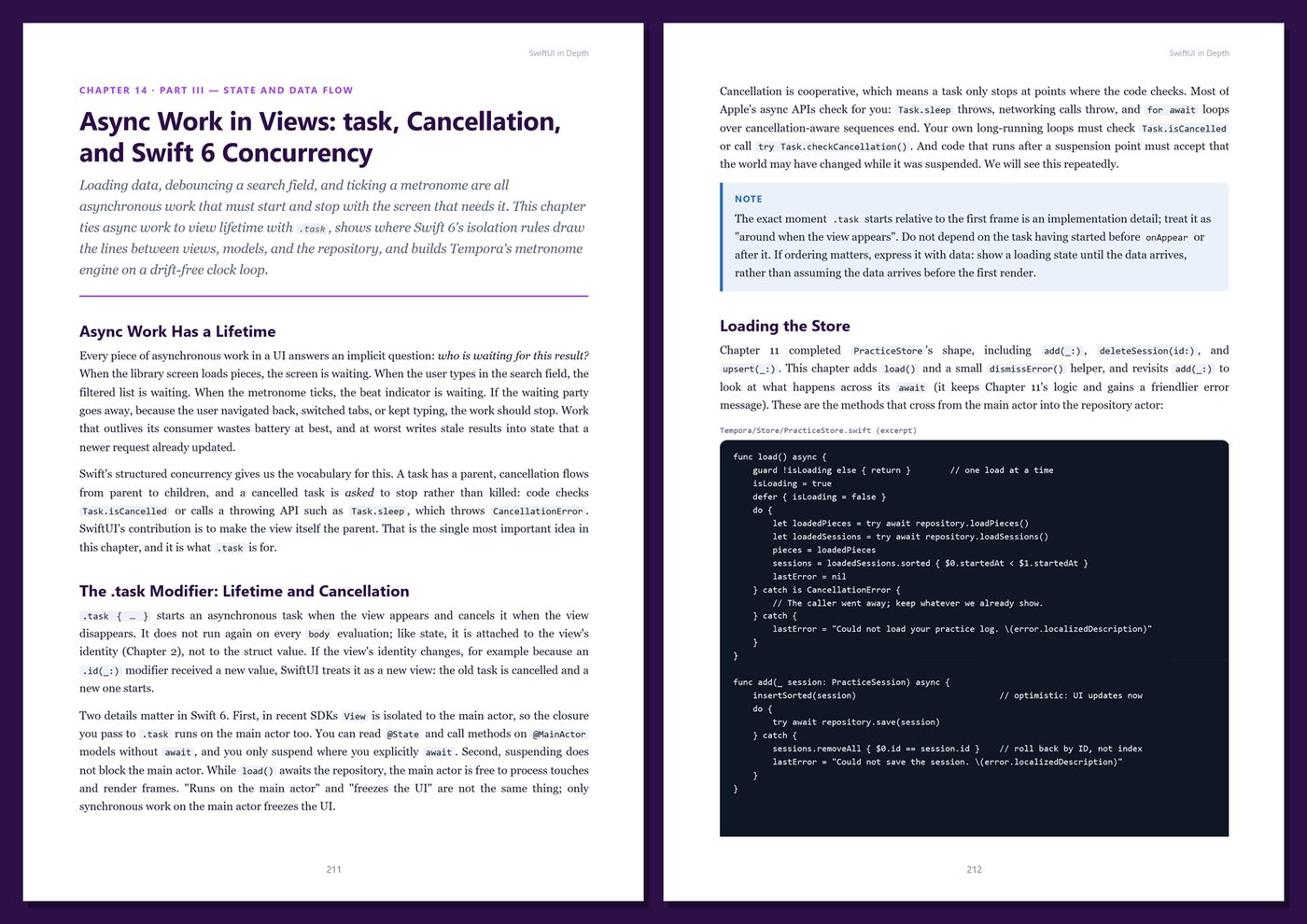
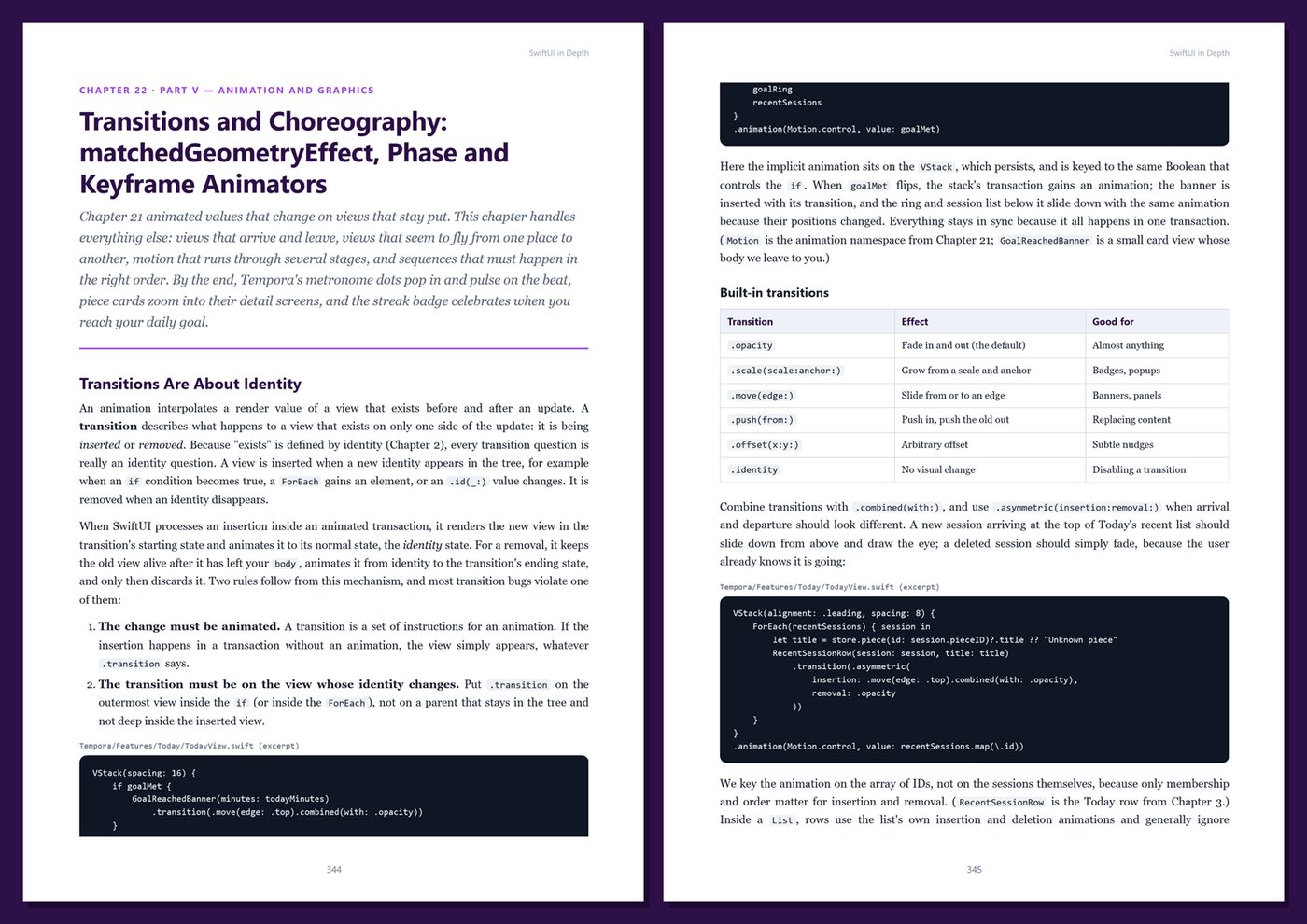
Go beyond the basics of SwiftUI and learn how it really works: view identity and lifetime, the update cycle, modifiers and preferences, the layout process, the Layout protocol, custom containers, the Observation framework, data flow and the environment, async work under Swift 6 concurrency…
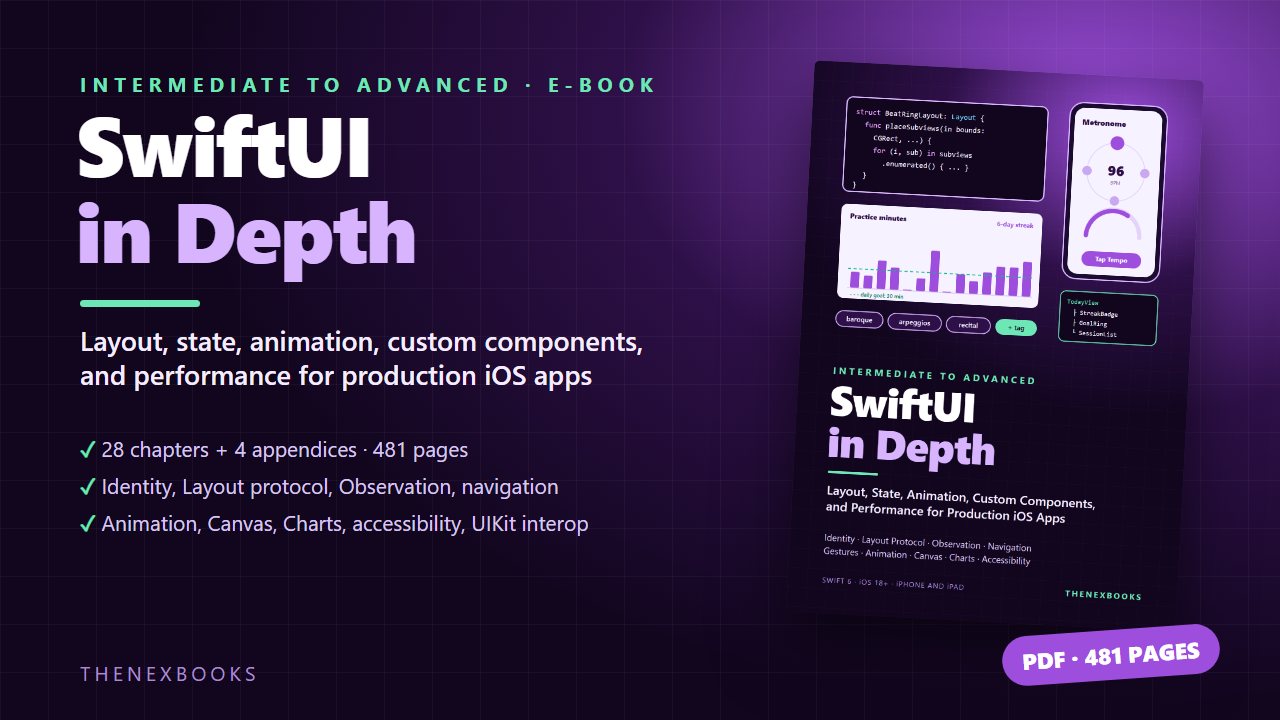
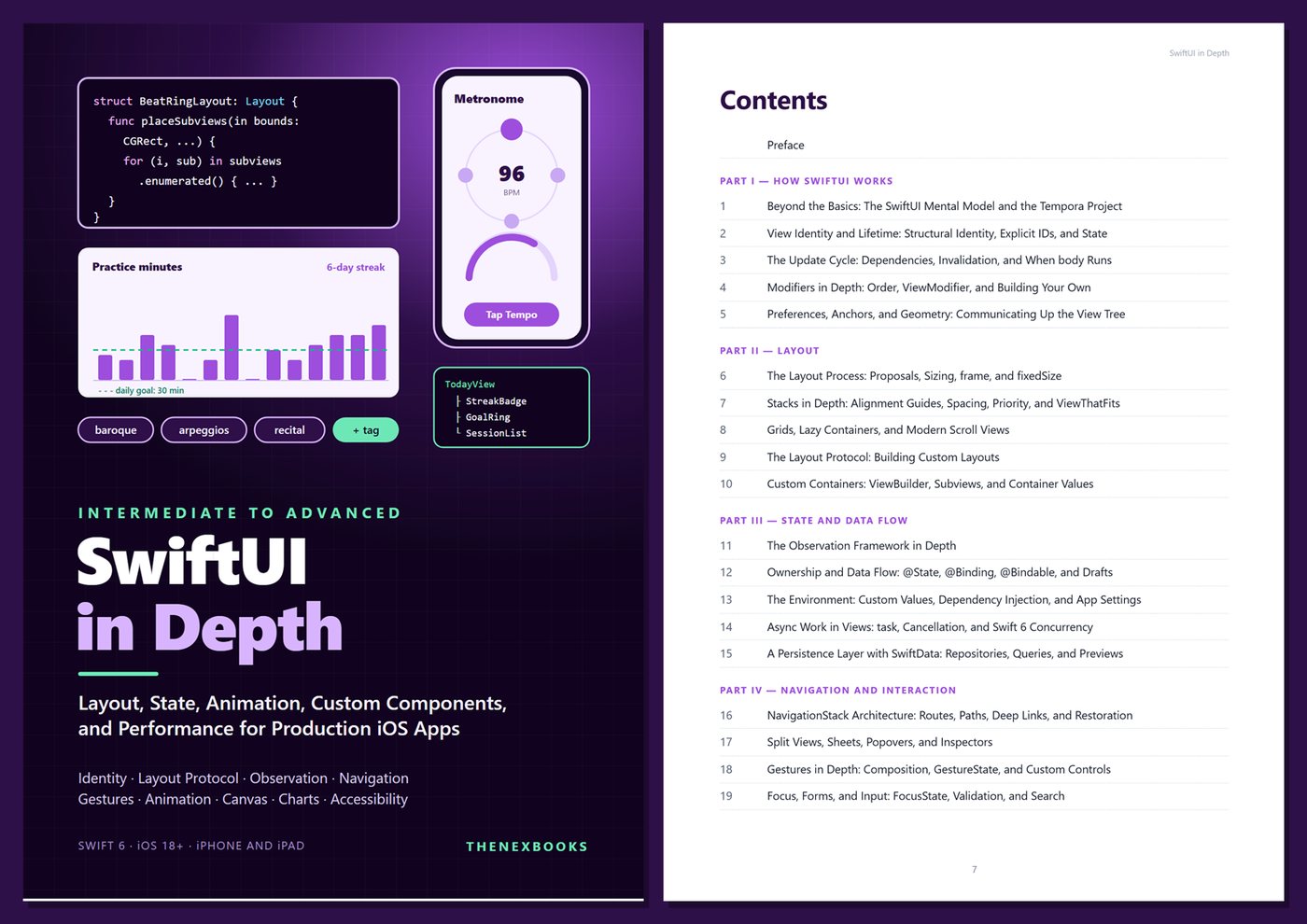
Layout, State, Animation, Custom Components, and Performance for Production iOS Apps
Read before you buy: the PDF here is a free sample — the first 20 pages of the 481-page book (payments, sales and reviews on this demo site are sample data). Get the full e-book at thenexbooks on Gumroad.
You can already build a SwiftUI screen. This book shows you why it behaves the way it does — and how to build apps that feel finished.
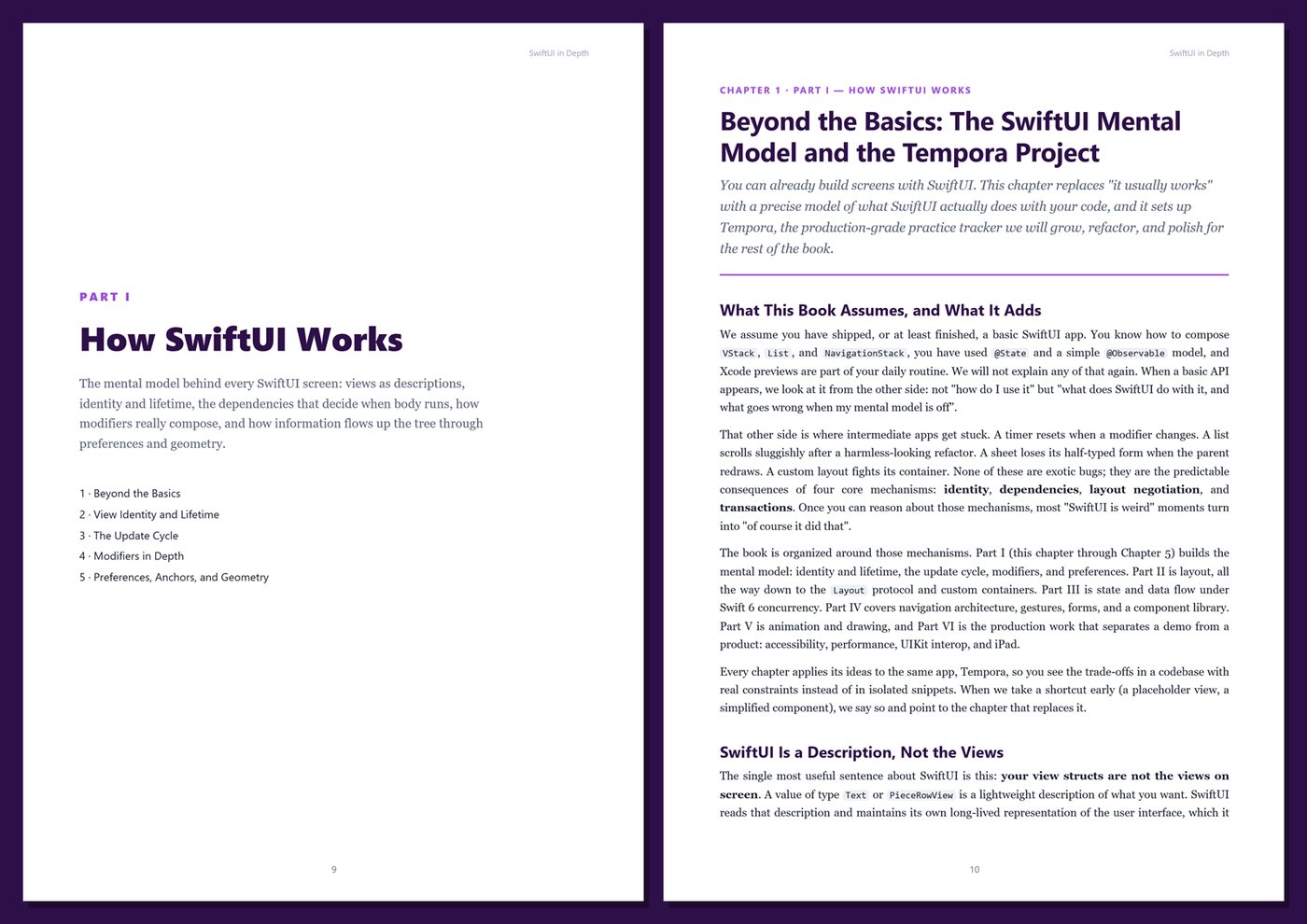
A view resets its state for no obvious reason. A timer tick steals focus from a text field. An animation runs on the wrong element. A layout clips on one device, and the GeometryReader fix breaks another screen. A list stutters with real data and nobody can say which view is redrawing. These problems all come from the same place: SwiftUI is easy to write and harder to reason about.
SwiftUI in Depth explains the rules underneath — identity, dependencies, size proposals, transactions, and the environment — so you can predict what SwiftUI will do instead of guessing. Then it puts those rules to work building custom layouts, containers, controls, styles, animations, and drawings for a real app, and finishes with the production work most tutorials skip: accessibility for custom controls, measuring and fixing performance, UIKit interop, and iPad.
What's inside
- The SwiftUI mental model: views as descriptions, structural and explicit identity, state lifetime, and exactly what makes body run again
- Debugging view updates with Self._printChanges and Instruments, and narrowing dependencies so screens stay fast
- Modifiers in depth: why order matters, ViewModifier, geometry effects, hit testing, and building your own reusable modifiers
- Preferences, anchors, and onGeometryChange for sending information up the view tree
- The layout process: size proposals, frame and fixedSize, stacks, alignment guides, layout priority, ViewThatFits, grids, lazy containers, and modern scroll APIs
- The Layout protocol: a flow layout for tags, an equal-width stack, and a radial beat ring — plus custom containers built with the iOS 18 subview APIs and container values
- The Observation framework in depth, state ownership, bindings and drafts, the environment as dependency injection, and the @Entry macro
- Async work in views with task and task(id:), cancellation, main-actor isolation, and Sendable under the Swift 6 language mode
- A persistence layer with SwiftData behind a repository, with in-memory previews and tests
- Navigation architecture: typed routes, per-tab paths, deep links, state restoration, split views, sheets, popovers, and inspectors
- Gestures in depth with a custom tempo dial, focus and form validation, search, and a reusable library of button, toggle, label, and gauge styles
- Animation in depth: transactions, springs, animatable data, transitions, matchedGeometryEffect, zoom transitions, phase and keyframe animators
- Drawing with shapes, paths, gradients, and Canvas, live views with TimelineView, and data visualization with Swift Charts
- Accessibility for custom controls: adjustable actions, accessibility representations, custom rotors, Canvas and chart accessibility, Dynamic Type
- UIKit interop with representables, coordinators, hosting controllers, and hosting configurations
- iPad and multiplatform: adaptive layouts, sidebar-adaptable tabs, keyboard shortcuts, and Liquid Glass effects on recent iOS versions with clean fallbacks
One running example, start to finish. You build Tempora, a fictional music-practice tracker for iPhone and iPad: a library of pieces with target tempos, logged practice sessions, a live practice timer, a visual metronome with tap tempo, daily goals and streaks, charts, and a practice heatmap. Every technique in the book is applied to a real screen of the same app, and the sample data is small and fixed, so you can check every number by hand.
Current and honest. The code uses the Swift 6 language mode and targets iOS 18 with recent Xcode versions; features that need iOS 26 are clearly marked and wrapped in availability checks with a fallback. The book contains no invented benchmarks or statistics — performance chapters teach you how to measure, not what to believe. Every chapter includes complete Swift listings, Tips, Notes, Warnings, Try It Yourself exercises, and Key Takeaways, and the appendices give you a cheat sheet, copy-ready templates, a production checklist, and a glossary. This is not a beginner book: it assumes you have already built a basic SwiftUI app.
Format: PDF, 481 pages (A4), linked table of contents and bookmarks. English. First Edition, 2026. Published by thenexbooks. Requires a Mac with Xcode to run the examples. Apple, iPhone, iPad, Xcode, Swift, and SwiftUI are trademarks of Apple Inc. This book is independent and is not affiliated with, sponsored by, or endorsed by Apple Inc.
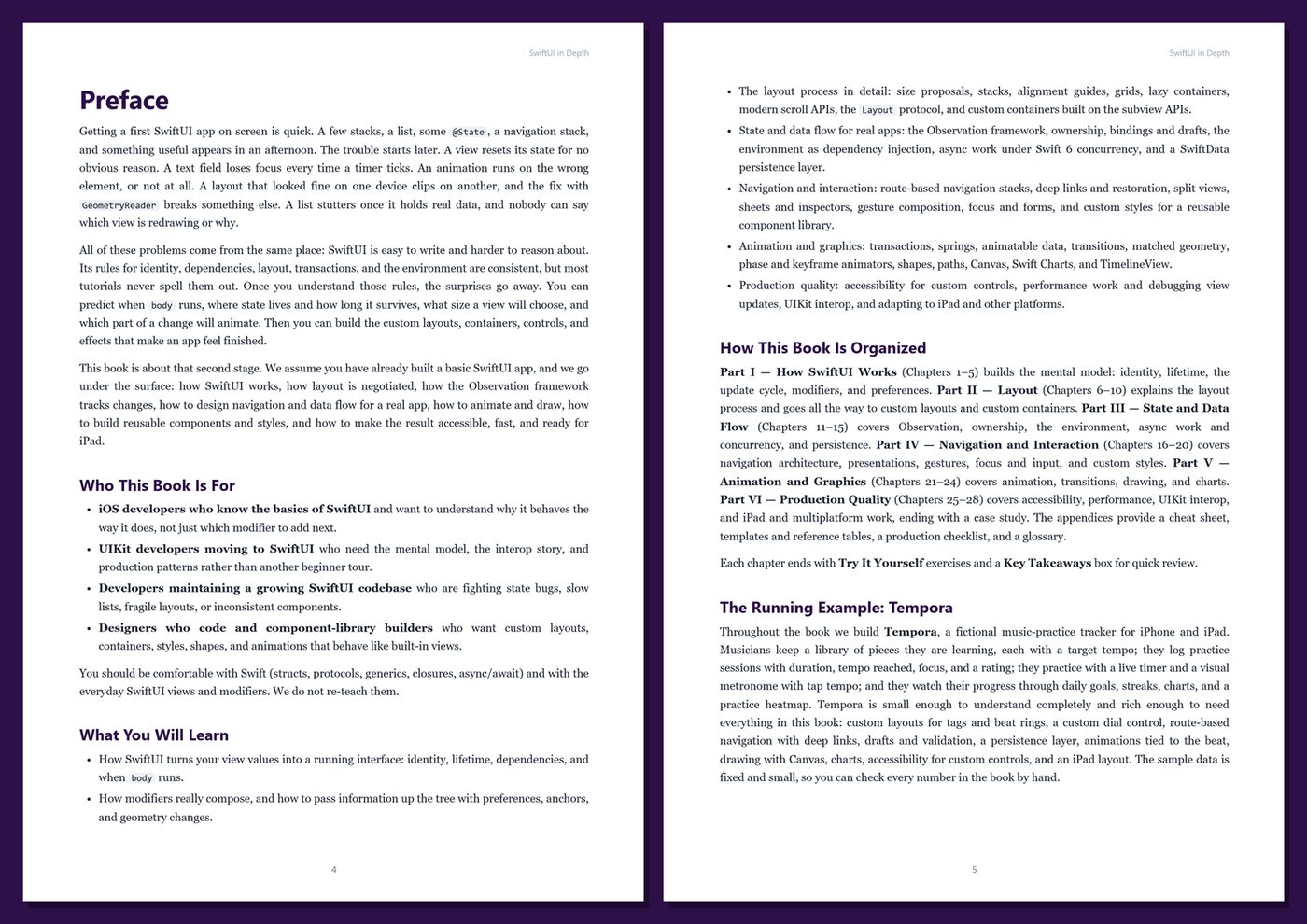
Table of Contents
Part I — How SwiftUI Works
- Ch 1 · Beyond the Basics: The SwiftUI Mental Model and the Tempora Project
- Ch 2 · View Identity and Lifetime: Structural Identity, Explicit IDs, and State
- Ch 3 · The Update Cycle: Dependencies, Invalidation, and When body Runs
- Ch 4 · Modifiers in Depth: Order, ViewModifier, and Building Your Own
- Ch 5 · Preferences, Anchors, and Geometry: Communicating Up the View Tree
Part II — Layout
- Ch 6 · The Layout Process: Proposals, Sizing, frame, and fixedSize
- Ch 7 · Stacks in Depth: Alignment Guides, Spacing, Priority, and ViewThatFits
- Ch 8 · Grids, Lazy Containers, and Modern Scroll Views
- Ch 9 · The Layout Protocol: Building Custom Layouts
- Ch 10 · Custom Containers: ViewBuilder, Subviews, and Container Values
Part III — State and Data Flow
- Ch 11 · The Observation Framework in Depth
- Ch 12 · Ownership and Data Flow: @State, @Binding, @Bindable, and Drafts
- Ch 13 · The Environment: Custom Values, Dependency Injection, and App Settings
- Ch 14 · Async Work in Views: task, Cancellation, and Swift 6 Concurrency
- Ch 15 · A Persistence Layer with SwiftData: Repositories, Queries, and Previews
Part IV — Navigation and Interaction
- Ch 16 · NavigationStack Architecture: Routes, Paths, Deep Links, and Restoration
- Ch 17 · Split Views, Sheets, Popovers, and Inspectors
- Ch 18 · Gestures in Depth: Composition, GestureState, and Custom Controls
- Ch 19 · Focus, Forms, and Input: FocusState, Validation, and Search
- Ch 20 · Custom Styles and a Reusable Component Library
Part V — Animation and Graphics
- Ch 21 · Animation in Depth: Transactions, Springs, and Animatable Data
- Ch 22 · Transitions and Choreography: matchedGeometryEffect, Phase and Keyframe Animators
- Ch 23 · Shapes, Paths, and Canvas: Drawing Custom Graphics
- Ch 24 · Data Visualization with Swift Charts and TimelineView
Part VI — Production Quality
- Ch 25 · Accessibility in Depth: Custom Controls, Rotors, and Dynamic Type
- Ch 26 · Performance and Debugging View Updates
- Ch 27 · UIKit Interop: Representables, Hosting Controllers, and Coordinators
- Ch 28 · iPad, Multiplatform, and Shipping Tempora: A Case Study
Appendices
A · SwiftUI Cheat Sheet
B · Templates and Reference
C · Production Checklist
D · Glossary
Book details
| Detail | |
|---|---|
| Pages | 481 |
| Format | PDF (A4) |
| Language | English |
| Level | Intermediate to Advanced |
| Edition | 1st Edition (2026) |
| Download on this site | Free sample, first 20 pages (PDF) |
| Publisher | thenexbooks |
ไฟล์ที่คุณจะได้รับ
ยังไม่มีรีวิว เฉพาะผู้ซื้อเท่านั้นที่รีวิวได้
สินค้าอื่นจาก thenexbooks