 1 / 11
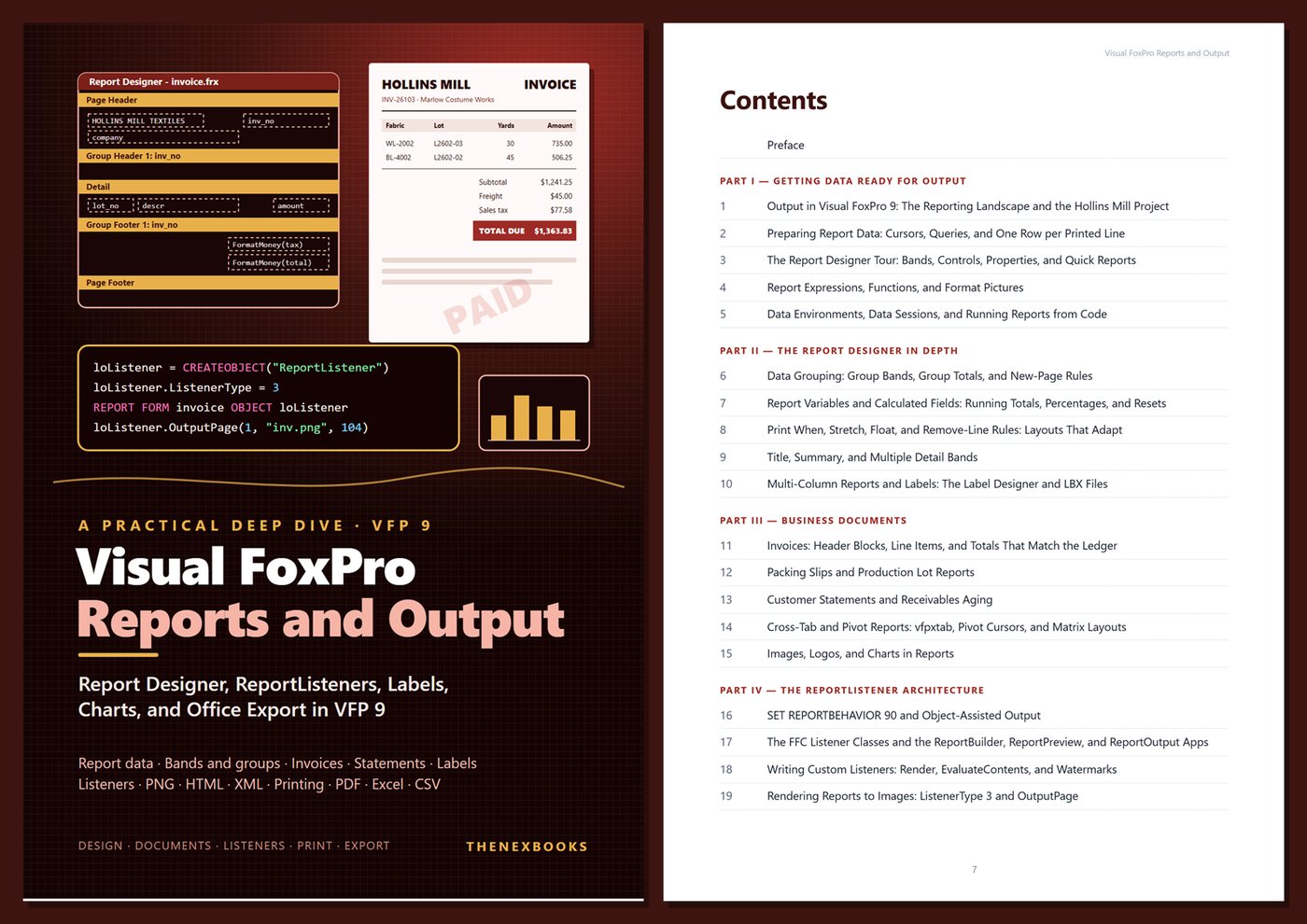
A deep dive into getting data out of Visual FoxPro 9: report data preparation, the Report Designer in depth, report expressions, labels, invoices, statements, aging, cross-tabs, charts, SET REPORTBEHAVIOR 90 and the ReportListener architecture, custom listeners and watermarks, PNG/HTML/XML output…
Report Designer, ReportListeners, Labels, Charts, and Office Export in VFP 9
Read before you buy: the PDF here is a free sample — the first 20 pages of the 445-page book (payments, sales and reviews on this demo site are sample data). Get the full e-book at thenexbooks on Gumroad.
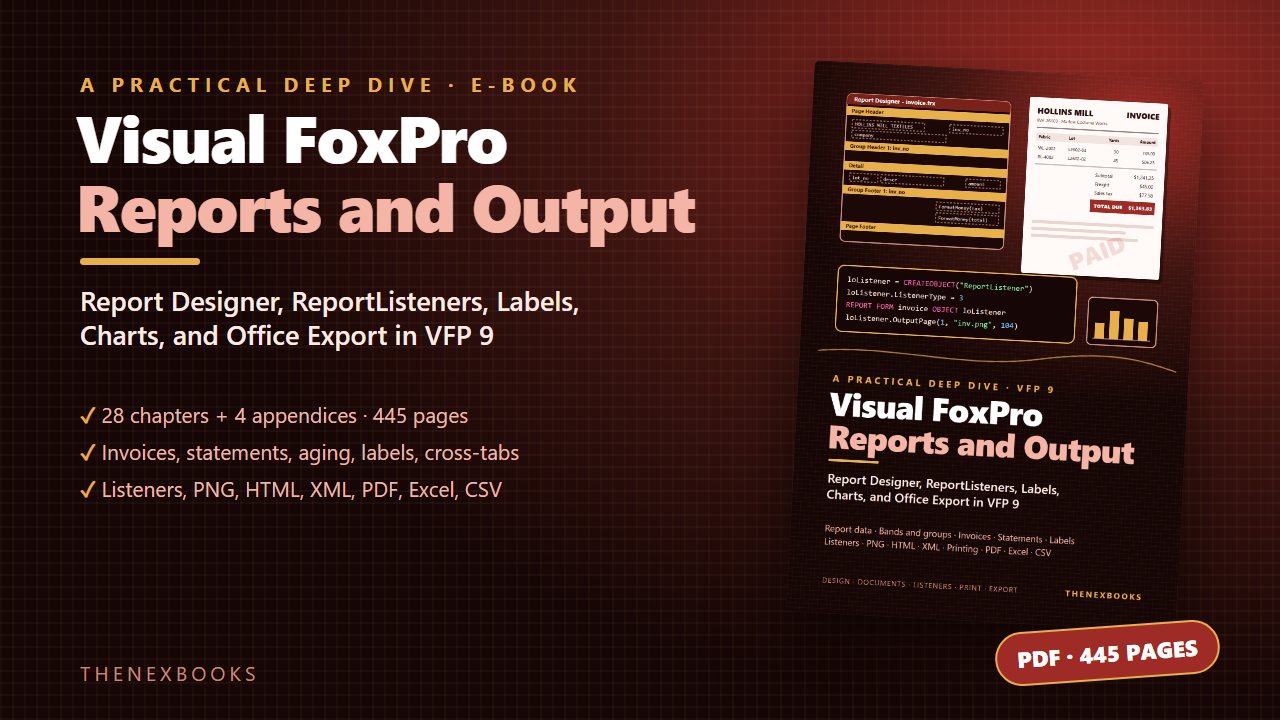
Make every report, label, and export in your VFP 9 application dependable — and get your output off the old printer and into images, HTML, Excel, and files.
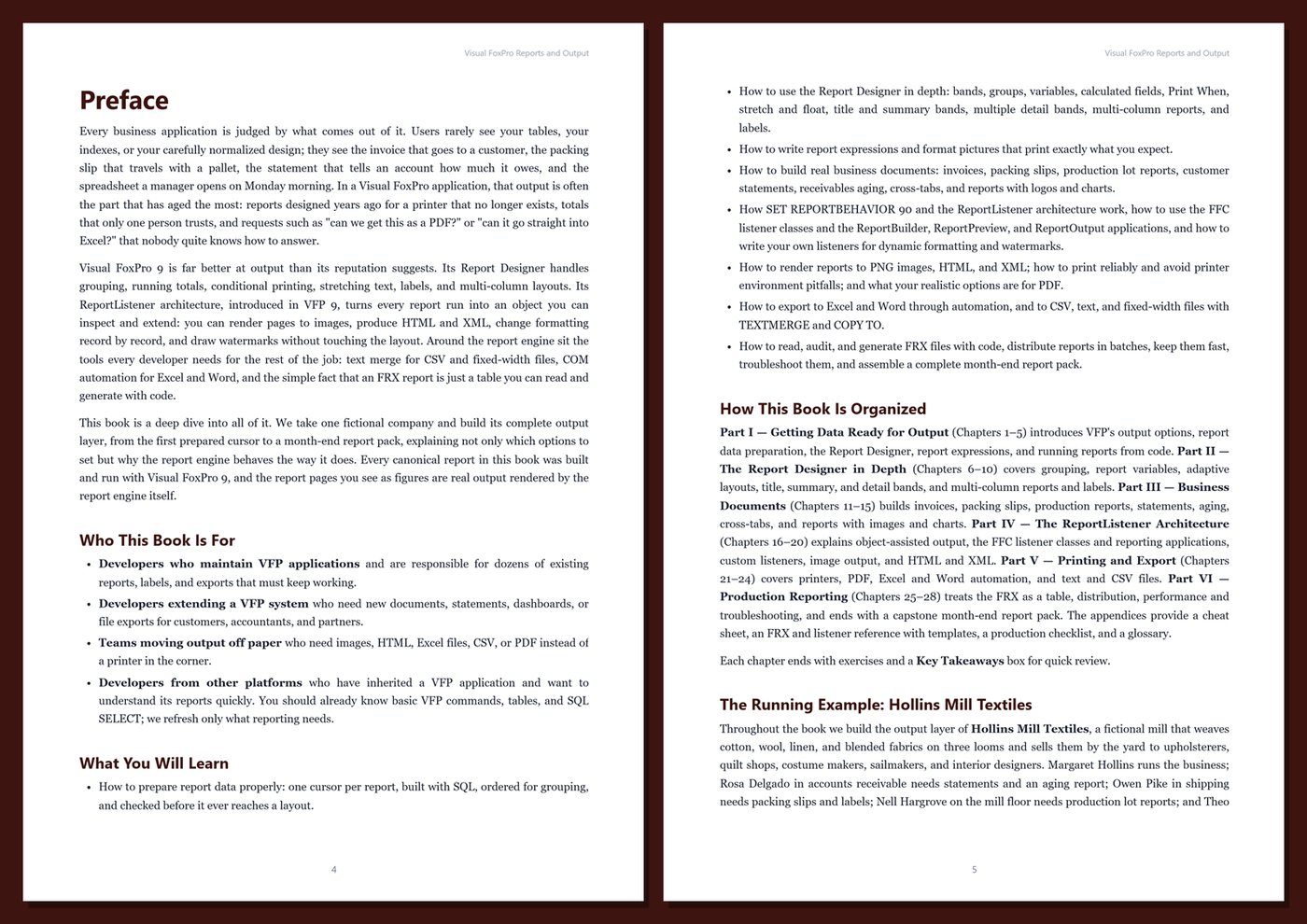
Users judge a business application by what comes out of it: the invoice a customer receives, the statement that says what an account owes, the packing slip on a pallet, and the spreadsheet a manager opens on Monday. In many Visual FoxPro applications that output is the part that has aged the most — reports designed for printers that no longer exist, totals only one person trusts, and requests for "the same thing as a PDF" or "straight into Excel" that nobody knows how to answer.
Visual FoxPro 9 is much better at output than its reputation suggests. This book shows you how to use all of it, from the first prepared cursor to a complete month-end report pack, and explains why the report engine behaves the way it does.
What's inside
- Report data done right: one prepared cursor per report, built with SQL, ordered for grouping, and checked before it reaches a layout
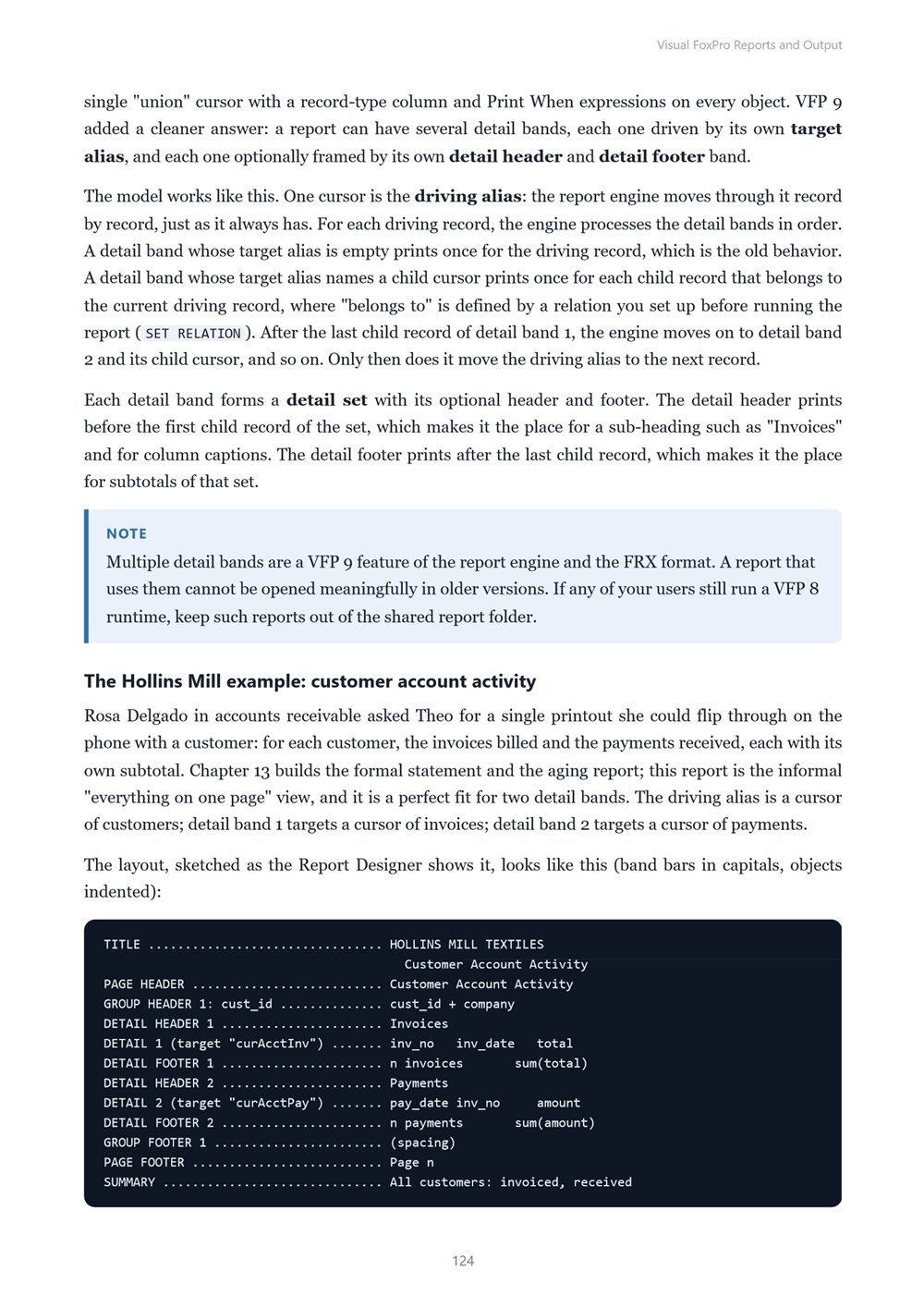
- The Report Designer in depth: bands, controls, data grouping, report variables, calculated fields, resets, Print When, stretch and float, title and summary bands, and multiple detail bands
- Report expressions, functions, and format pictures — plus the text-trimming traps that make fields print blank
- Multi-column reports and labels with the Label Designer and LBX files
- Business documents: invoices whose totals match the ledger, packing slips, production lot reports, customer statements, receivables aging, cross-tabs with vfpxtab, and reports with logos and GDI+ charts
- SET REPORTBEHAVIOR 90 and the ReportListener architecture: events, ListenerType, the FFC listener classes, and the ReportBuilder, ReportPreview, and ReportOutput applications
- Custom listeners for dynamic formatting and "PAID" watermarks, report pages rendered to PNG images (including high resolution), and HTML and XML output
- Printing without surprises: APRINTERS, SET PRINTER, PRTINFO, and the saved printer environment inside FRX files
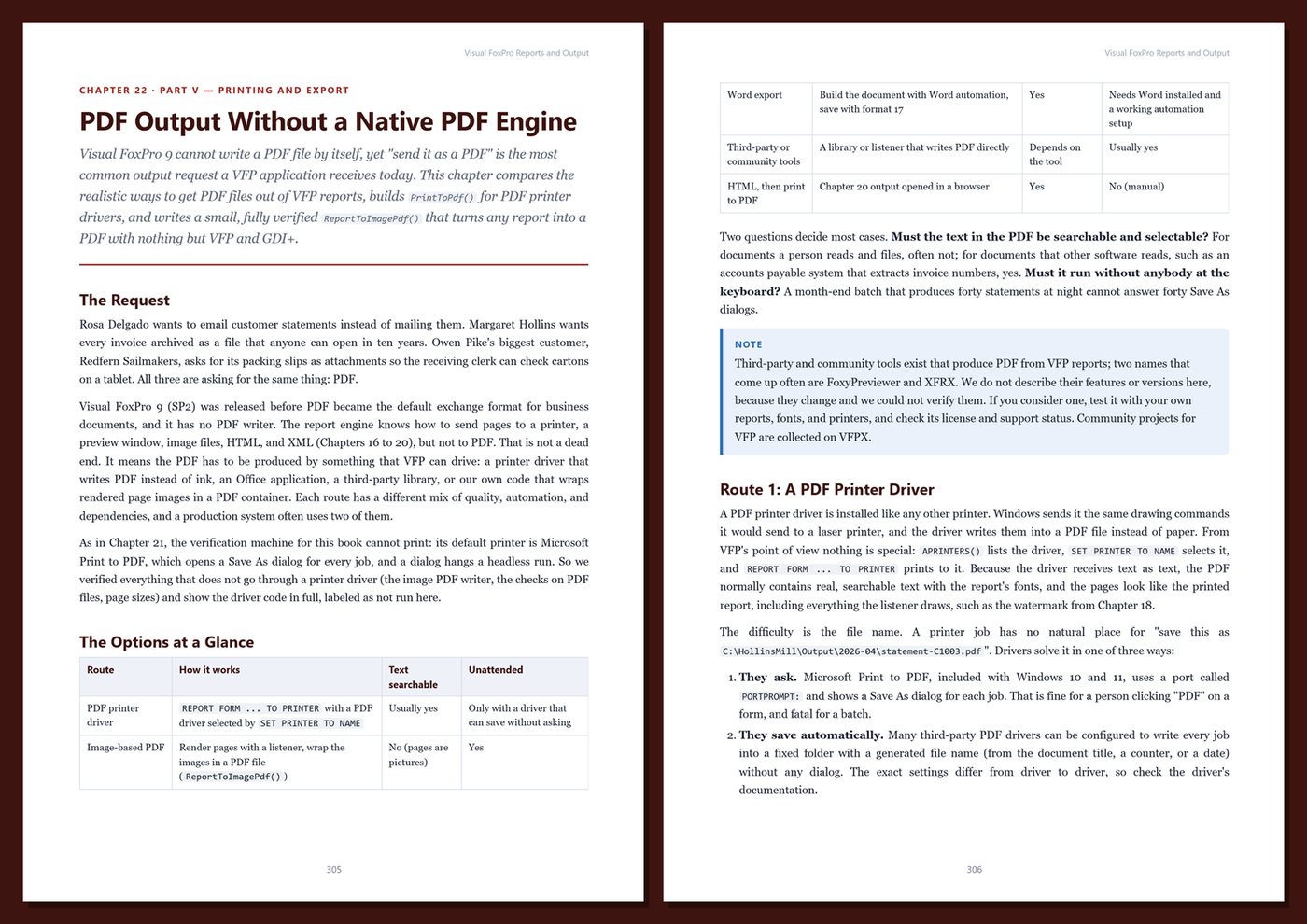
- Realistic PDF options for an engine with no native PDF output
- Excel and Word automation with guaranteed cleanup, and CSV, text, and fixed-width files with TEXTMERGE, STRTOFILE, and COPY TO
- The FRX as a table: auditing dozens of reports with code and generating report layouts programmatically
- Batch distribution, archiving, email (with honest caveats), performance, troubleshooting, and a month-end report pack
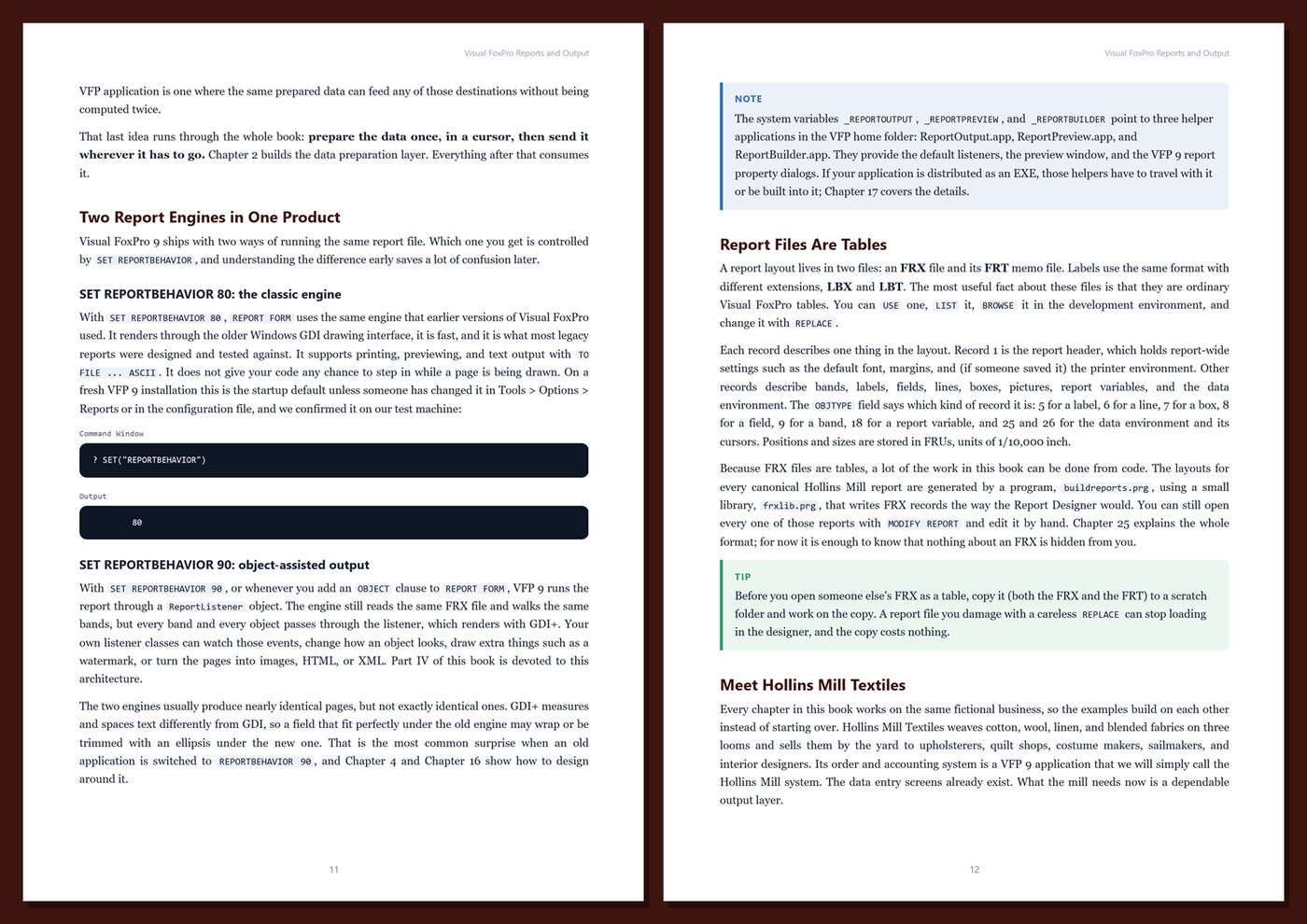
One running example, start to finish. You build the complete output layer of Hollins Mill Textiles, a fictional textile mill that weaves cotton, wool, linen, and blended fabrics and sells them by the yard to upholsterers, quilt shops, costume makers, and sailmakers. Its invoices, packing slips, production lot reports, statements, aging report, sales summaries, labels, charts, and exports are all built in the book. The sample data is small enough to check by hand, and every canonical report was built and run with Visual FoxPro 9 — the report pages shown as figures are real output rendered by the report engine.
Honest and practical. The book targets Visual FoxPro 9.0 SP2, the final release, and says clearly what VFP cannot do natively (such as PDF) and where results depend on printer drivers, Office versions, or mail services. It contains no invented benchmarks or statistics. Every chapter includes worked examples, code, Tips, Notes, Warnings, exercises, and Key Takeaways, and the appendices give you a reporting cheat sheet, an FRX and listener reference with templates, a production checklist, and a glossary.
Format: PDF, 445 pages (A4), linked table of contents and bookmarks. English. First Edition, 2026. Published by thenexbooks. Requires an existing licensed copy of Visual FoxPro 9 to run the examples. This book is independent and is not affiliated with, sponsored by, or endorsed by Microsoft Corporation.
Table of Contents
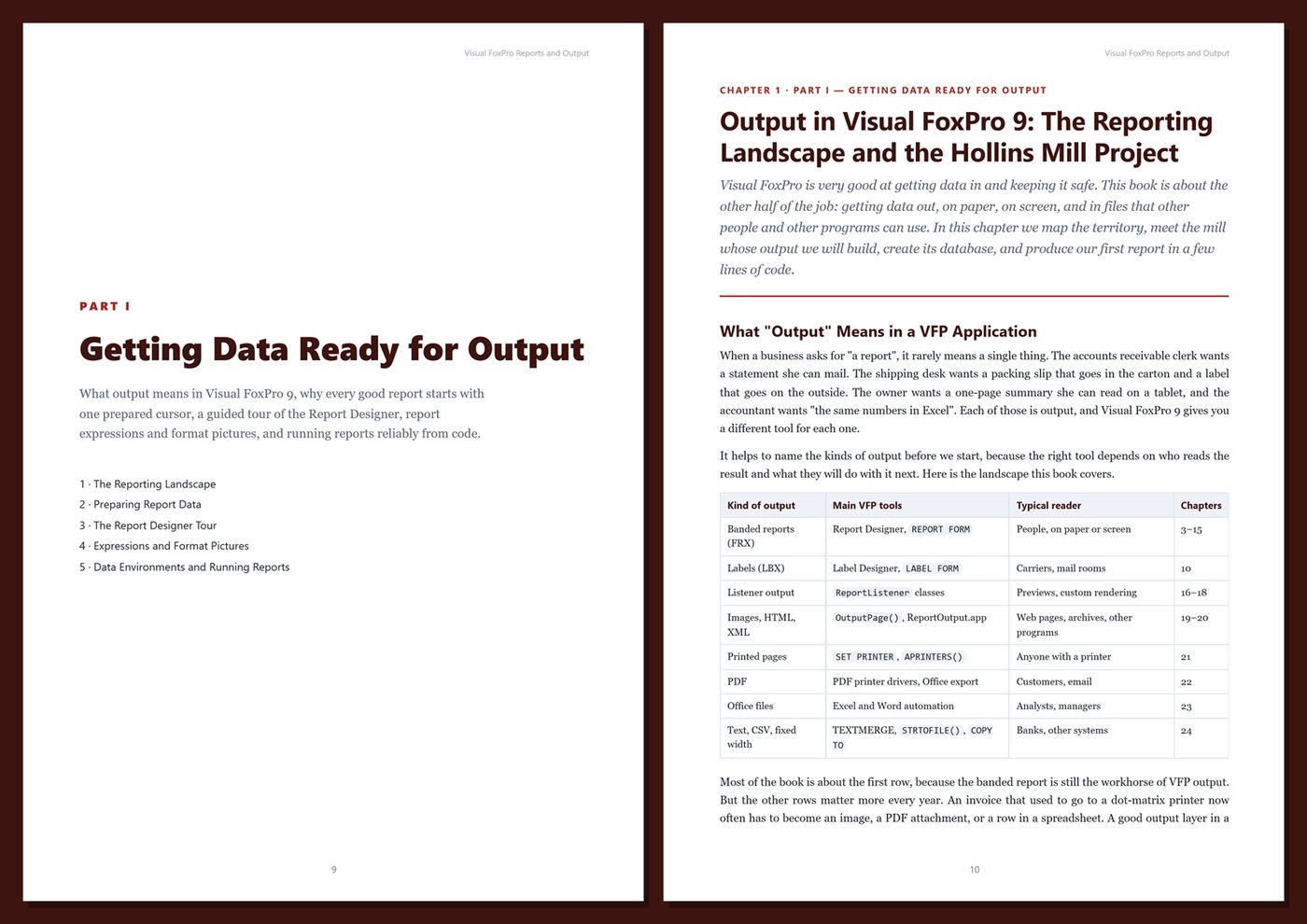
Part I — Getting Data Ready for Output
- Ch 1 · Output in Visual FoxPro 9: The Reporting Landscape and the Hollins Mill Project
- Ch 2 · Preparing Report Data: Cursors, Queries, and One Row per Printed Line
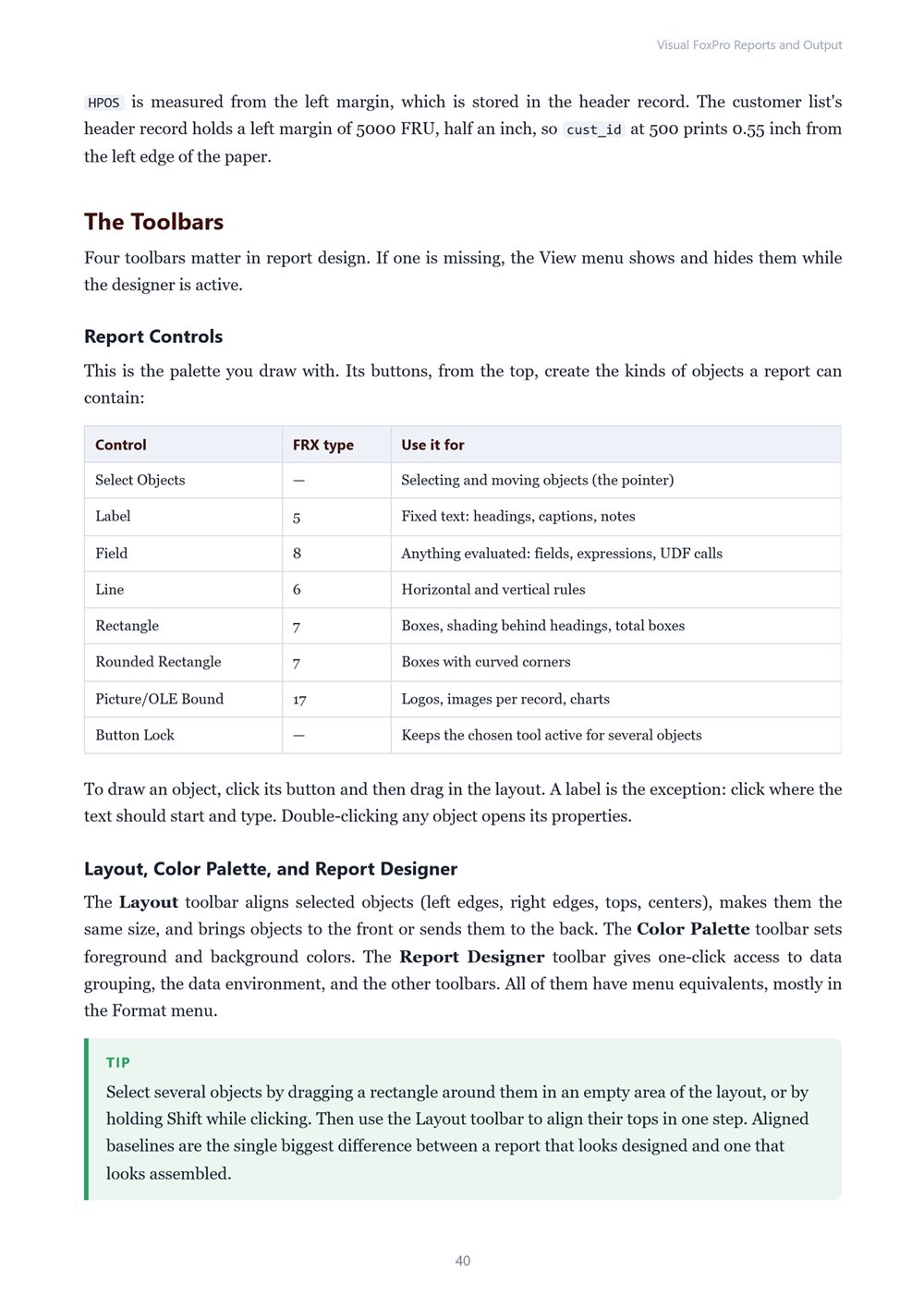
- Ch 3 · The Report Designer Tour: Bands, Controls, Properties, and Quick Reports
- Ch 4 · Report Expressions, Functions, and Format Pictures
- Ch 5 · Data Environments, Data Sessions, and Running Reports from Code
Part II — The Report Designer in Depth
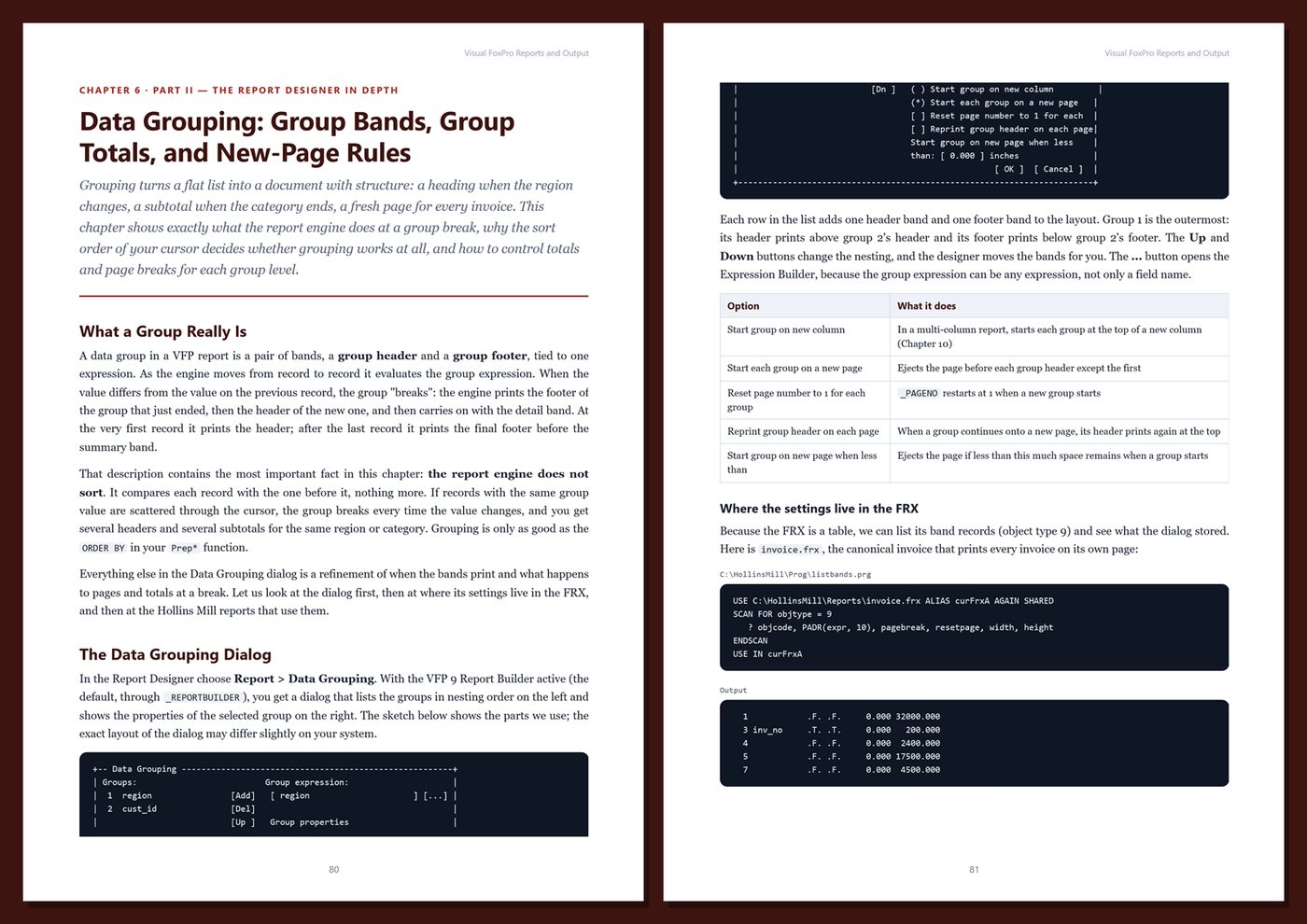
- Ch 6 · Data Grouping: Group Bands, Group Totals, and New-Page Rules
- Ch 7 · Report Variables and Calculated Fields: Running Totals, Percentages, and Resets
- Ch 8 · Print When, Stretch, Float, and Remove-Line Rules: Layouts That Adapt
- Ch 9 · Title, Summary, and Multiple Detail Bands
- Ch 10 · Multi-Column Reports and Labels: The Label Designer and LBX Files
Part III — Business Documents
- Ch 11 · Invoices: Header Blocks, Line Items, and Totals That Match the Ledger
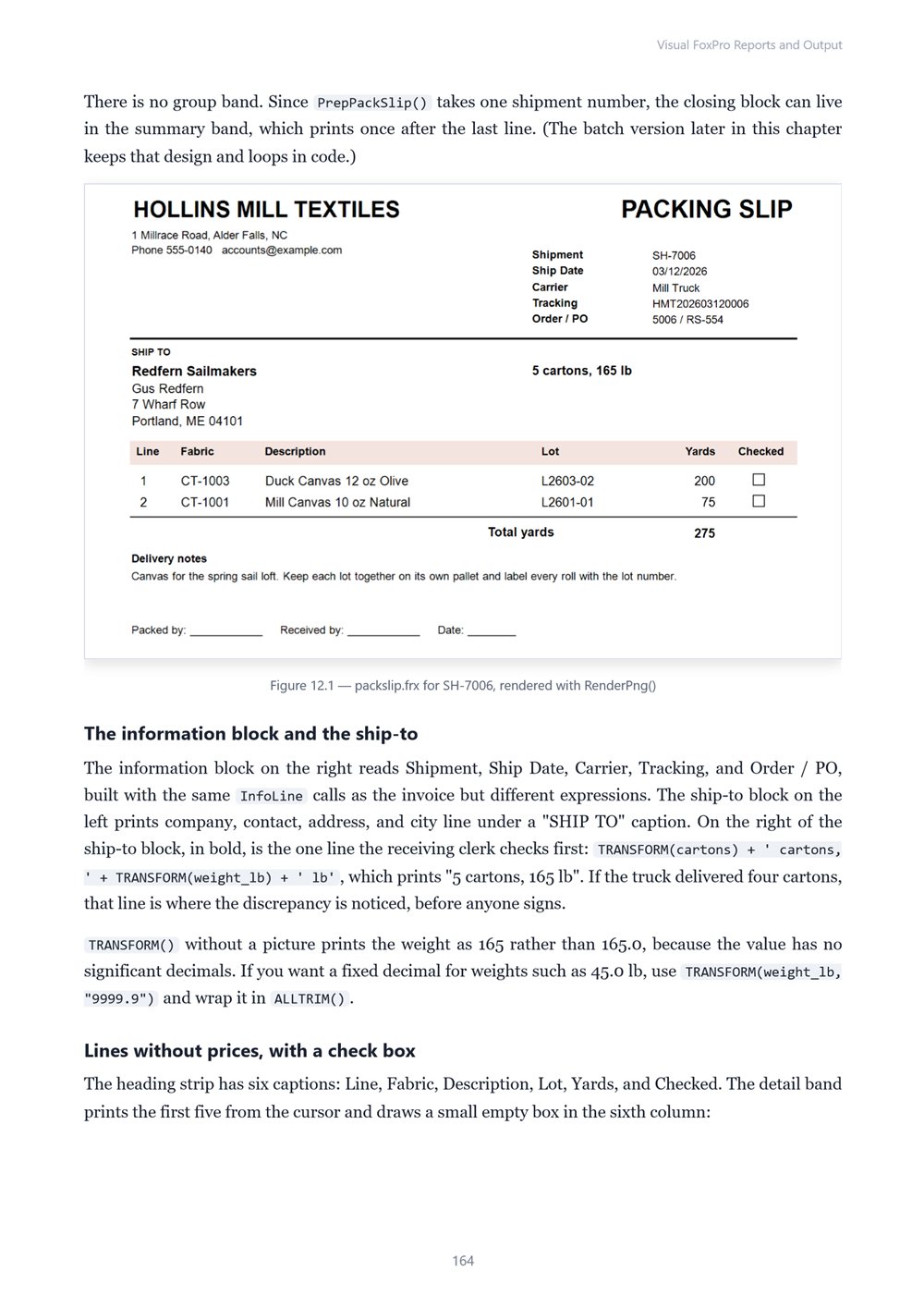
- Ch 12 · Packing Slips and Production Lot Reports
- Ch 13 · Customer Statements and Receivables Aging
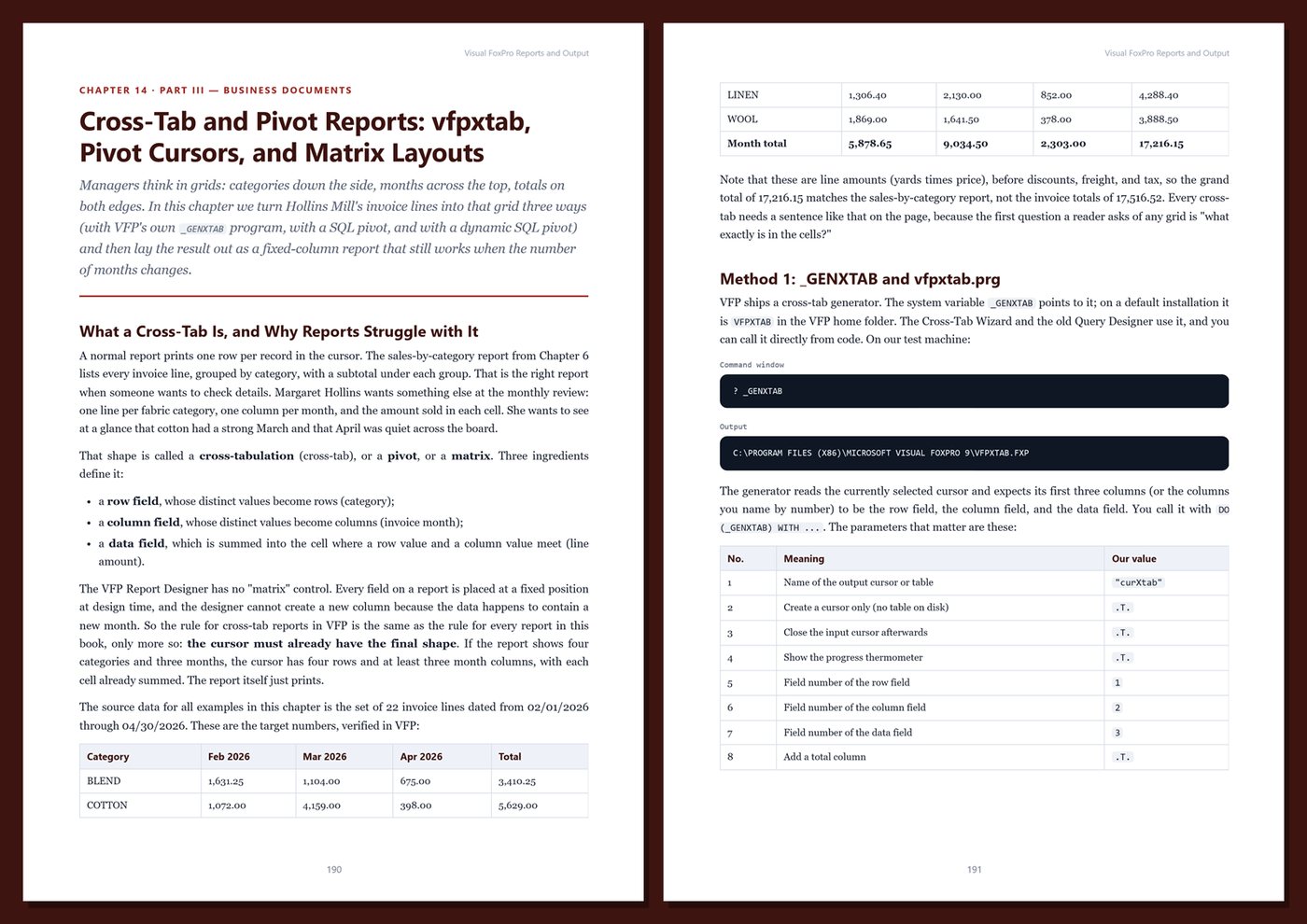
- Ch 14 · Cross-Tab and Pivot Reports: vfpxtab, Pivot Cursors, and Matrix Layouts
- Ch 15 · Images, Logos, and Charts in Reports
Part IV — The ReportListener Architecture
- Ch 16 · SET REPORTBEHAVIOR 90 and Object-Assisted Output
- Ch 17 · The FFC Listener Classes and the ReportBuilder, ReportPreview, and ReportOutput Apps
- Ch 18 · Writing Custom Listeners: Render, EvaluateContents, and Watermarks
- Ch 19 · Rendering Reports to Images: ListenerType 3 and OutputPage
- Ch 20 · HTML and XML Output with Report Listeners
Part V — Printing and Export
- Ch 21 · Printing: SET PRINTER, APRINTERS, PRTINFO, and Printer Environment Pitfalls
- Ch 22 · PDF Output Without a Native PDF Engine
- Ch 23 · Excel and Word Automation for Report Exports
- Ch 24 · Text, CSV, and Fixed-Width Output: TEXTMERGE, STRTOFILE, and COPY TO
Part VI — Production Reporting
- Ch 25 · The FRX as a Table: Reading, Auditing, and Generating Reports with Code
- Ch 26 · Report Distribution: Batch Runs, File Naming, Archiving, and Email
- Ch 27 · Report Performance and Troubleshooting
- Ch 28 · Capstone: The Hollins Mill Month-End Report Pack
Appendices
A · Reporting Cheat Sheet
B · FRX Reference, Templates, and Listener Skeletons
C · Report Production Checklist
D · Glossary
Book details
| Detail | |
|---|---|
| Pages | 445 |
| Format | PDF (A4) |
| Language | English |
| Level | Intermediate to Advanced |
| Edition | 1st Edition (2026) |
| Download on this site | Free sample, first 20 pages (PDF) |
| Publisher | thenexbooks |
Files you get
No reviews yet. Only buyers can review.
More from thenexbooks